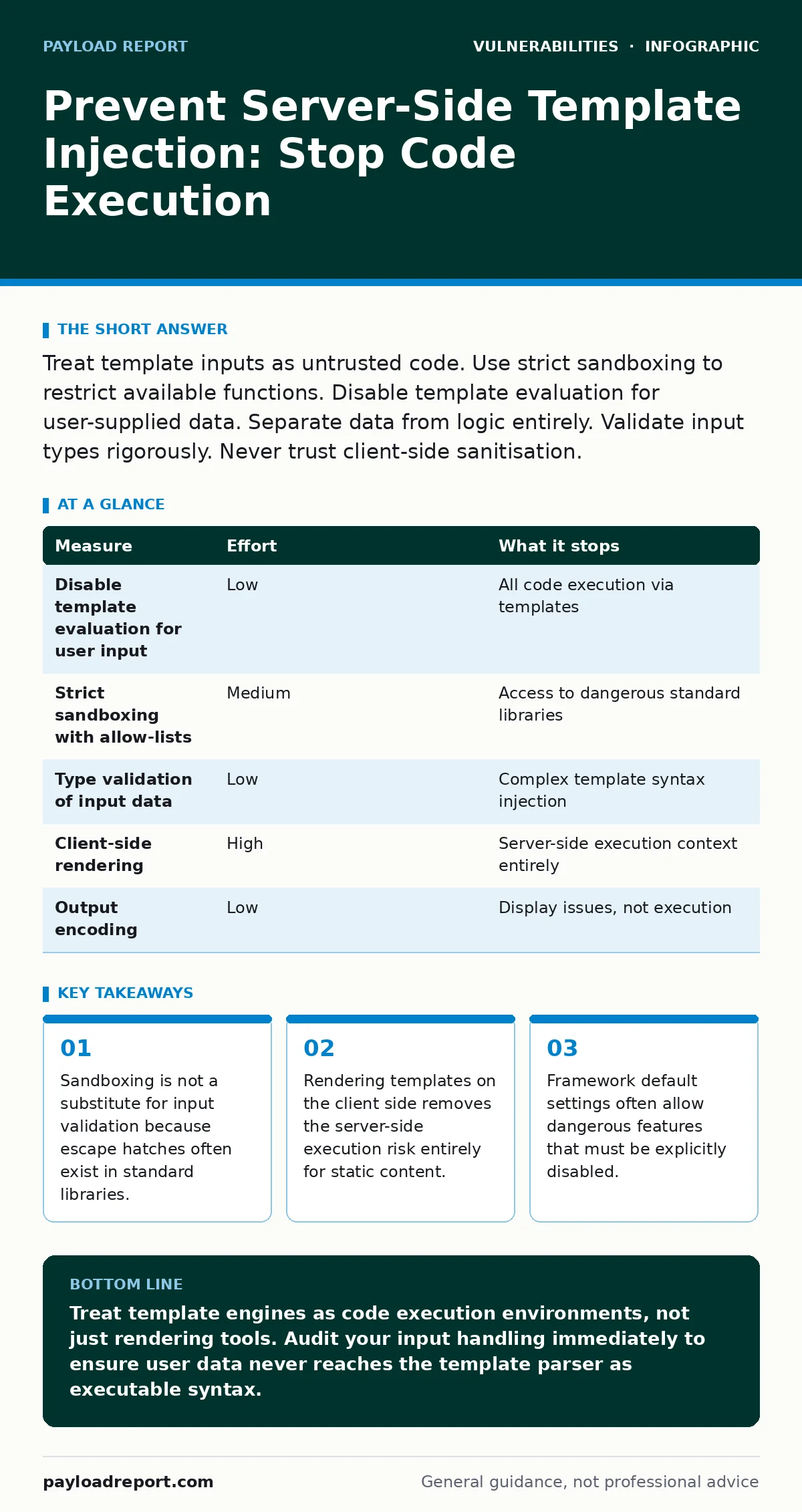
Treat template inputs as untrusted code. Use strict sandboxing to restrict available functions. Disable template evaluation for user-supplied data. Separate data from logic entirely. Validate input types rigorously. Never trust client-side sanitisation.
The Hidden Execution Context
You likely view templates as a convenient way to merge data with HTML. This view is dangerously incomplete. A server-side template injection (SSTI) vulnerability occurs when an application incorporates user-controlled data into a template engine without proper sanitisation. The engine then interprets that data as logic rather than plain text.
Imagine a search feature that greets the user by name. If the backend constructs a string like Hello, {{user_input}} and passes it to the template engine, the engine executes the content inside the braces. If user_input contains a command to read files, the server obeys. This is not a display bug. It is a remote code execution vulnerability.
The danger lies in the abstraction layer. Developers often assume the template engine is a safe rendering tool. In reality, it is a mini-programming environment. It has access to variables, functions, and sometimes the underlying operating system. When you allow users to control the template syntax, you hand them the keys to the server.
Why Input Validation Fails Here
Standard input validation often misses SSTI attempts. You might filter out SQL keywords like SELECT or DROP. These filters do nothing against template syntax. An attacker does not need to use SQL. They use the template engine’s own operators.
Suppose you block the < and > characters to prevent cross-site scripting. An attacker can still use template-specific syntax to traverse object properties. They might request {{self.__class__}} to inspect the template object itself. This reveals the class hierarchy. From there, they can find a base class that inherits from object. This object often contains references to standard libraries.
This chain reaction allows an attacker to reach modules that perform system calls. They do not need to inject code directly. They navigate the existing memory space to find a path to execution. This is why blacklisting specific characters is ineffective. The attack surface is the language features of the template engine itself.
Measure Priority Table
Not all mitigation steps carry equal weight. Some remove the risk entirely. Others merely raise the cost for an attacker. The following table ranks measures by the amount of risk they remove.
| Measure | Effort | What it stops |
|---|---|---|
| Disable template evaluation for user input | Low | All code execution via templates |
| Strict sandboxing with allow-lists | Medium | Access to dangerous standard libraries |
| Type validation of input data | Low | Complex template syntax injection |
| Client-side rendering | High | Server-side execution context entirely |
| Output encoding | Low | Display issues, not execution |
The Sandboxing Trap
Sandboxing is the most common defence against SSTI. It works by restricting the template engine’s access to certain functions or classes. However, sandboxes are notoriously difficult to implement correctly. Most frameworks provide a default sandbox that blocks obvious dangerous functions.
A robust sandbox requires an allow-list approach. You must explicitly define what the template can do. If the template needs to display a date, allow only the date formatting function. Block everything else. This is hard to maintain. As your application grows, you will need to add more exceptions. Each exception is a potential hole.
Consider the trade-off between flexibility and security. If you allow string manipulation, an attacker might use string concatenation to reconstruct a forbidden function name. If you allow math operations, they might use bitwise operators to bypass filters. The attack surface expands with every feature you enable.
Separating Data from Logic
The most effective prevention is architectural. You must separate data from logic. Templates should only contain static structure and simple variable placeholders. They should never contain conditional logic or loops that depend on user input.
Suppose you have a feature that allows users to customise their dashboard layout. Do not let them write the template code. Instead, provide a set of pre-defined, safe components. The user selects components via a configuration file or a graphical interface. The server then assembles the final page using a fixed template structure.
This approach removes the injection vector. The user controls the data (which component to show). The server controls the logic (how to render the component). Even if the user tries to inject template syntax into the configuration, the server treats it as a string value. It does not pass it to the template engine for execution.
This requires discipline in your software design. You must resist the urge to make templates too powerful. If your templates need complex logic, that logic belongs in the backend code. Move the complexity out of the rendering layer. This aligns with the principle of least privilege. The template engine should know as little as possible about your application’s internals.
What Does Not Work
Many teams believe that output encoding solves SSTI. It does not. Output encoding converts special characters into their HTML entity equivalents. It prevents cross-site scripting by ensuring the browser treats input as text. It does not prevent the template engine from executing code before the output is sent to the browser.
If the template engine executes a command to delete a file, the damage is done. Encoding the output afterwards changes nothing. The file is already gone. You must prevent the execution, not just sanitise the result.
Another common misconception is that firewalls or web application firewalls (WAFs) can stop SSTI. WAFs look for known attack patterns in HTTP requests. SSTI payloads are often short and look like normal template syntax. A WAF might block obvious attempts, but it will miss sophisticated chains. You cannot rely on perimeter defence for this class of vulnerability.
Validation and Testing
Input validation remains a critical layer. You must validate the type and format of every input. If a field expects an integer, reject any string. If it expects a date, reject any other format. This stops many injection attempts because the attacker cannot inject template syntax if the input is strictly typed.
However, validation alone is not enough. You must also test for SSTI specifically. Standard vulnerability scanning tools often miss this issue. They look for SQL injection or cross-site scripting. They do not necessarily test for template engine quirks.
You should also review your software bill of materials (SBOM). Knowing which template engines you use helps you understand their specific risks. Some engines are safer by design. Others have a history of sandbox escapes. Understanding your dependencies allows you to prioritise fixes.
Immediate Action Checklist
You can reduce your exposure to SSTI today. Do not wait for a full refactor. Start with these three steps.
- Audit your codebase for places where user input is passed directly to template engines. Look for string concatenation involving user data and template syntax.
- Disable template evaluation for any input that is not strictly necessary. If a field is just text, render it as text. Do not pass it through the template parser.
- Review your framework’s documentation for sandboxing options. Enable the strictest mode available. Document any exceptions you make to the default restrictions.
These steps do not guarantee complete protection. They remove the most common and dangerous attack vectors. They force attackers to work harder. This buys you time to implement more robust architectural changes.
Key takeaways
- Sandboxing is not a substitute for input validation because escape hatches often exist in standard libraries.
- Rendering templates on the client side removes the server-side execution risk entirely for static content.
- Framework default settings often allow dangerous features that must be explicitly disabled.
Treat template engines as code execution environments, not just rendering tools. Audit your input handling immediately to ensure user data never reaches the template parser as executable syntax.
Frequently asked questions
Does using a modern framework prevent SSTI?
No. Modern frameworks often include template engines that are powerful by design. If you pass user input to the engine without sanitisation, the vulnerability exists regardless of the framework version.
Can I use a WAF to block SSTI?
A WAF can block some known patterns, but it is not a reliable defence. SSTI payloads are often short and context-specific. A WAF will miss novel attack chains. You must fix the application code.
Is client-side rendering safe from SSTI?
Client-side rendering moves the execution to the user’s browser. This prevents server-side code execution. However, it can introduce cross-site scripting risks if the client-side framework is not configured securely.
How do I know if I am vulnerable?
Test every input field that appears in a template. Try injecting simple template syntax like `{{7*7}}`. If the page displays `49`, you are vulnerable. If it displays `{{7*7}}`, you are likely safe for that specific input.
How this guide was produced: written by the Payload Report editorial team with AI assistance, checked against the public references listed below, and reviewed when the facts change. See our editorial policy or report an error.