DNS filtering blocks access to malicious domains by intercepting name resolution requests. It prevents users from reaching known bad sites but does not inspect payload content. It fails against direct IP connections, encrypted DNS traffic, and threats that use legitimate domains for command and control.
Misreading: DNS Filtering Blocks All Malicious Traffic
Correct reading: DNS filtering only controls traffic that relies on domain name resolution. It acts as a gatekeeper at the address book stage, preventing a connection if the destination name matches a block list. It does not inspect the content of the data that flows once a connection is established. If an attacker uses a direct IP address to communicate with their server, the DNS filter never sees the request. This creates a blind spot for threats that do not use human-readable domain names. You must pair DNS filtering with deeper packet inspection to catch payload-based attacks.
Imagine a scenario where a malware variant hardcodes the attacker’s IP address instead of using a domain name. The DNS filter allows the connection because no name lookup occurs. The malware then exfiltrates data directly to that IP. This bypass is common in advanced persistent threats. Relying solely on DNS filtering leaves your network vulnerable to any threat actor who knows how to use raw IP addresses.
Misreading: Encrypted DNS Queries Are Visible to Filters
Correct reading: Standard DNS queries travel in plain text, making them easy to read and block. However, protocols like DNS over HTTPS and DNS over TLS encrypt the query payload. These protocols hide the requested domain from intermediate network devices. If your DNS filter sits on the network perimeter, it cannot see inside encrypted DNS tunnels. It only sees an encrypted connection to a public resolver. You lose visibility into what domains your users are requesting.
This shift towards privacy-focused DNS protocols is widespread in modern operating systems and mobile devices. Users often enable these settings without understanding the security implications. Your filtering appliance may report no issues because it cannot decrypt the traffic. To maintain visibility, you must force DNS queries through your local resolver or use a filtering solution that can terminate and inspect encrypted connections. Failing to do so creates a channel for covert communication.
Misreading: Blocking a Parent Domain Stops All Subdomains
Correct reading: Many administrators assume that blocking a malicious parent domain automatically blocks all its subdomains. This is not how DNS resolution works in many filtering implementations. A block on evil.com does not necessarily block sub.evil.com if the filtering engine treats them as separate entries. Some systems require explicit blocking of each subdomain. Others use wildcard matching, but this can cause false positives if legitimate services share the same parent domain.
Consider a legitimate cloud provider that hosts thousands of customer subdomains. If one customer’s subdomain is compromised, blocking the entire parent domain disrupts all other customers. This is a common trade-off in DNS filtering. You must configure your filter to handle subdomains correctly. Using wildcard blocks is effective but risky. Inspect your filter’s logic to understand how it handles hierarchical domains. Misconfiguration here can lead to either security gaps or significant operational disruption.
Misreading: DNS Filtering Replaces Web Filtering
Correct reading: DNS filtering and web filtering serve different purposes and operate at different layers. DNS filtering blocks the initial connection attempt based on the domain name. Web filtering inspects the HTTP or HTTPS traffic after the connection is established. Web filtering can block specific URLs, keywords, or file types within a allowed domain. DNS filtering cannot see the content of the page. A domain might be clean overall, but a specific page on that domain could host malware.
Relying only on DNS filtering means you miss threats hidden within legitimate websites. For example, a compromised blog post on a news site might deliver malware. The domain is reputable, so DNS filtering allows the connection. Web filtering would inspect the request and block the malicious URL. You need both controls for defence in depth. DNS filtering provides speed and scale, while web filtering provides precision. Using them together reduces the risk of both missed threats and false positives.
Misreading: DNS Filtering Has No Performance Impact
Correct reading: DNS filtering adds latency to every web request. Each query must be intercepted, checked against block lists, and then forwarded to the upstream resolver. This process takes time. If your filtering appliance is underpowered or the block lists are massive, the delay becomes noticeable. Users experience slower page loads. Applications that rely on many DNS lookups, such as cloud services, may time out. This performance hit is often ignored until users complain.
High-traffic environments are particularly sensitive to this latency. A delay of even a few hundred milliseconds per query can degrade user experience across the organisation. You must size your DNS filtering infrastructure correctly. Consider caching strategies to reduce the number of external queries. Monitor response times closely. If performance degrades, you may need to optimise your block lists or upgrade your hardware. Ignoring this cost leads to shadow IT, where users bypass controls to access faster, unfiltered resolvers.
See also: Web Filtering Proxy: How It Works, Limits and Setup · N-day Vulnerabilities: Why Patching Fails and How to Compensate
Misreading: DNS Filtering Stops Data Exfiltration
Correct reading: DNS filtering can block known malicious domains used for command and control. However, it is poor at detecting data exfiltration over legitimate channels. Attackers often use DNS tunneling to hide stolen data inside standard DNS queries. These queries look like normal traffic to a filter. The data is encoded in the subdomain labels. Since the domain is legitimate, the filter allows it through. The volume of data is small per query, but it accumulates over time.
Detecting DNS tunneling requires behavioural analysis, not just block lists. You need to look for unusually long subdomain names, high query volumes, or unusual record types. Standard DNS filtering tools often lack this depth. You must implement additional monitoring for DNS traffic anomalies. Combine this with network flow analysis to spot unusual outbound connections. Without these measures, your DNS filter gives a false sense of security against data theft.
Key takeaways
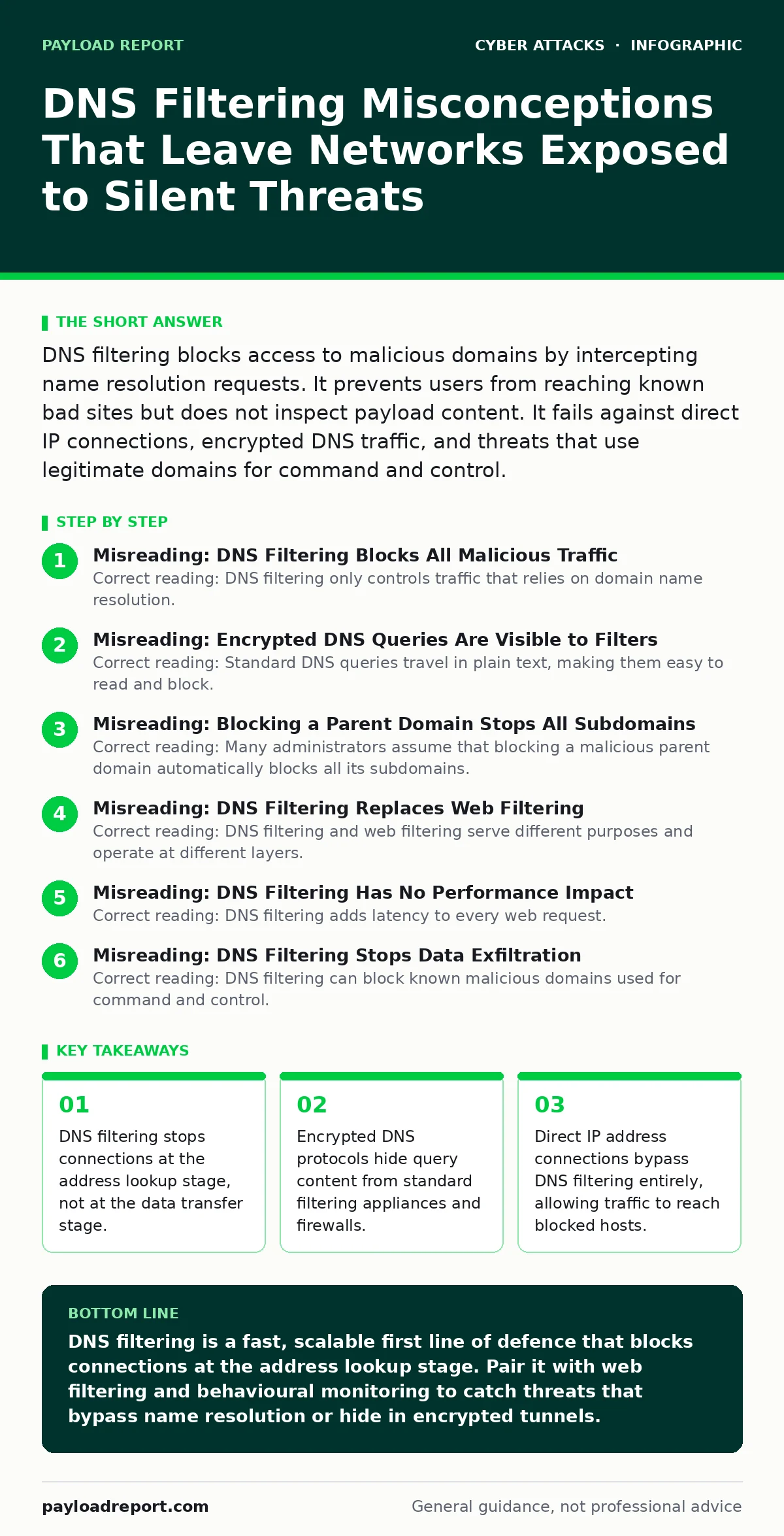
- DNS filtering stops connections at the address lookup stage, not at the data transfer stage.
- Encrypted DNS protocols hide query content from standard filtering appliances and firewalls.
- Direct IP address connections bypass DNS filtering entirely, allowing traffic to reach blocked hosts.
- Legitimate domains can host malicious subdomains that slip through broad allow-lists.
DNS filtering is a fast, scalable first line of defence that blocks connections at the address lookup stage. Pair it with web filtering and behavioural monitoring to catch threats that bypass name resolution or hide in encrypted tunnels.
Frequently asked questions
Does DNS filtering protect against vendor email compromise?
DNS filtering can block domains used in phishing emails, but it does not inspect email content. You need email security gateways to detect spoofed senders and malicious attachments. DNS filtering is a supporting control, not a primary defence against email fraud.
Can DNS filtering prevent DDoS protection failures?
DNS filtering does not mitigate volumetric DDoS attacks. It can help by blocking requests to known botnet command and control servers. However, it does not absorb traffic floods. You need dedicated DDoS mitigation services to handle large-scale volumetric attacks that overwhelm your network bandwidth.
Is DNS filtering enough to stop smishing?
No. Smishing uses SMS messages to deliver malicious links. DNS filtering only applies to network traffic. It cannot block SMS messages. You need mobile device management policies and user training to identify and avoid malicious SMS links. DNS filtering only helps if the user clicks the link and their device attempts to resolve the domain.
How does DNS filtering relate to watering hole attacks?
Watering hole attacks compromise legitimate websites that your users visit. DNS filtering may not block these sites if they are not yet known to be malicious. You need web application firewalls and behavioural analytics to detect compromise on legitimate sites. DNS filtering helps by blocking known malicious domains used in the attack chain.
How this guide was produced: written by the Payload Report editorial team with AI assistance, checked against the public references listed below, and reviewed when the facts change. See our editorial policy or report an error.