
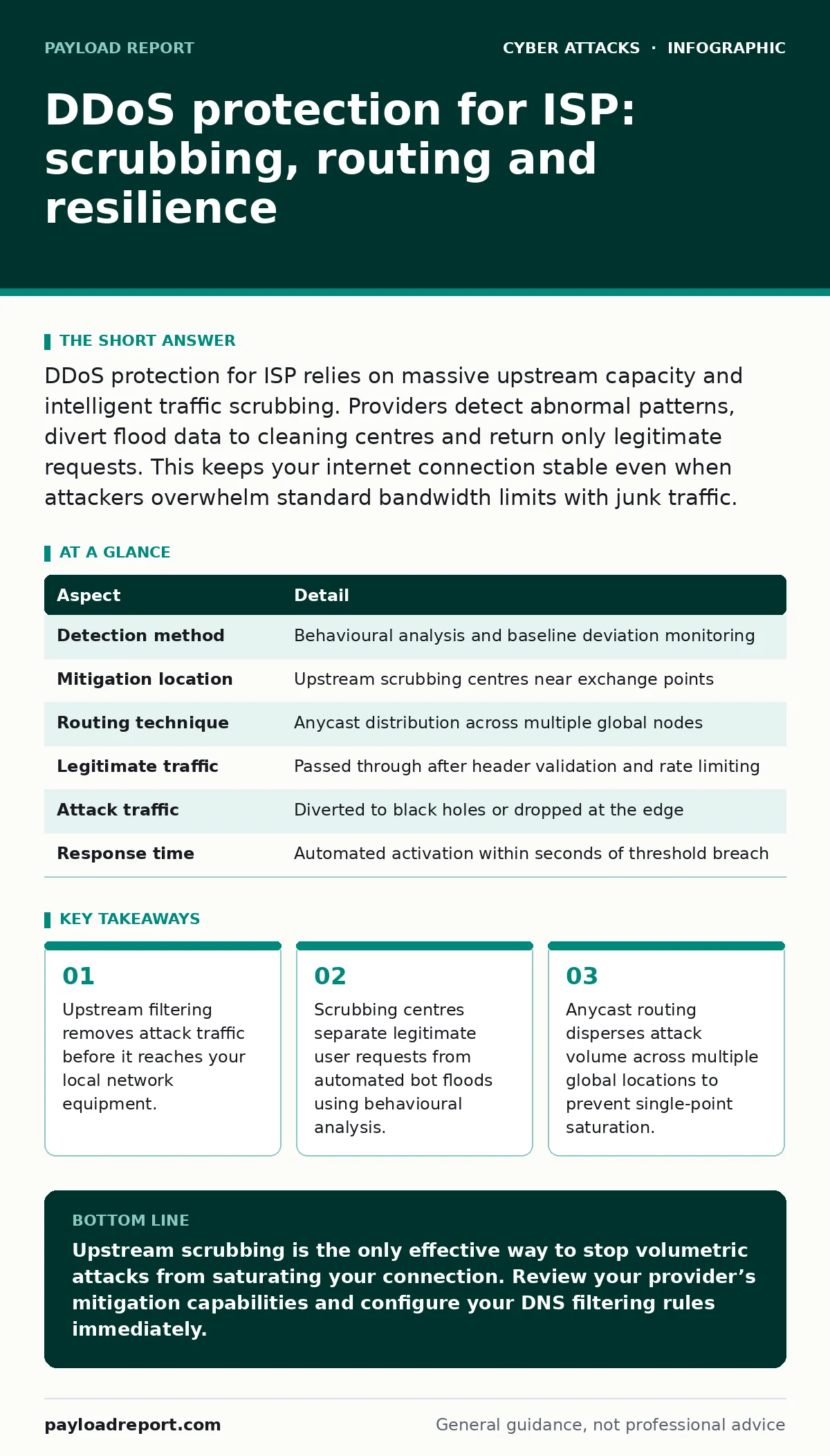
DDoS protection for ISP relies on massive upstream capacity and intelligent traffic scrubbing. Providers detect abnormal patterns, divert flood data to cleaning centres and return only legitimate requests. This keeps your internet connection stable even when attackers overwhelm standard bandwidth limits with junk traffic.
How DDoS protection for ISP works
Imagine a busy toll booth where thousands of empty cars block the entrance. Legitimate drivers cannot enter because the road is full of obstacles. An internet service provider faces the same problem during a distributed denial-of-service attack. Attackers send millions of fake connection requests from compromised devices worldwide. These requests consume all available bandwidth and processing power.
The provider’s infrastructure acts as the filter. It identifies the empty cars and redirects them away from the toll booth. Your actual traffic passes through a clean channel. This process happens in milliseconds. You do not see the congestion. The provider absorbs the shock at the network edge. This keeps your connection usable while the attack rages elsewhere.
The mechanics of traffic scrubbing
Traffic scrubbing is the core mechanism behind effective protection. When a provider detects a spike in traffic, it triggers automated rules. These rules examine packet headers and flow patterns. Legitimate traffic follows predictable structures. Attack traffic often contains malformed data or repetitive patterns. The scrubbing centre strips away the malicious layers. It allows only valid packets to pass through.
This requires significant computational power. Providers build specialised hardware for this task. They place these centres at key internet exchange points. This proximity reduces latency for clean traffic. The system constantly updates its filters based on new attack signatures. It learns from every incident. This adaptive approach handles evolving tactics. Static rules fail against novel methods. Dynamic analysis catches what fixed definitions miss.
| Aspect | Detail |
|---|---|
| Detection method | Behavioural analysis and baseline deviation monitoring |
| Mitigation location | Upstream scrubbing centres near exchange points |
| Routing technique | Anycast distribution across multiple global nodes |
| Legitimate traffic | Passed through after header validation and rate limiting |
| Attack traffic | Diverted to black holes or dropped at the edge |
| Response time | Automated activation within seconds of threshold breach |
Who suffers from volumetric attacks
Organisations with public-facing services bear the brunt of these attacks. E-commerce sites, gaming platforms and cloud providers are prime targets. They lose revenue when users cannot access their services. Smaller businesses often lack dedicated infrastructure. They rely entirely on their internet provider for defence. If the provider fails to mitigate the attack, the business goes offline. This creates a cascading effect. Suppliers and partners lose access to critical data.
Trust erodes when services become unreliable. Individual users also suffer indirectly. They experience slow speeds or complete outages. This happens because the shared network resources are saturated. The provider must balance protection for one customer against service for others. This trade-off can lead to throttling. Throttling reduces speed for all users to prevent total collapse. It is a blunt instrument but sometimes necessary.
Common misconceptions about network defence
Many assume that buying more bandwidth solves the problem. This is a dangerous myth. Attackers can generate more traffic than any single link can carry. Adding capacity only raises the cost of the attack. It does not stop it. Another false belief is that firewalls handle DDoS attacks. Firewalls inspect content and block known bad actors. They cannot process millions of simultaneous connections. They choke under volumetric pressure.
The firewall becomes the bottleneck. You need specialised infrastructure designed for high throughput. Some think geographic location matters most. Attackers use botnets distributed globally. Your physical location does not shield you from international floods. The attack follows the weakest link in your network path. Proximity to the attacker is irrelevant. What matters is the provider’s ability to divert traffic before it reaches your premise.
Why local appliances fail against floods
On-premise hardware has strict limits. It can only handle so many packets per second. When an attack exceeds this limit, the device drops everything. It cannot distinguish between good and bad traffic. It simply stops working. This is why upstream protection is superior. The provider handles the volume before it hits your equipment. Your local firewall deals only with clean traffic. This preserves its resources for real security tasks.
It can focus on intrusion detection and malware prevention. If you rely solely on local appliances, you are vulnerable. The attack saturates your link. Your device overheats or crashes. Recovery takes time. You remain offline while the hardware resets. This downtime is costly. It damages your reputation. It disrupts operations. Upstream mitigation prevents this cascade. It keeps your local gear healthy and functional.
See also: N-day Vulnerabilities: Why Patching Fails and How to Compensate · Domain Generation Algorithm Prevention Checklist
Integrating DNS filtering for layered defence
Network layer protection is not enough. Attackers often target the application layer. They send valid-looking requests that exhaust server resources. This requires deeper inspection. DNS filtering adds another layer of security. It blocks requests to known malicious domains. This reduces the attack surface. It prevents your systems from communicating with command-and-control servers. This stops some attacks at the source.
It also helps with smishing prevention. Malicious links in SMS messages often lead to phishing sites. DNS filtering blocks these domains. This reduces the risk of credential theft. It complements security awareness training by providing technical barriers. Users may still click bad links. But the link leads nowhere. This dual approach of education and technology is more effective. It addresses both human error and automated threats.
Building resilience through proper configuration
Your provider’s protection is only as good as your configuration. You must define what legitimate traffic looks like. Baseline your normal usage patterns. This helps the provider distinguish between peak hours and attacks. Set up alerts for unusual activity. Use login alerts to monitor for suspicious access attempts. These can indicate a compromised account used in an attack. Implement account lockout policies to prevent brute-force attacks.
This reduces the load on your authentication servers. Ensure your DNS filtering rules are up to date. Old rules may miss new threats. Regularly review your security posture. Test your incident response plan. Simulate an attack to check your readiness. Identify gaps before real attackers do. This proactive approach minimises damage. It ensures a swift recovery. Resilience is built through preparation and continuous improvement.
The hidden cost of mitigation
Mitigation is not free. Providers charge for the infrastructure and expertise. These costs are passed to customers. You pay for the capacity and the scrubbing services. This is a hidden operational expense. Budget for it accordingly. Do not treat it as an optional add-on. It is a core part of your connectivity. The cost of downtime far exceeds the mitigation fee. Lost revenue, reputation damage and customer churn are expensive.
Calculate the true cost of an outage. Compare it to the price of protection. The math is clear. Protection is an investment. It pays for itself by keeping you online. Choose a provider with transparent pricing. Understand what is included. Avoid hidden fees for excess traffic. Negotiate terms that fit your risk profile. This ensures you get the protection you need without overspending.
Key takeaways
- Upstream filtering removes attack traffic before it reaches your local network equipment.
- Scrubbing centres separate legitimate user requests from automated bot floods using behavioural analysis.
- Anycast routing disperses attack volume across multiple global locations to prevent single-point saturation.
Upstream scrubbing is the only effective way to stop volumetric attacks from saturating your connection. Review your provider’s mitigation capabilities and configure your DNS filtering rules immediately.
Frequently asked questions
How do I know if my ISP provides DDoS protection?
Check your service agreement for mentions of mitigation, scrubbing or upstream filtering. Ask about their baseline traffic thresholds and response times.
Can I block DDoS attacks myself?
You can mitigate small attacks with local firewalls and rate limiting. Large volumetric attacks require upstream capacity that only providers can offer.
Does Anycast routing slow down my connection?
No. Anycast directs traffic to the nearest data centre. This often reduces latency. It also distributes attack load, improving stability during incidents.
What is the difference between L3 and L7 protection?
L3 protection handles network layer floods like UDP or ICMP. L7 protection inspects application layer traffic like HTTP requests. You need both for full defence.
How this guide was produced: written by the Payload Report editorial team with AI assistance, checked against the public references listed below, and reviewed when the facts change. See our editorial policy or report an error.