
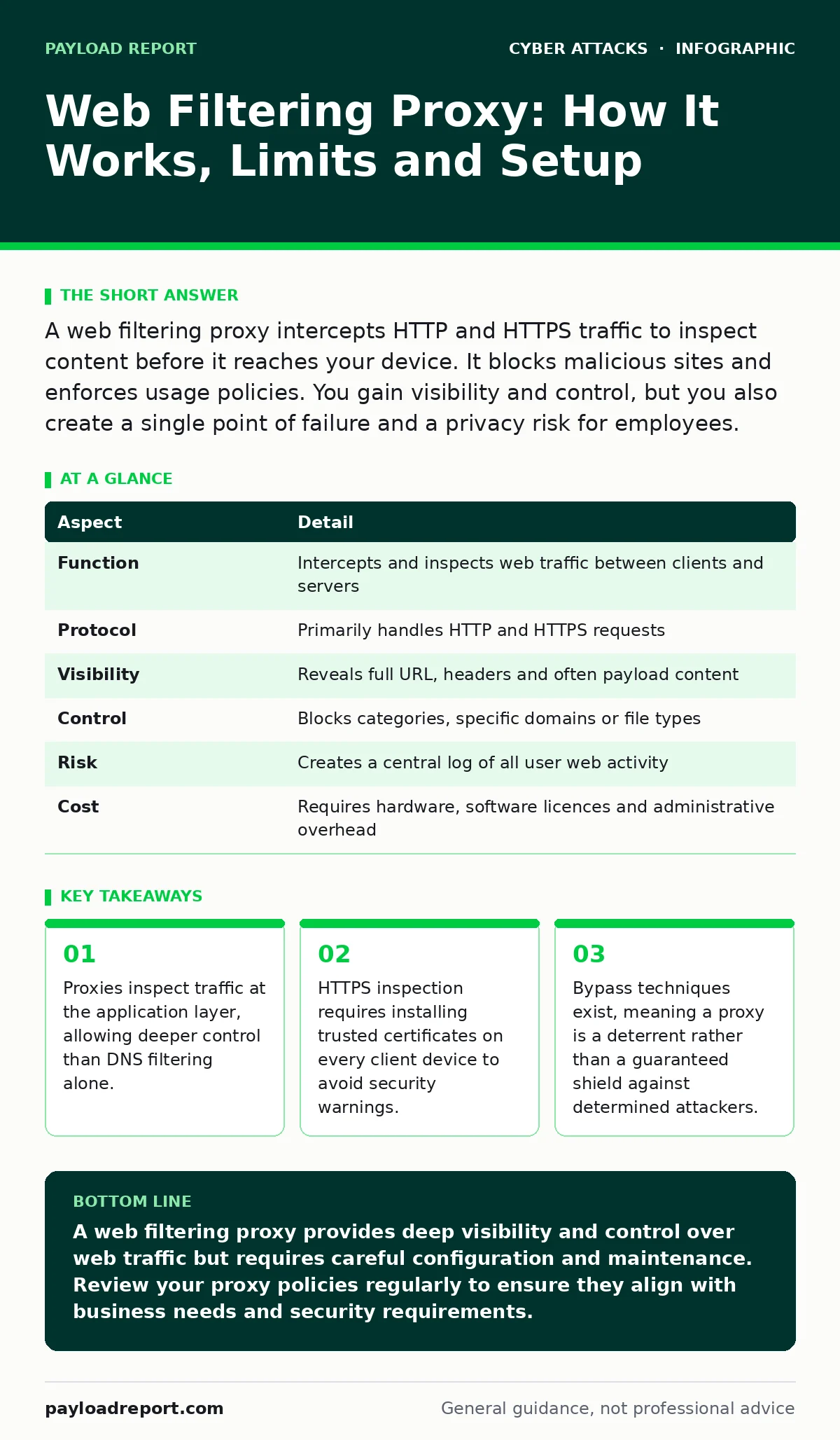
A web filtering proxy intercepts HTTP and HTTPS traffic to inspect content before it reaches your device. It blocks malicious sites and enforces usage policies. You gain visibility and control, but you also create a single point of failure and a privacy risk for employees.
Imagine a post office that opens every envelope before delivering it. The clerk checks the contents against a list of prohibited items. If the mail is safe, it continues to your door. If it contains contraband, the clerk discards it. A web filtering proxy operates on this same principle. It sits between your computer and the internet, examining data packets as they travel. This mechanism provides visibility into what users access online.
| Aspect | Detail |
|---|---|
| Function | Intercepts and inspects web traffic between clients and servers |
| Protocol | Primarily handles HTTP and HTTPS requests |
| Visibility | Reveals full URL, headers and often payload content |
| Control | Blocks categories, specific domains or file types |
| Risk | Creates a central log of all user web activity |
| Cost | Requires hardware, software licences and administrative overhead |
What is a web filtering proxy?
A web filtering proxy is a server or appliance that acts as an intermediary for requests from clients seeking resources from other servers. When you type a web address into your browser, the request does not go directly to the destination website. Instead, it goes to the proxy. The proxy evaluates the request against a set of rules. These rules might block gambling sites, social media or known malware hosts. If the request passes inspection, the proxy fetches the content and sends it to you. This process hides your true IP address from the destination site. It also allows the organisation to cache frequently accessed content, which can speed up load times for popular websites.
The proxy maintains a log of every request. This log serves as an audit trail for compliance and security investigations. It shows who accessed what and when. This level of detail is far greater than what a standard firewall provides. Firewalls typically look at IP addresses and ports. A proxy looks at the actual content of the web traffic. This distinction matters when trying to stop sophisticated threats that hide in legitimate-looking websites.
How a web filtering proxy works
The proxy operates at the application layer of the network model. It understands the language of web browsers and servers. This understanding allows it to parse URLs, headers and cookies. For HTTP traffic, the proxy sees everything in plain text. It can easily block a request to a known bad site. HTTPS traffic is encrypted, which hides the content from the proxy. To inspect HTTPS, the proxy must perform a technique called man-in-the-middle decryption.
The proxy presents its own certificate to your browser. Your browser trusts this certificate because you installed the proxy’s root certificate on your device. The proxy then connects to the real website, establishes a secure connection and decrypts the traffic. It inspects the decrypted content for malware or policy violations. If the content is clean, the proxy re-encrypts it and sends it to your browser. This process adds latency to web browsing. It also requires careful management of certificates to avoid security warnings that users might ignore.
Who does this affect?
Employees face the most direct impact. Their browsing habits are monitored and restricted. Access to personal websites during work hours may be blocked. This can cause friction if users feel their privacy is invaded. It can also hinder legitimate work if a useful tool is mistakenly blocked. Administrators bear the operational burden. They must configure rules, update threat feeds and troubleshoot connectivity issues. Misconfigured proxies can block critical business applications, causing downtime.
The organisation gains protection and compliance. It can prevent data exfiltration by blocking uploads to unauthorized cloud storage. It can stop users from visiting sites that host watering hole attacks. These attacks compromise legitimate websites to infect visitors. A proxy can block access to these compromised sites before users click anything. This proactive stance reduces the risk of infection. However, it does not stop all threats. Determined attackers can use encrypted tunnels or direct IP connections to bypass the proxy.
Web filtering proxy configuration and limits
Setting up a web filtering proxy requires more than just installing software. You must define clear policies. These policies determine what is allowed and what is blocked. You should categorize websites to simplify rule management. Categories might include social media, streaming, news or adult content. You must also decide how to handle HTTPS inspection. Enabling it provides better security but raises privacy concerns. Disabling it leaves a blind spot where malware can hide.
The proxy becomes a single point of failure. If the proxy server goes down, no one can access the internet. You need redundant servers to prevent this outage. Load balancing distributes traffic across multiple proxies. This ensures continuity during peak usage or hardware failure. You must also manage the certificate lifecycle. Expired certificates cause browsers to block all HTTPS traffic. Users will see scary security warnings. This often leads to help desk tickets and user frustration.
What people usually get wrong
Many organisations believe a proxy stops all web threats. This is incorrect. A proxy relies on known signatures and categories. New threats, or zero-day exploits, may not be recognized. Attackers can use domain generation algorithms to create random, legitimate-looking domains. The proxy may not have these domains on its block list yet. Users can also bypass the proxy by using direct IP addresses or alternative DNS servers.
Another common mistake is ignoring the performance impact. Inspecting every packet takes processing power. Large files, such as software updates or video streams, can slow down the proxy. This creates a bottleneck for the entire network. Users experience slow loading times. They may blame the internet connection rather than the proxy. Administrators must size the hardware correctly to handle the expected traffic volume. Undersized proxies degrade user experience and reduce productivity.
You might also overlook the legal implications. Logging all web activity can conflict with local privacy laws. Employees must be informed about the monitoring. Clear policies protect the organisation from legal challenges. Transparency reduces resentment. Users who understand why monitoring exists are less likely to try to bypass it. They may also report suspicious activity more readily. This human element is often ignored in technical configurations.
See also: N-day Vulnerabilities: Why Patching Fails and How to Compensate · Domain Generation Algorithm Prevention Checklist
Integrating with other controls
A web filtering proxy works best when combined with other security measures. DNS filtering can block requests before they reach the proxy. This reduces the load on the proxy and catches threats at an earlier stage. Account lockout policies protect against brute force attacks on web applications. Login alerts notify users of suspicious activity on their accounts. These controls complement the proxy by addressing different attack vectors.
Consider the risk of vendor email compromise. Attackers may send malicious links via email. A proxy can block the destination site if it is known to be malicious. However, if the site is new, the proxy may not catch it. User training helps here. Users who recognize phishing attempts will not click the link. This reduces the effectiveness of smishing and other social engineering attacks. A layered approach ensures that if one control fails, another can stop the attack.
Maintaining and reviewing the proxy
Regular maintenance keeps the proxy effective. Update threat feeds daily. These feeds contain the latest information about malicious sites. Without updates, the proxy blocks old threats but misses new ones. Review logs periodically. Look for patterns in blocked requests. A spike in blocked attempts might indicate a compromised user account. Investigate these anomalies promptly.
Adjust policies as business needs change. New applications may require whitelisting. Old categories may need refinement. Engage with users to understand their workflow. This feedback helps balance security and productivity. Document all changes. This documentation aids in troubleshooting and compliance audits. A well-maintained proxy is a valuable tool. A neglected proxy is a security liability and a productivity drain.
Key takeaways
- Proxies inspect traffic at the application layer, allowing deeper control than DNS filtering alone.
- HTTPS inspection requires installing trusted certificates on every client device to avoid security warnings.
- Bypass techniques exist, meaning a proxy is a deterrent rather than a guaranteed shield against determined attackers.
A web filtering proxy provides deep visibility and control over web traffic but requires careful configuration and maintenance. Review your proxy policies regularly to ensure they align with business needs and security requirements.
Frequently asked questions
Can users bypass a web filtering proxy?
Yes, users can bypass a proxy by using direct IP addresses, alternative DNS servers or encrypted tunnels. These methods allow traffic to flow outside the proxy’s inspection scope.
Does a web filtering proxy slow down internet speed?
Yes, inspecting traffic adds latency. The proxy must decrypt, inspect and re-encrypt HTTPS traffic. This process consumes processing power and time, especially for large files.
Is a web filtering proxy enough for security?
No, a proxy is only one layer of defence. It cannot stop all threats, especially new or unknown attacks. Combine it with other controls like endpoint protection and user training.
How do I handle HTTPS inspection privacy concerns?
Inform users about the monitoring policy. Explain the security benefits. Limit inspection to work-related traffic if possible. Ensure compliance with local privacy laws and regulations.
How this guide was produced: written by the Payload Report editorial team with AI assistance, checked against the public references listed below, and reviewed when the facts change. See our editorial policy or report an error.