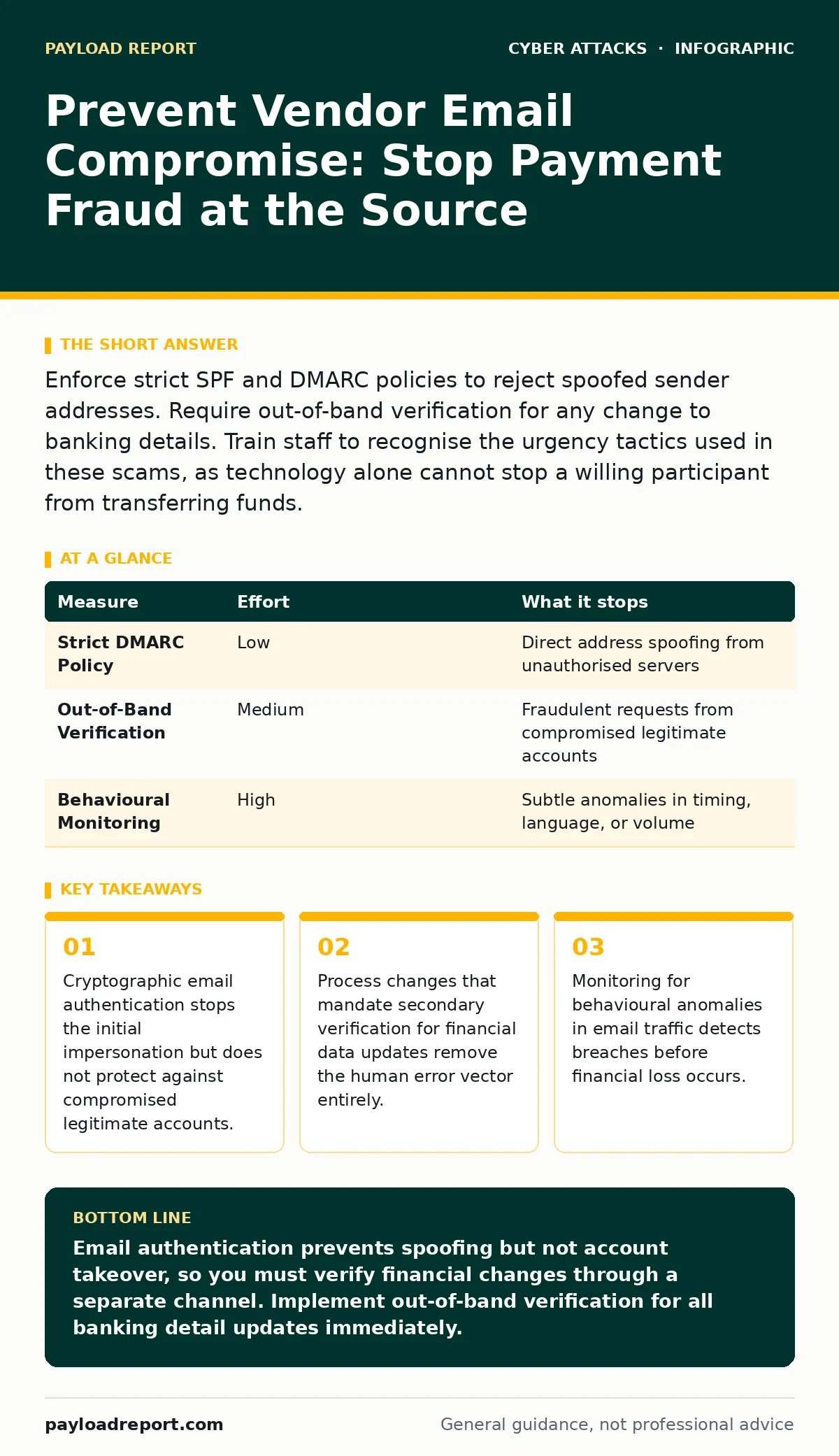
Enforce strict SPF and DMARC policies to reject spoofed sender addresses. Require out-of-band verification for any change to banking details. Train staff to recognise the urgency tactics used in these scams, as technology alone cannot stop a willing participant from transferring funds.
The Mechanics of the Deception
Vendor email compromise relies on trust rather than technical exploitation. An attacker sends a message that appears to come from a supplier you already know. The goal is to persuade you to update payment details or release early invoices. This is not a software bug in your email server. It is a social engineering attack that uses your existing business relationships as the attack surface.
The attacker needs only one thing: your compliance. They do not need to hack your network. They simply need you to believe the email is genuine. This makes traditional perimeter defences less effective than you might expect. A firewall cannot stop a convincing lie delivered over a legitimate SMTP channel.
Why SPF and DMARC Are Your First Line
Sender Policy Framework (SPF) and Domain-based Message Authentication, Reporting, and Conformance (DMARC) are the technical standards that verify the origin of an email. SPF lists the IP addresses authorised to send email for a domain. DMARC tells receiving servers what to do if an email fails SPF or DKIM checks. DKIM adds a cryptographic signature to verify that the message content has not been altered.
You must publish a strict DMARC policy that rejects unauthenticated mail. This stops attackers from simply forging the "From" address to match your vendor. If the vendor’s domain has no DMARC policy, you cannot verify the sender’s identity cryptographically. In that case, you must rely on process controls.
| Measure | Effort | What it stops |
|---|---|---|
| Strict DMARC Policy | Low | Direct address spoofing from unauthorised servers |
| Out-of-Band Verification | Medium | Fraudulent requests from compromised legitimate accounts |
| Behavioural Monitoring | High | Subtle anomalies in timing, language, or volume |
The Hidden Cost of Compromised Accounts
A common misconception is that email authentication solves the problem. It does not. If an attacker gains access to the vendor’s actual email account, the message will pass all cryptographic checks. It will have the correct SPF alignment and a valid DKIM signature. To your server, this is a perfectly legitimate email.
This is where login alerts fail as a primary defence. The vendor may not notice the login alert, or the attacker may have disabled them. You cannot rely on the victim to detect the breach. You must assume that any email requesting a change to sensitive data could be malicious, even if it appears authentic.
Process Controls That Actually Work
You need a verification step that exists outside the email thread. This is called out-of-band verification. When you receive a request to change bank account details, do not reply to the email. Call the vendor using a phone number you already have on file. Do not use the phone number provided in the email.
This breaks the chain of deception. The attacker controls the email channel, but they do not control your existing contact list. This adds friction to the transaction. Friction is good here. It gives you time to verify the request. It also signals to the attacker that easy wins are not available.
Recognising the Urgency Trap
Attackers use urgency to bypass your critical thinking. They claim a server is down, a contract is expiring, or a payment is due immediately. This pressure creates a cognitive bias that makes you act without verifying. You feel that delaying the response causes business harm.
Imagine a message stating that the vendor’s banking system is undergoing maintenance and they need to switch to a temporary account for twenty-four hours. The deadline is artificial. Legitimate business changes rarely happen with such short notice. Treat any request that demands immediate action with suspicion. Verify before you act.
See also: DNS Filtering: What It Blocks and What It Misses
Monitoring for Anomalies
Your security operations team can use behavioural analysis to spot these attacks. Look for changes in sending patterns. A vendor who usually sends emails during business hours in their time zone suddenly sending at odd hours is a red flag. Changes in language style or complexity can also indicate an impersonator.
DNS filtering can block known malicious domains, but it cannot stop attacks from legitimate domains. You need to monitor for deviations from the baseline. If a vendor’s email volume spikes or drops significantly, investigate. These anomalies often precede the financial request.
What Does Not Work
Training alone is insufficient. You can train staff to recognise phishing, but attackers adapt their language to match the vendor’s usual tone. Phishing kits allow attackers to clone the exact look and feel of legitimate vendor portals and emails. This makes visual inspection unreliable.
Also, do not rely on email spoofing detection features built into consumer-grade email clients. These features are heuristic and often fail against sophisticated attacks. They may flag a legitimate email as spam or miss a crafted attack. You need deterministic cryptographic verification, not best-guess algorithms.
Immediate Action Plan
You must combine technical controls with procedural rigour. Technology stops the easy attacks. Process stops the hard ones. There is no single solution. You need layers of defence that compensate for each other’s weaknesses.
- Audit your DMARC policy to ensure it is set to reject unauthenticated mail.
- Establish a mandatory out-of-band verification process for all payment changes.
- Review your vendor communication logs for anomalies in timing or content.
Key takeaways
- Cryptographic email authentication stops the initial impersonation but does not protect against compromised legitimate accounts.
- Process changes that mandate secondary verification for financial data updates remove the human error vector entirely.
- Monitoring for behavioural anomalies in email traffic detects breaches before financial loss occurs.
Email authentication prevents spoofing but not account takeover, so you must verify financial changes through a separate channel. Implement out-of-band verification for all banking detail updates immediately.
Frequently asked questions
Can I trust emails from vendors who use a shared mailbox address?
No, shared mailboxes are high-risk targets for compromise. Treat any request from a shared address with extreme caution and verify via phone.
Does using a secure email gateway prevent vendor email compromise?
A secure email gateway can block malware and phishing links, but it cannot stop a social engineering attack that uses clean, legitimate content.
How do I handle vendors who refuse to implement DMARC?
You must enforce stricter internal controls for those vendors, such as mandatory phone verification for all financial transactions.
Is two-factor authentication enough to prevent this?
Two-factor authentication protects the account holder, but if the attacker has the credentials and the second factor, the email will still appear legitimate to you.
How this guide was produced: written by the Payload Report editorial team with AI assistance, checked against the public references listed below, and reviewed when the facts change. See our editorial policy or report an error.