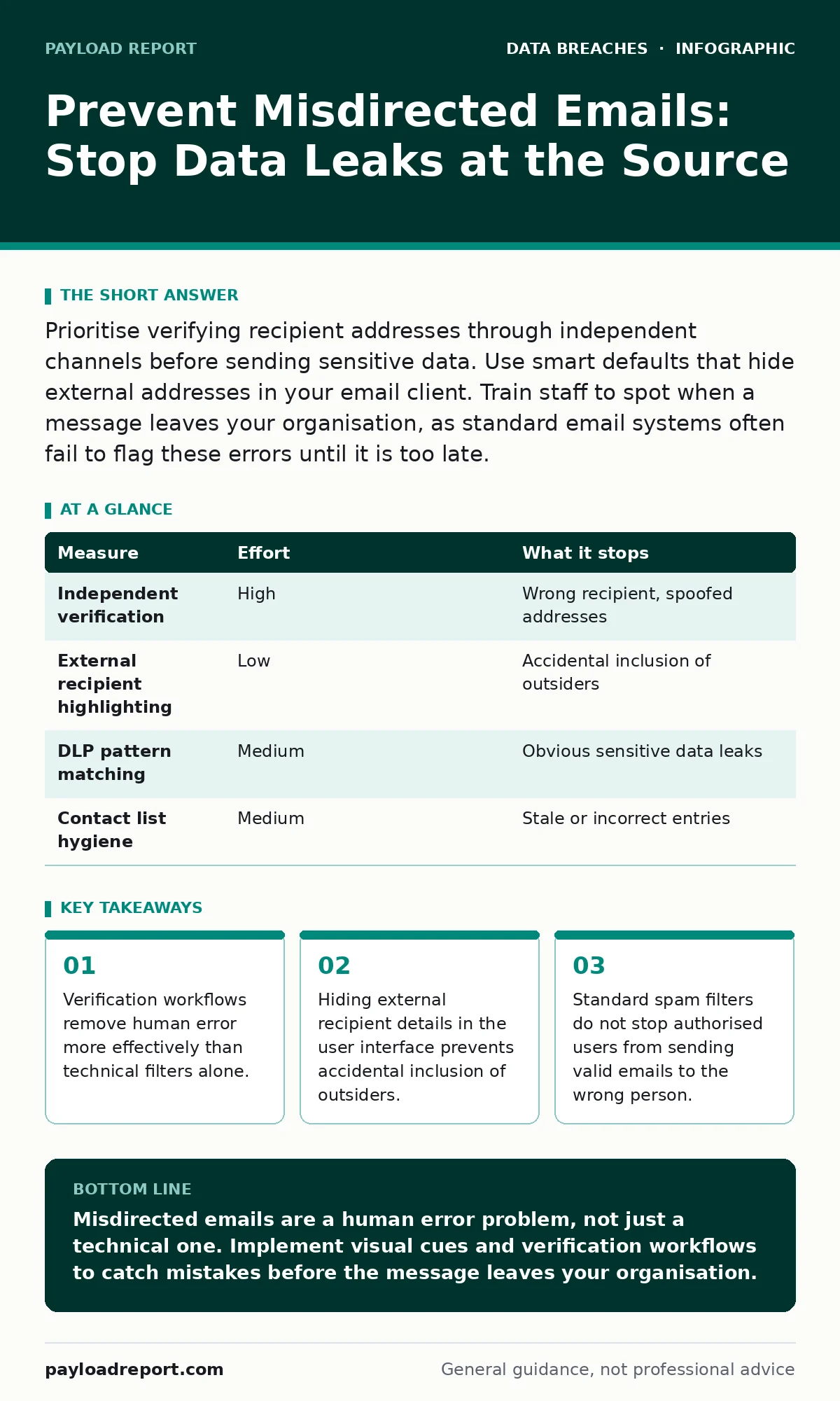
Prioritise verifying recipient addresses through independent channels before sending sensitive data. Use smart defaults that hide external addresses in your email client. Train staff to spot when a message leaves your organisation, as standard email systems often fail to flag these errors until it is too late.
The Hidden Cost of a Single Typo
Imagine you are sending a quarterly financial report to your board. You select the contact "Board" from your address book. Inside that group, one member has left the company, but their entry remains. The email system delivers the report to their personal address. You have just exposed confidential data without any malware, phishing, or hacking. This is a misdirected email. It is not a breach of security controls; it is a breach of process. The damage is immediate and the recovery is difficult.
Most security teams focus on preventing unauthorised access from outside the network. They install firewalls and monitor logs. They often neglect the simple act of clicking "Send". This oversight leaves a significant gap. A misdirected email bypasses every perimeter defence because the user is authorised and the content is not malicious. The threat is the user’s intent to send, combined with an error in the destination.
Why Technical Filters Fail to Catch Errors
Many organisations rely on Data Loss Prevention (DLP) tools to scan emails for sensitive data. These tools look for patterns like credit card numbers or national identity codes. If an email contains these patterns and is addressed to an external domain, the tool may block it. This works for obvious cases. It fails when the recipient is internal but the content is sensitive, or when the recipient is external but the content looks benign.
Suppose you send a project plan to a contractor. The email does not contain structured data like a credit card number. The DLP tool sees no pattern to block. The email leaves the organisation. The contractor is not authorised to see the plan. The leak has occurred. Technical filters cannot understand context. They cannot know if the recipient is the correct person for that specific message. They only know if the data matches a rule. This limitation means you must combine technology with human verification.
Priority One: Verify Through Separate Channels
The most effective prevention measure is independent verification. Before sending any sensitive information, confirm the recipient’s address using a method other than email. This could be a phone call, an instant message, or a face-to-face check. This step removes the risk of a spoofed address or a stale contact entry. It forces a pause in the workflow. That pause is where the error is caught.
This method requires discipline. It adds time to the process. However, the cost of a breach far exceeds the cost of a thirty-second verification. Make this a mandatory step for any email containing confidential, restricted, or highly confidential data. Define these categories clearly in your policy. Without clear definitions, staff will not know when to verify. Clarity drives compliance.
Priority Two: Smart Defaults and Visual Cues
Your email client can help you avoid mistakes. Configure the system to highlight external recipients. When you add an address outside your organisation, the interface should display a warning icon or a distinct colour. This visual cue draws your attention to the fact that the message is leaving the secure environment. It prompts you to double-check the address.
Furthermore, disable auto-complete for external addresses in sensitive contexts. If you are composing a message to a board member, do not let the system suggest a previous external contact. This reduces the chance of selecting the wrong person from a dropdown list. These settings are often available in standard enterprise email platforms. Enable them globally. They require no training, as the visual cue is intuitive. This is a quick win that removes a layer of friction from safe behaviour.
| Measure | Effort | What it stops |
|---|---|---|
| Independent verification | High | Wrong recipient, spoofed addresses |
| External recipient highlighting | Low | Accidental inclusion of outsiders |
| DLP pattern matching | Medium | Obvious sensitive data leaks |
| Contact list hygiene | Medium | Stale or incorrect entries |
Priority Three: Hygiene and Access Control
A cluttered address book is a risk. Regularly audit shared contact lists. Remove entries for people who have left the organisation. If a contact is no longer valid, deleting it prevents its accidental use. This is a maintenance task, but it is critical. Stale data leads to stale mistakes. Assign ownership of contact lists to specific teams. They are responsible for keeping their lists accurate.
Restrict access to sensitive contact groups. Not everyone needs to see the "Board" distribution list. Limit visibility to those who need it. This reduces the number of people who can accidentally send to the wrong group. Combine this with least privilege principles. If a user does not need to send to a group, they should not have it in their address book. This structural change reduces the attack surface for human error.
See also: Implement database activity monitoring: a step-by-step guide
What Does Not Work: Training Alone
Security awareness training is necessary, but it is not sufficient. You cannot train your way out of a cognitive bias. When people are busy, they rely on muscle memory. They click send without thinking. Training fades over time. A video watched once a year will not stop a habit formed over years. You must design the system to support the correct behaviour, rather than expecting the user to remember the rules.
Do not rely on pop-up warnings that users can dismiss. If every email triggers a warning, users will click "Yes" without reading. The warning loses its value. Instead, use smart defaults that make the wrong action difficult. Make the right action the easy one. This is the principle of security by design. It aligns the system’s behaviour with your security goals.
Closing Checklist for Immediate Action
You do not need a major project to start improving your posture. Begin with these three steps today. They address the most common causes of misdirected emails. Implement them in your email client settings and update your internal policy. These changes provide immediate risk reduction. They are low cost and high impact.
- Enable visual indicators for external recipients in your email client.
- Define clear categories for sensitive data that require verification.
- Audit and clean shared contact lists to remove stale entries.
Integrating Broader Security Controls
Preventing misdirected emails is part of a wider data protection strategy. If data does leave your organisation, you need controls to limit the damage. For instance, encryption at rest ensures that if a laptop is stolen, the data remains unreadable. Similarly, full disk encryption protects devices that might receive sensitive emails. These controls do not prevent the email from being sent, but they mitigate the impact if the data is compromised further.
You should also consider how you handle the aftermath. A customer breach notification letter is often required after a leak. Being prepared with templates and legal advice speeds up the response. In some jurisdictions, the GDPR breach notification rule imposes strict timelines for reporting. Understanding these requirements helps you respond faster. This is not about prevention, but it is about resilience. A well-prepared organisation suffers less reputational damage.
Additionally, monitor for signs of misuse. Database activity monitoring can alert you if sensitive data is accessed in unusual ways. While this does not stop the email, it provides visibility into other potential leaks. Combine this with fraud alerts on financial accounts to detect misuse of the leaked information. These measures form a layered defence. No single control is enough. You need a combination of prevention, detection, and response.
Finally, understand that unauthorised access is often the result of weak credentials. While misdirected emails are different, they often accompany other poor security practices. Strengthen your overall posture. Use multi-factor authentication. Review access rights regularly. A secure environment reduces the likelihood of any type of data breach. It makes your organisation harder to target and easier to defend.
Key takeaways
- Verification workflows remove human error more effectively than technical filters alone.
- Hiding external recipient details in the user interface prevents accidental inclusion of outsiders.
- Standard spam filters do not stop authorised users from sending valid emails to the wrong person.
Misdirected emails are a human error problem, not just a technical one. Implement visual cues and verification workflows to catch mistakes before the message leaves your organisation.
Frequently asked questions
Can AI prevent misdirected emails?
AI can flag unusual sending patterns, but it cannot verify if the recipient is the intended person. Human verification remains necessary for sensitive communications.
Should I block all external emails?
No, this breaks business operations. Instead, highlight external recipients and require verification for sensitive content. This balances security with usability.
How often should I audit contact lists?
Audit shared contact lists quarterly or whenever staff changes occur. Remove entries for people who have left the organisation to prevent stale data usage.
Is encryption enough to protect misdirected emails?
Encryption protects the data if it is intercepted or stolen, but it does not prevent the recipient from reading it. Prevention is always better than mitigation.
How this guide was produced: written by the Payload Report editorial team with AI assistance, checked against the public references listed below, and reviewed when the facts change. See our editorial policy or report an error.