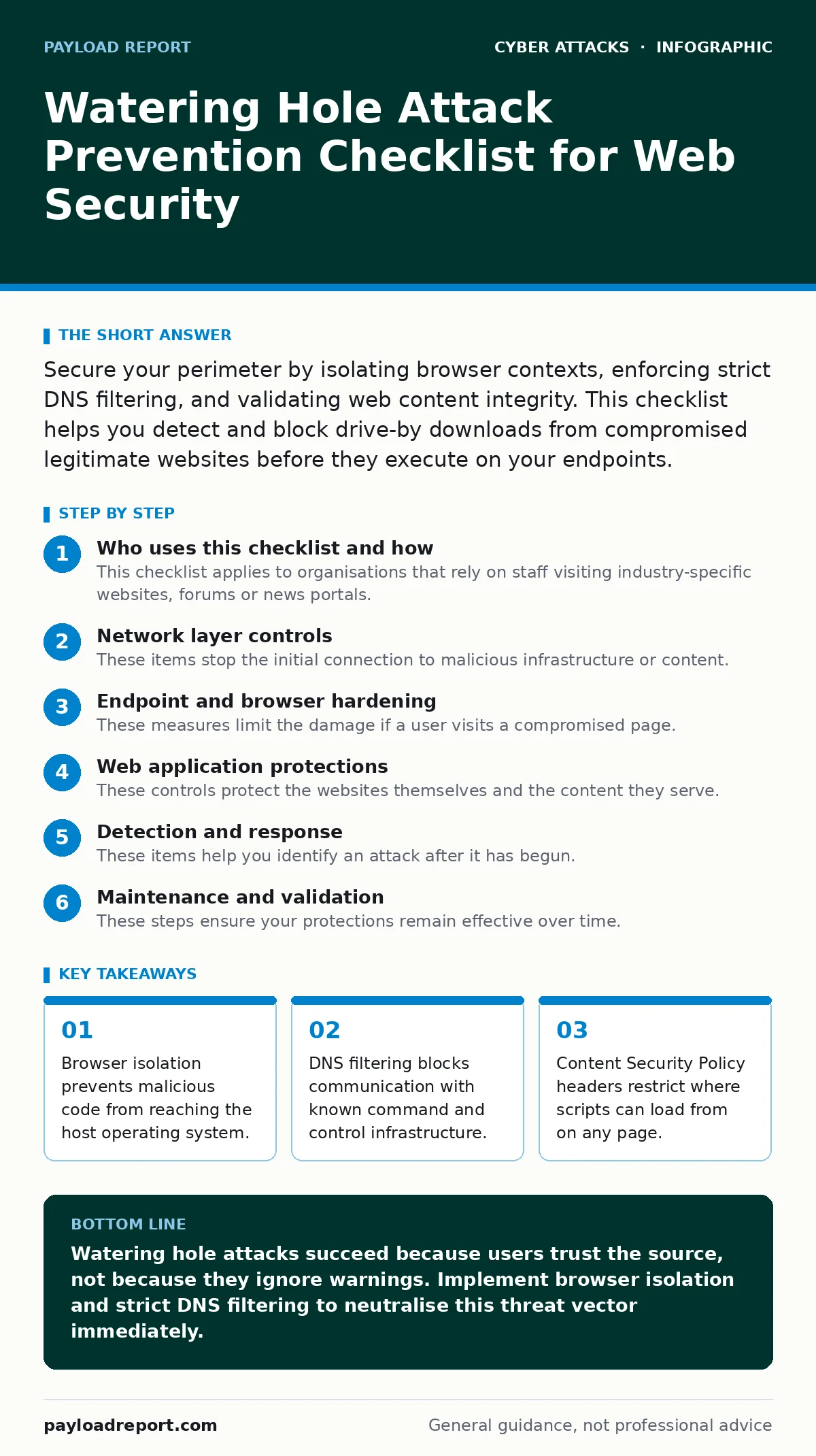
Secure your perimeter by isolating browser contexts, enforcing strict DNS filtering, and validating web content integrity. This checklist helps you detect and block drive-by downloads from compromised legitimate websites before they execute on your endpoints.
Who uses this checklist and how
This checklist applies to organisations that rely on staff visiting industry-specific websites, forums or news portals. Attackers target these trusted sources to distribute malware. You use this list to audit your web access controls. It covers network, endpoint and application layers.
Network layer controls
These items stop the initial connection to malicious infrastructure or content.
- Enable DNS filtering: blocks queries to domains known for hosting malware or command and control servers.
- Implement web filtering: categorises traffic and denies access to sites with poor security reputations or unknown origins.
- Restrict outbound traffic: limits connections to only necessary ports and protocols to reduce data exfiltration paths.
- Monitor TLS certificates: detects certificate pinning failures or unexpected issuer changes that indicate man-in-the-middle attempts.
Endpoint and browser hardening
These measures limit the damage if a user visits a compromised page.
- Deploy browser isolation: runs web content in a remote container so no code executes on the local device.
- Disable legacy plugins: removes support for outdated technologies like Flash or Silverlight that lack modern security patches.
- Enforce automatic updates: ensures browsers and operating systems receive the latest security fixes without user intervention.
- Use application whitelisting: prevents unauthorised executables from running even if they bypass other defences.
Web application protections
These controls protect the websites themselves and the content they serve.
- Configure Content Security Policy: defines which sources are allowed to execute scripts, reducing the impact of injected code.
- Validate input on servers: prevents attackers from storing malicious scripts on forums or comment sections for later delivery.
- Implement HTTP Strict Transport Security: forces browsers to use encrypted connections, preventing downgrade attacks.
- Monitor for defacement: detects unexpected changes to website content that might indicate a successful compromise.
Detection and response
These items help you identify an attack after it has begun.
- Enable login alerts: notifies users and admins of unusual access patterns that might indicate stolen credentials.
- Set up account lockout policies: prevents brute force attacks on user accounts after initial compromise.
- Analyse network anomalies: looks for unusual data volumes or connections to new external IPs.
- Review browser logs: checks for failed script loads or blocked resources that indicate active defence evasion.
See also: What Is the Deep Web: Definition, Structure and Practical Reality · Golden Image Mistakes That Let Malware Persist in Your Fleet
Maintenance and validation
These steps ensure your protections remain effective over time.
- Test with simulated attacks: verifies that controls detect and block known watering hole techniques.
- Update threat intelligence feeds: ensures filtering rules include the latest indicators of compromise.
- Audit user permissions: removes unnecessary administrative rights that could allow malware to persist.
- Review third-party scripts: assesses risk from external analytics or advertising networks embedded on trusted sites.
Common pitfalls to avoid
Ignoring these areas leaves gaps that attackers exploit.
- Overlooking mobile devices: ensures smartphones and tablets follow the same web access rules as desktops.
- Disabling pop-up blockers: prevents deceptive overlays from tricking users into executing malicious scripts.
- Neglecting DNS filtering: allows communication with malicious servers even if the initial visit was blocked.
- Skipping security awareness training: leaves users unaware of subtle signs that a trusted site has been compromised.
Integration with existing tools
Connect these controls to your broader security posture.
- Link with DDoS protection: distinguishes between volumetric attacks and subtle watering hole compromises.
- Correlate with ARP spoofing detection: identifies if internal network redirection is facilitating the attack.
- Combine with dumpster diving prevention: ensures physical security does not contradict digital hygiene efforts.
- Align with incident response plans: defines clear steps for containment when a watering hole attack is confirmed.
Key takeaways
- Browser isolation prevents malicious code from reaching the host operating system.
- DNS filtering blocks communication with known command and control infrastructure.
- Content Security Policy headers restrict where scripts can load from on any page.
Watering hole attacks succeed because users trust the source, not because they ignore warnings. Implement browser isolation and strict DNS filtering to neutralise this threat vector immediately.
Frequently asked questions
How do watering hole attacks differ from phishing?
Phishing relies on social engineering via email to trick users into clicking links. Watering hole attacks compromise websites that users already trust and visit regularly, removing the need for deceptive emails.
Can antivirus software stop watering hole attacks?
Antivirus may detect known malware signatures after download. It often fails against zero-day exploits or fileless attacks that execute directly in the browser memory without writing to disk.
Is browser isolation expensive to implement?
Cloud-based browser isolation services reduce hardware costs. The expense depends on user count and performance requirements, but it eliminates the need for heavy endpoint agent updates.
Do HTTPS connections prevent watering hole attacks?
HTTPS encrypts data in transit but does not verify if the website content itself is malicious. A compromised site can serve malware over a valid, encrypted HTTPS connection.
How this guide was produced: written by the Payload Report editorial team with AI assistance, checked against the public references listed below, and reviewed when the facts change. See our editorial policy or report an error.