
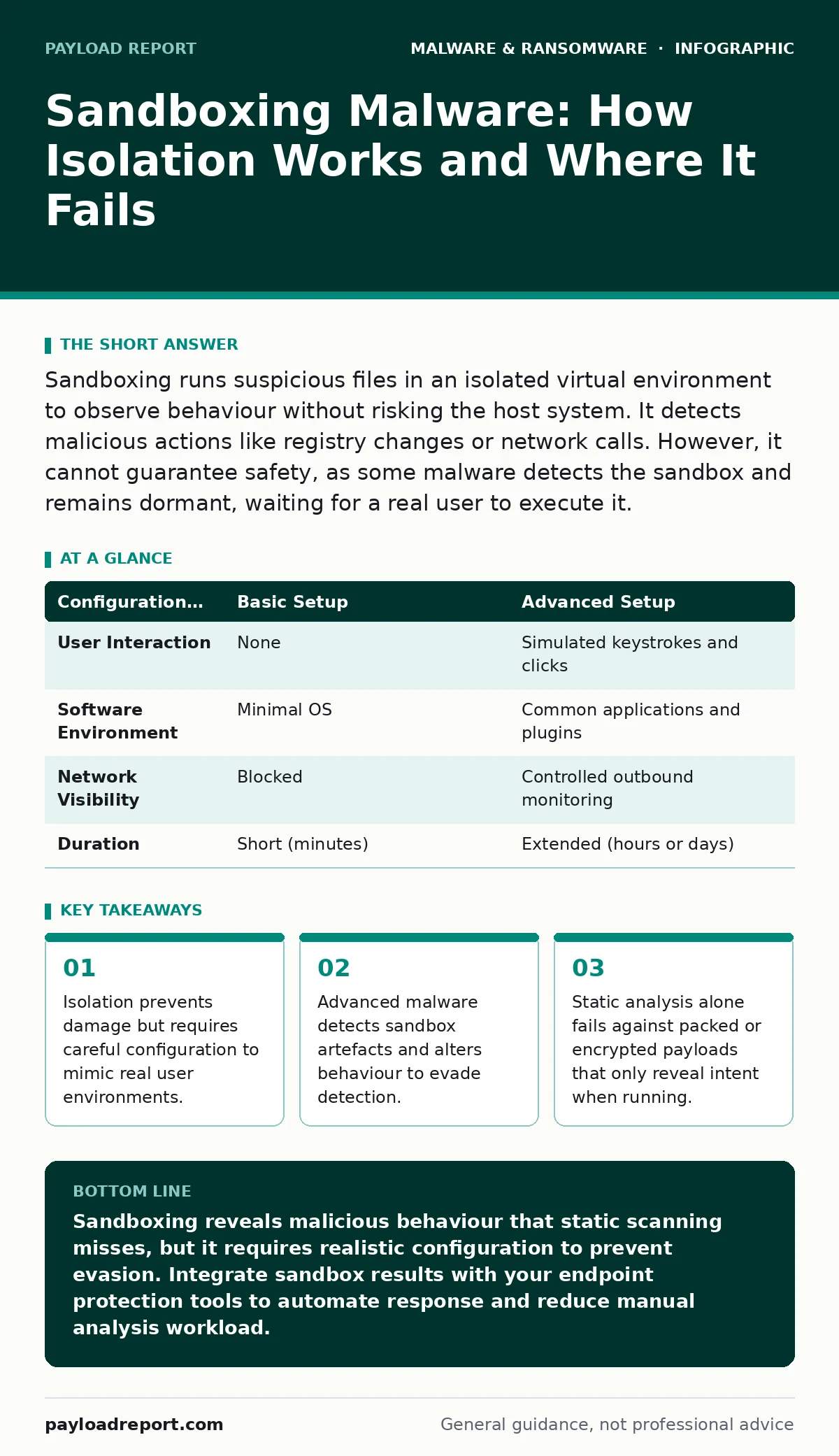
Sandboxing runs suspicious files in an isolated virtual environment to observe behaviour without risking the host system. It detects malicious actions like registry changes or network calls. However, it cannot guarantee safety, as some malware detects the sandbox and remains dormant, waiting for a real user to execute it.
What is sandboxing in cybersecurity?
Sandboxing is a security technique that executes untrusted code in an isolated, controlled environment separate from the host operating system. This isolation prevents the code from modifying system files, accessing the network, or interacting with other applications. The system observes the code’s behaviour, such as file creation or registry edits, to determine if it is malicious. You gain visibility into dynamic behaviour that static signature scanning misses.
How does a sandbox detect malware?
The sandbox detects malware by monitoring system calls and behavioural patterns during execution. It watches for actions typical of threats, such as injecting code into other processes, disabling security services, or establishing unexpected outbound connections. The system compares these actions against known threat indicators. If the behaviour matches a malicious profile, the sandbox flags the file. This method catches zero-day threats that lack known signatures.
Can malware detect and evade a sandbox?
Yes, malware can detect sandbox environments through various techniques known as anti-analysis or anti-sandboxing. Threats check for indicators of virtualisation, such as specific hardware signatures, limited system resources, or the absence of user interaction. If the malware detects these signs, it may remain dormant or execute a benign routine. This evasion prevents the sandbox from observing the true malicious payload.
What are the limitations of sandbox analysis?
Sandboxing has inherent limitations regarding context and duration. The isolated environment often lacks the specific applications, user data, or network topology present on a real endpoint. Malware may require specific triggers, such as a particular document open time or user keystrokes, to activate fully. Short analysis windows also limit the ability to observe delayed actions. These gaps allow sophisticated threats to slip through undetected.
How do you configure a sandbox for better detection?
You improve detection by configuring the sandbox to mimic a realistic production environment. This includes installing common software, setting up standard user profiles, and providing realistic file structures. You should also enable user interaction simulation, such as mouse movements and keyboard inputs, to trigger malware that requires human engagement. A realistic environment reduces the chance of evasion and increases the accuracy of behavioural analysis.
| Configuration Aspect | Basic Setup | Advanced Setup |
|---|---|---|
| User Interaction | None | Simulated keystrokes and clicks |
| Software Environment | Minimal OS | Common applications and plugins |
| Network Visibility | Blocked | Controlled outbound monitoring |
| Duration | Short (minutes) | Extended (hours or days) |
See also: Spyware in Small Business: Hidden Risks and Practical Defences · Endpoint Detection and Response (EDR): How It Works and Why You Need It
How does sandboxing integrate with endpoint protection?
Sandboxing integrates with endpoint detection and response (EDR) solutions to provide deeper visibility into suspicious files. When the EDR detects an anomaly, it can automatically submit the file to the sandbox for dynamic analysis. The sandbox results then feed back into the EDR policy engine. This integration allows for rapid blocking of threats across the entire network. It complements static detection by adding behavioural context.
What is the difference between static and dynamic analysis?
Static analysis examines the code structure without executing it, looking for known signatures or suspicious strings. Dynamic analysis, used in sandboxing, runs the code to observe its behaviour in real time. Static methods fail against packed, encrypted, or obfuscated malware that hides its intent until execution. Dynamic analysis reveals the true actions of the payload. Combining both methods provides a more complete security posture.
Does sandboxing protect against all types of malware?
Sandboxing does not protect against all types of malware, particularly those that rely on social engineering or exploit human interaction. While it catches executable threats, it may miss risks associated with potentially unwanted programs that behave legitimately but annoy users. It also does not prevent initial access via phishing emails, though it can analyse attached files. Sandboxing is a detection tool, not a prevention barrier for user-driven risks.
How do you handle false positives in sandbox results?
False positives occur when benign software exhibits behaviour that resembles malware, such as installing drivers or modifying system settings. You handle these by tuning the sandbox rules to exclude known legitimate applications and publishers. You should also review the specific actions flagged and determine if they are necessary for the software’s function. Regularly updating allow-lists reduces noise and ensures security teams focus on genuine threats.
What is the role of cloud-based sandboxing?
Cloud-based sandboxing provides scalable analysis capabilities without requiring local hardware resources. It allows organisations to submit files from any location for centralised analysis. The cloud environment can rapidly update threat intelligence and analysis rules. This approach ensures consistent detection across distributed networks. It also reduces the overhead of maintaining and updating local sandbox infrastructure, allowing security teams to focus on response rather than tool maintenance.
Key takeaways
- Isolation prevents damage but requires careful configuration to mimic real user environments.
- Advanced malware detects sandbox artefacts and alters behaviour to evade detection.
- Static analysis alone fails against packed or encrypted payloads that only reveal intent when running.
Sandboxing reveals malicious behaviour that static scanning misses, but it requires realistic configuration to prevent evasion. Integrate sandbox results with your endpoint protection tools to automate response and reduce manual analysis workload.
Frequently asked questions
Does sandboxing slow down file access?
Yes, submitting files to a sandbox introduces latency while the analysis runs. You should balance security needs with user experience by only sandboxing suspicious or untrusted files, not every document opened.
Can sandboxing detect spyware?
Sandboxing can detect spyware by observing its attempts to capture screen data or record keystrokes. However, some spyware only activates under specific conditions, so sandbox results should be combined with other monitoring methods for complete coverage.
Is sandboxing the same as virtualisation?
No, virtualisation creates isolated operating systems for general use, while sandboxing is a specific security technique that uses isolation to analyse untrusted code. Sandboxing often employs virtualisation technology but focuses strictly on behavioural observation and threat detection.
How often should you update sandbox rules?
You should update sandbox rules frequently to keep pace with evolving evasion techniques. New malware strains constantly develop methods to detect and bypass isolation. Regular updates ensure the sandbox remains effective against the latest threats and reduces the window of exposure.
How this guide was produced: written by the Payload Report editorial team with AI assistance, checked against the public references listed below, and reviewed when the facts change. See our editorial policy or report an error.