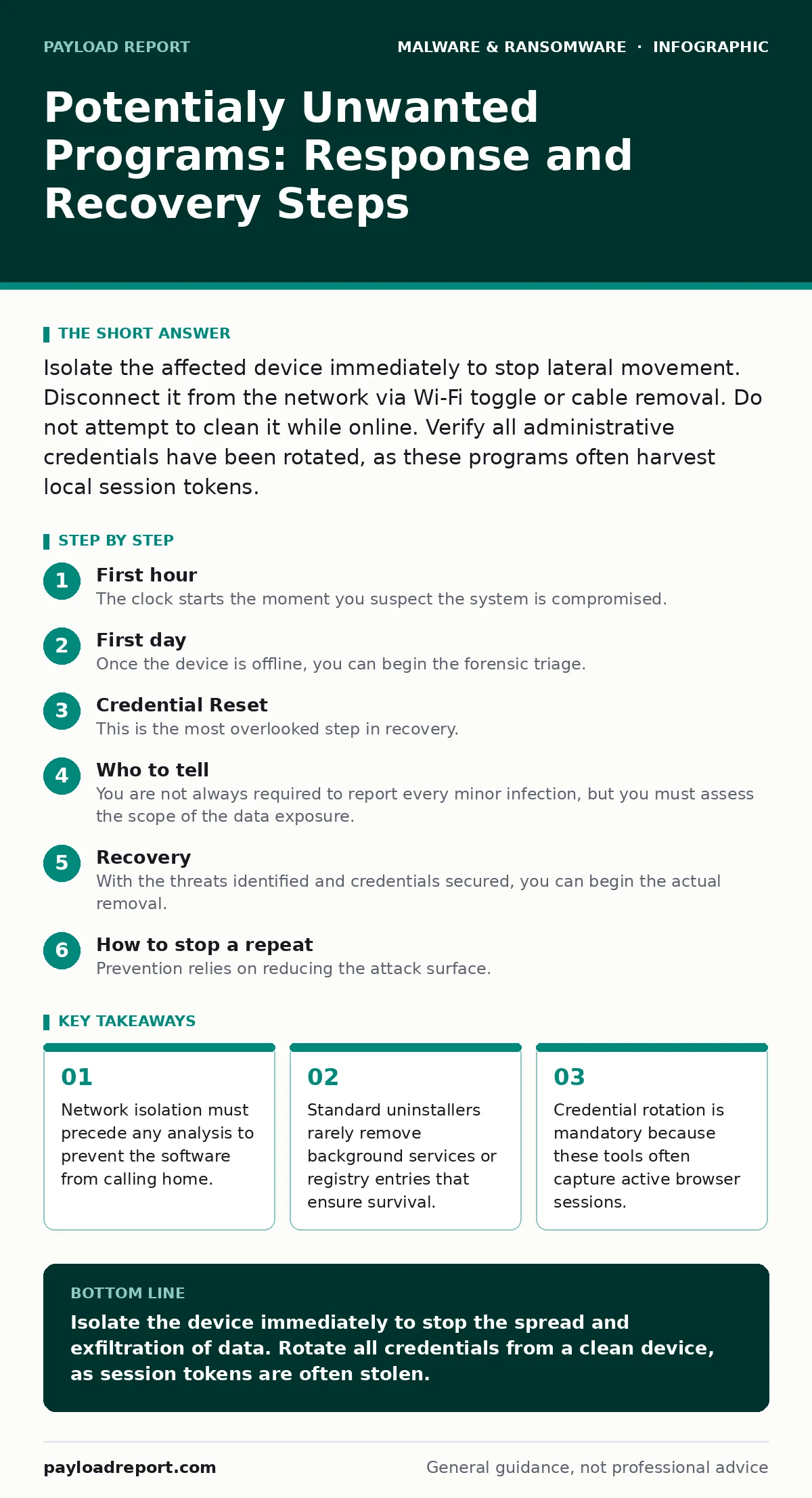
Isolate the affected device immediately to stop lateral movement. Disconnect it from the network via Wi-Fi toggle or cable removal. Do not attempt to clean it while online. Verify all administrative credentials have been rotated, as these programs often harvest local session tokens.
First hour
The clock starts the moment you suspect the system is compromised. Your primary objective is not remediation but containment. If the software remains connected to the internet, it can exfiltrate data, download additional payloads, or spread to other machines on your local network. Speed matters more than thoroughness in this initial phase.
Isolate the device from the network immediately. If it is a wired connection, unplug the Ethernet cable. For wireless connections, toggle Wi-Fi off or enable Airplane mode. This physical or logical disconnection stops the flow of data. Do not shut down the machine yet, as some volatile memory contains evidence of the intrusion that will be lost on power loss.
- Disconnect the device from all network interfaces.
- Document the exact time of detection and the symptoms observed.
- Note any open applications or unusual processes visible in the task manager.
- Identify any other devices that logged into the same user account recently.
First day
Once the device is offline, you can begin the forensic triage. You are looking for persistence mechanisms, which are methods the software uses to ensure it restarts when the computer boots. These are often hidden in startup folders, system registries, or scheduled tasks. Standard uninstallers do not touch these areas. They only remove the primary executable file.
You must manually inspect the system for these hidden entries. Look for unfamiliar tasks in your scheduling service or services that start with generic names like "System Helper" or "Update Agent". These names are designed to blend in with legitimate system processes. If you are unsure about a specific process, compare its digital signature or file path against known good records from your golden images.
Consider the possibility that the infection is part of a larger ransomware attack chain. While potentially unwanted programs are often less destructive than ransomware, they can serve as the initial foothold for more severe threats. Check for any encrypted files or ransom notes, even if the primary symptom was unwanted ads or browser redirects.
Credential Reset
This is the most overlooked step in recovery. Potentially unwanted programs frequently include browser extensions or background processes that capture session cookies and authentication tokens. This means that even if the software is removed, an attacker may still have active access to your email, banking, or corporate accounts.
You must reset passwords for every account that was accessed on the infected device. Change them from a clean, unaffected device, not the compromised one. Enable multi-factor authentication if it is not already active. This adds a layer of security that does not rely solely on the secret password. If the attacker captured your session token, they can bypass the password entirely until the token expires or is revoked.
Who to tell
You are not always required to report every minor infection, but you must assess the scope of the data exposure. If the device contained sensitive personal information, financial records, or proprietary work data, you have a duty to inform the relevant parties. This includes your organisation’s security team, your data protection officer, or potentially the individuals whose data was stored on the machine.
In a corporate environment, follow your incident response plan. Log the incident with detailed notes on what was found and what actions were taken. This documentation is vital for internal audits and for understanding patterns of attack. If the software was used to spy on employees or customers, you may need to notify regulatory bodies depending on your jurisdiction’s laws regarding data privacy.
Recovery
With the threats identified and credentials secured, you can begin the actual removal. Use reputable anti-malware tools to scan the system. However, do not trust the tool’s "clean" verdict implicitly. These programs may miss deeply embedded components. After the scan, perform a manual review of the startup items and system services again.
If the system remains unstable or you suspect hidden components remain, the safest option is to wipe the drive and reinstall the operating system. This ensures that no trace of the malware survives. Restore your data from a clean backup that was created before the infection occurred. Verify the backup is clean before restoring it to prevent reinfection.
See also: Computer Viruses Explained: How Code Infects and Spreads · Spot Screen Locker Ransomware: Early Signs and Immediate Actions
How to stop a repeat
Prevention relies on reducing the attack surface. Potentially unwanted programs often enter systems through bundled software installations. Users frequently click through installation wizards without reading the options, inadvertently agreeing to install additional toolbars or search helpers. Configure your installation settings to "Custom" or "Advanced" to deselect these extra components.
Keep your operating system and applications updated. Updates often patch vulnerabilities that these programs exploit to install themselves or gain elevated privileges. Use application whitelisting if possible, which only allows approved software to run. This blocks any unauthorised code from executing, regardless of how it enters the system.
Monitor your network traffic for anomalies. Unusual outbound connections to unknown domains can indicate that a dormant program is trying to communicate. A managed detection and response (MDR) service can help identify these subtle behaviours that traditional antivirus software might miss.
Edge cases
Imagine you are dealing with a device that has been compromised for months. The software may have modified system files in a way that breaks the operating system if removed incorrectly. In such cases, do not attempt a manual removal. Consult with a specialist or prepare for a full system rebuild. The risk of breaking the OS outweighs the benefit of saving individual files.
Suppose the infection spreads via a shared network drive. You must isolate the shared storage as well. The malware may have replicated itself onto the drive, infecting any user who accesses it. Scan the shared storage from a different, clean machine. Delete any suspicious files and notify all users who accessed the drive to check their own systems.
Key takeaways
- Network isolation must precede any analysis to prevent the software from calling home.
- Standard uninstallers rarely remove background services or registry entries that ensure survival.
- Credential rotation is mandatory because these tools often capture active browser sessions.
Isolate the device immediately to stop the spread and exfiltration of data. Rotate all credentials from a clean device, as session tokens are often stolen.
Frequently asked questions
Can a potentially unwanted program steal my cryptocurrency?
Yes, if it includes a browser extension that monitors clipboard activity or injects code into web pages, it can redirect transactions to an attacker’s wallet, similar to crypto-stealing malware.
Do I need to wipe my phone if it has an unwanted app?
Not always. On mobile devices, you can often uninstall the app and revoke its permissions. However, if the app gained administrative privileges, a factory reset is safer to prevent persistent access.
How do I know if the malware is still on my system?
Check for unfamiliar startup items, scheduled tasks, or network connections to unknown IP addresses. If you see these signs after removal, the infection likely persists.
Is it safe to restore backups after an infection?
Only if the backups were created before the infection. Restoring a backup that contains the malware will reinfect your system. Verify the integrity of your backups first.
How this guide was produced: written by the Payload Report editorial team with AI assistance, checked against the public references listed below, and reviewed when the facts change. See our editorial policy or report an error.