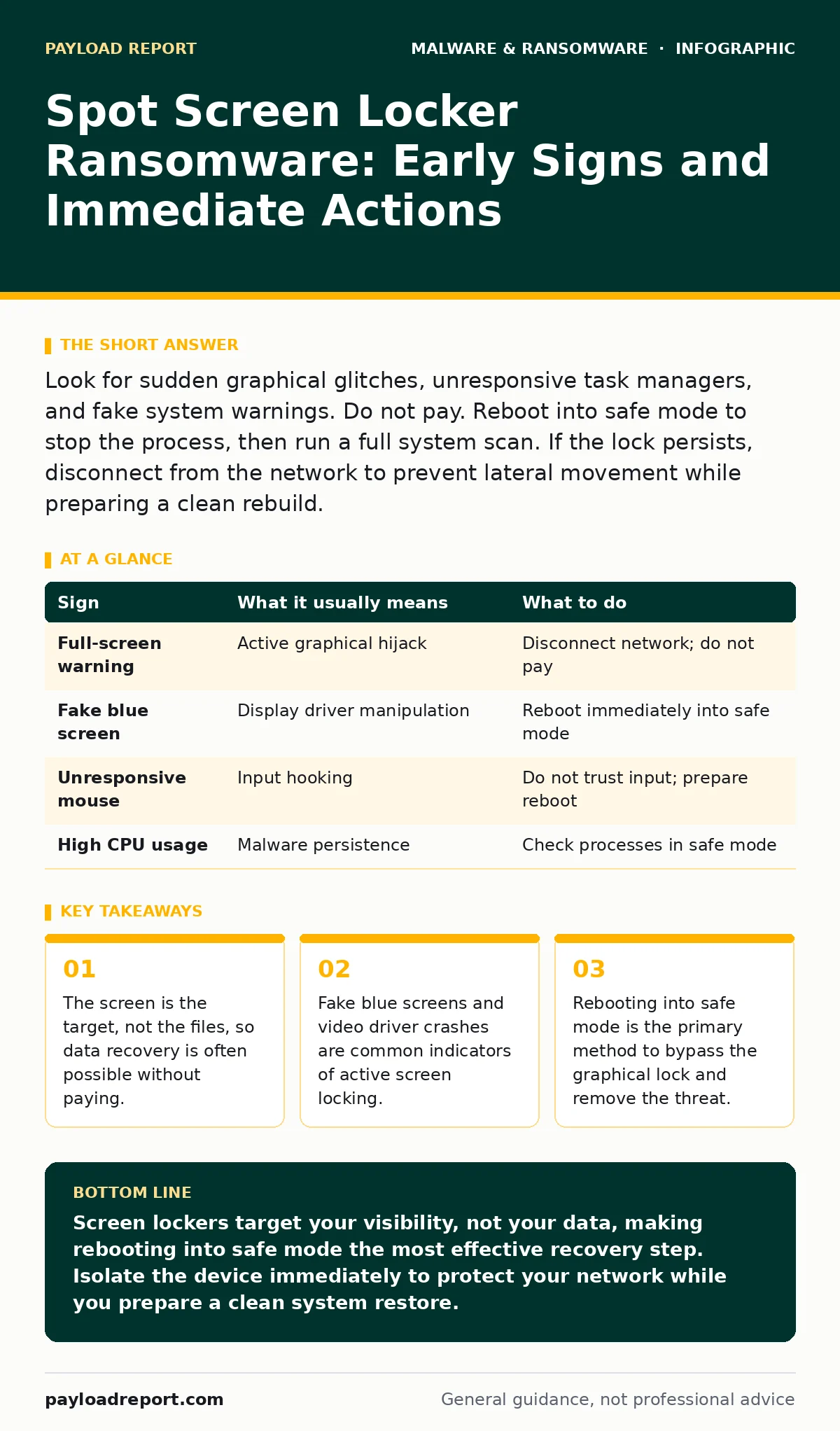
Look for sudden graphical glitches, unresponsive task managers, and fake system warnings. Do not pay. Reboot into safe mode to stop the process, then run a full system scan. If the lock persists, disconnect from the network to prevent lateral movement while preparing a clean rebuild.
The Visual Hijack
Screen locker ransomware operates differently from the encryption variants you likely know. Instead of scrambling your files, it hijacks the graphical interface. It places an unmovable window over your desktop or forces the display driver into a specific state. You can still hear the computer humming. You can often still type, but nothing appears on screen. The system is alive, but you are locked out of the visual layer.
This distinction matters because your data is usually untouched. The threat relies on psychological pressure rather than cryptographic destruction. Understanding this difference changes your response strategy entirely. You are not fighting a decryption problem; you are fighting a persistence and display problem.
Immediate Visual Indicators
The first signs are often visual anomalies that mimic system errors. A full-screen overlay with a countdown timer is the most obvious signal. It may claim your computer is locked by law enforcement or a security agency. The text is often poorly written or uses generic threats.
Look for graphical corruption. If your icons disappear, the task bar vanishes, or the resolution drops to a low setting, the malware is interfering with the display driver. Some variants trigger a fake blue screen of death. This is not a true kernel panic. It is a graphical image designed to look like a critical system failure. The computer does not actually crash; it just shows you a scary picture.
Subtle Pre-Lock Signs
Before the screen locks, the system often behaves strangely. These signs are easy to miss because they resemble normal performance issues. You might notice the mouse cursor becoming unresponsive or lagging significantly. The fan speed may increase as the malware consumes CPU resources to maintain the lock.
Network activity can also spike. The malware may communicate with a command and control server to verify the lock status or receive instructions. If you have monitoring tools, look for outbound connections to unknown domains. This is part of the ransomware attack chain where the malware establishes its presence before executing the final payload.
The Task Manager Trap
Standard troubleshooting steps often fail. You will try to open the task manager to kill the process. The screen locker usually disables this feature. If you manage to open it, the malicious process might be hidden or named to look like a system component.
Do not waste time trying to force-quit the window from within the locked session. The malware has likely hooked into the window manager. Even if you close the window, it will reopen instantly. This is why the standard advice to "end task" is ineffective here. You need to bypass the graphical environment entirely.
Immediate Response Steps
When you suspect a screen lock, act quickly but calmly. Do not pay the ransom. Payment does not guarantee the unlock code, and it funds further development. Instead, disconnect the device from the network. Unplug the Ethernet cable or disable Wi-Fi. This prevents the malware from spreading to other devices on your local network.
Next, restart the computer. This is the critical step. Most screen lockers rely on the active graphical session. Rebooting often drops the malware into a lower privilege state or stops it from loading immediately.
See also: Spyware in Small Business: Hidden Risks and Practical Defences · Computer Viruses Explained: How Code Infects and Spreads
Safe Mode Recovery
As the computer restarts, enter safe mode. This loads the operating system with a minimal set of drivers and services. The screen locker usually cannot run in this environment because it depends on specific graphical drivers.
Once in safe mode, check for the malicious process. Look for unfamiliar entries in the startup folder or the task manager. Delete any suspicious files. Run a full antivirus scan. If the malware has installed rootkits, standard scans may miss them. You may need to use a dedicated removal tool or a clean golden images deployment to restore the system.
| Sign | What it usually means | What to do |
|---|---|---|
| Full-screen warning | Active graphical hijack | Disconnect network; do not pay |
| Fake blue screen | Display driver manipulation | Reboot immediately into safe mode |
| Unresponsive mouse | Input hooking | Do not trust input; prepare reboot |
| High CPU usage | Malware persistence | Check processes in safe mode |
Preventing Recurrence
Screen lockers often enter through weak points in the system. They may arrive bundled with potentially unwanted programs or through drive-by downloads. Keeping your operating system and drivers updated reduces the attack surface.
Be wary of software that claims to optimise your display settings. These can be vectors for spyware or lockers. Regular backups are still necessary, but for screen lockers, a clean system image is more valuable than file backups. If you suspect keyloggers were present before the lock, change all passwords from a clean device.
Beyond the Lock
If the screen locker is part of a broader infection, you may face additional threats. Crypto-stealing malware often accompanies ransomware to harvest wallet credentials. Android malware can also include screen lockers, though the mechanism differs slightly.
Understanding the computer viruses that historically used similar tactics helps in recognising modern variants. The core principle remains: control the display, control the user. By focusing on the display layer rather than the file system, you can often recover without data loss.
Key takeaways
- The screen is the target, not the files, so data recovery is often possible without paying.
- Fake blue screens and video driver crashes are common indicators of active screen locking.
- Rebooting into safe mode is the primary method to bypass the graphical lock and remove the threat.
Screen lockers target your visibility, not your data, making rebooting into safe mode the most effective recovery step. Isolate the device immediately to protect your network while you prepare a clean system restore.
Frequently asked questions
Can I recover my files if I pay the ransom?
Payment does not guarantee recovery. The attackers may not provide the unlock code, and your system may remain compromised with backdoors.
Does safe mode always work against screen lockers?
Most screen lockers fail to load in safe mode because they rely on standard graphical drivers. However, some advanced variants may persist, requiring a full system wipe.
Is my data encrypted by screen lockers?
Typically, no. Screen lockers hide your desktop and block input. Your files usually remain intact and accessible if you can bypass the graphical interface or boot from external media.
How do screen lockers differ from encryption ransomware?
Encryption ransomware scrambles your files, making them unreadable without a key. Screen lockers simply cover your screen or lock the user interface, leaving the underlying data untouched.
How this guide was produced: written by the Payload Report editorial team with AI assistance, checked against the public references listed below, and reviewed when the facts change. See our editorial policy or report an error.