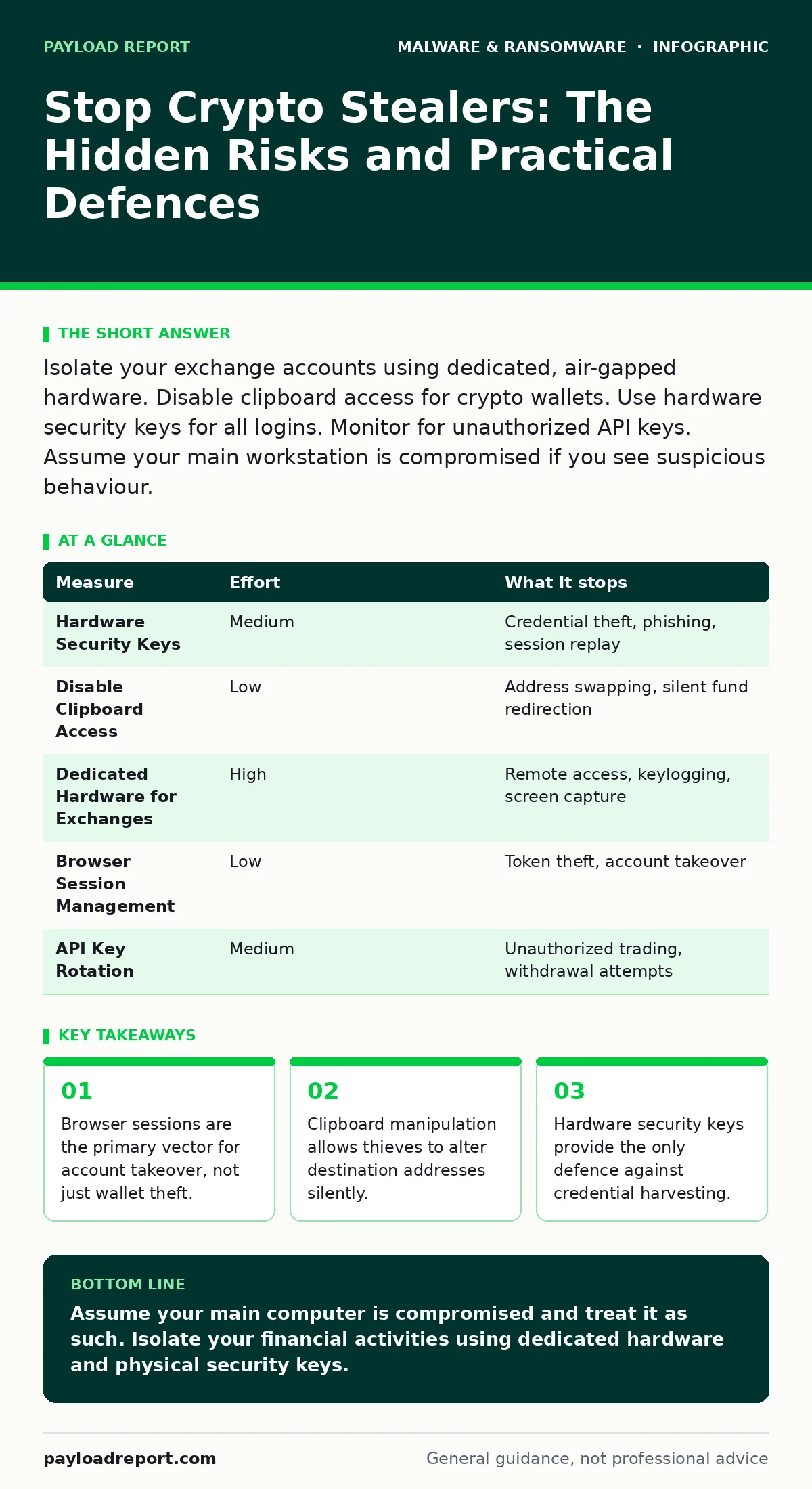
Isolate your exchange accounts using dedicated, air-gapped hardware. Disable clipboard access for crypto wallets. Use hardware security keys for all logins. Monitor for unauthorized API keys. Assume your main workstation is compromised if you see suspicious behaviour.
The Session Hijack Mechanism
You likely assume that if your wallet is encrypted, your assets are safe. Crypto-stealing malware often ignores the wallet file entirely. Instead, it targets the browser session. When you log into an exchange or a web-based wallet, the site issues a session token. This token proves you are logged in. If malware copies this token, the attacker gains immediate access to your account. They do not need your password. They do not need your two-factor authentication code. They simply walk in through the door you left open.
This is why closing your browser is a meaningful security action. It clears the temporary memory where these tokens reside. However, many browsers offer a "restore previous session" feature. This convenience is a liability. If you restore a session from a time when malware was active, you may restore the stolen token. You must disable session restoration in your browser settings. This forces a fresh login every time, requiring a new token that the malware cannot retroactively steal.
The Clipboard Trap
Imagine you are sending funds to a trusted address. You copy the address from your wallet, paste it into the transaction field, and review it. It looks correct. You confirm the transfer. The funds arrive at an address that looks almost identical, but belongs to the attacker. This is clipboard hijacking. Malware monitors your clipboard for strings that resemble cryptocurrency addresses. When it detects one, it replaces it with the attacker’s address milliseconds before you paste.
Standard antivirus software often misses this behaviour because clipboard monitoring is a legitimate function for many productivity tools. The malware hides in plain sight. To stop this, you must use wallets that verify addresses visually. Some wallets show a QR code or a checksum that changes if the address is altered. More importantly, you should disable clipboard access for your wallet applications. Most modern wallets allow you to revoke clipboard permissions in their settings. This forces you to type addresses manually or scan QR codes, which is slower but significantly safer.
Hardware Keys as the Final Gate
Passwords are fragile. They can be guessed, phished, or stolen by keyloggers. Two-factor authentication via SMS is vulnerable to SIM swapping. Even authenticator apps can be compromised if the device they run on is infected. The solution is a hardware security key. This is a physical device, often resembling a USB stick or a phone via Bluetooth, that must be physically present to approve a login. The key never stores your password. It only signs a cryptographic challenge. If the malware cannot touch the physical key, it cannot log in.
You should use hardware keys for all exchange accounts, email providers linked to those accounts, and any API key generation. The cost is minimal compared to the value of your assets. The friction is high, but this friction is the point. It stops automated theft and remote attacks. It forces an attacker to be in the same room as you, which is a barrier most criminal operations cannot overcome. For a deeper look at how these devices integrate into broader security, see our guide on endpoint detection and response (EDR).
| Measure | Effort | What it stops |
|---|---|---|
| Hardware Security Keys | Medium | Credential theft, phishing, session replay |
| Disable Clipboard Access | Low | Address swapping, silent fund redirection |
| Dedicated Hardware for Exchanges | High | Remote access, keylogging, screen capture |
| Browser Session Management | Low | Token theft, account takeover |
| API Key Rotation | Medium | Unauthorized trading, withdrawal attempts |
The Illusion of Clean Scans
Many users believe that if their antivirus says "clean," they are safe. This is a dangerous assumption. Crypto-stealers are often delivered via legitimate-looking channels. A fake software update, a compromised open-source library, or a malicious browser extension can bypass traditional signature-based detection. The malware may not even run until you log into a specific financial site. By then, the damage is done. The scanner sees a benign process that has just finished executing.
This is where behavioural monitoring becomes relevant. You need to understand the ransomware attack chain to see how stealers fit in. They are often the first stage, used to fund further operations. If you see a sudden spike in CPU usage or network traffic when no applications are open, do not ignore it. This could be the malware exfiltrating your data. For teams managing large environments, consider managed detection and response (MDR) services that provide continuous human oversight.
Isolating Critical Assets
The most effective defence is separation. Your daily driver computer is a hostile environment. It connects to the internet, opens emails, and visits websites. It will eventually encounter malware. Do not store your long-term holdings or manage your exchange accounts on this machine. Use a separate, dedicated device for these tasks. This device should never browse the web, check email, or download files. It should only run the wallet software and the browser for exchange logins.
If you cannot afford a separate computer, use a virtual machine. A virtual machine is a software emulation of a computer. You can take a snapshot of the VM when it is clean. If you suspect infection, you simply revert to the snapshot. This discards any malware that may have infected the VM. However, virtual machines are not perfect. If the host OS is compromised, the attacker may access the VM’s memory. For higher security, consider air-gapped systems that are physically disconnected from the network.
See also: Spyware in Small Business: Hidden Risks and Practical Defences · Computer Viruses Explained: How Code Infects and Spreads
What Does Not Work
Many people believe that using a password manager solves the problem. It does not. If the malware steals the master password or the decrypted session, the password manager is useless. In fact, it can be a single point of failure. You should use a separate password manager for your crypto accounts, or better yet, no password manager at all if you are using hardware keys.
Another common mistake is relying on "privacy" browsers. These browsers block trackers, but they do not prevent malware from executing. If you download a malicious file, the browser will run it. The "private" mode only prevents history from being saved locally. It does not stop the malware from sending your data to the attacker. For mobile devices, be aware that Android malware often uses similar techniques, exploiting accessibility services to overlay fake login screens.
The Human Element
Technology can only do so much. You must change your habits. Never click on links in emails, even if they appear to be from known contacts. Verify the URL manually. Type it into the browser. Do not copy and paste it. Check for subtle misspellings in the domain name. These are known as typosquatting attacks. The attacker registers a domain that looks almost identical to the real one. If you type the address yourself, you are less likely to fall for this.
Also, be wary of "support" calls. Legitimate exchanges will never call you to ask for your password or two-factor codes. If someone claims to be support, hang up. Contact the exchange through their official website. This is a social engineering attack, not a technical one. No amount of software can protect you if you willingly hand over your credentials. For more on how attackers manipulate users, see our guide on spyware.
Closing Checklist
- Purchase and register hardware security keys for all exchange and email accounts.
- Disable clipboard access in your crypto wallet settings and browser.
- Create a dedicated, isolated environment for managing crypto assets.
Key takeaways
- Browser sessions are the primary vector for account takeover, not just wallet theft.
- Clipboard manipulation allows thieves to alter destination addresses silently.
- Hardware security keys provide the only defence against credential harvesting.
Assume your main computer is compromised and treat it as such. Isolate your financial activities using dedicated hardware and physical security keys.
Frequently asked questions
Can I use a hardware key for mobile wallets?
Yes, many mobile wallets support Bluetooth or NFC hardware keys. Ensure the wallet software is from a reputable source and the key is paired securely.
What if I already suspect I have crypto-stealer malware?
Do not use the device to move funds. Disconnect it from the network. Use a clean device to change all passwords and enable new security keys. Consider wiping the infected device.
Are browser extensions safe for crypto trading?
Only if they are from verified developers and have minimal permissions. Avoid extensions that claim to "boost" trading or offer free airdrops. These are common vectors for theft.
Does two-factor authentication stop crypto-stealers?
It stops some attacks, but not all. If the malware steals your session token, 2FA is bypassed. Hardware keys are the only reliable defence against session hijacking.
How this guide was produced: written by the Payload Report editorial team with AI assistance, checked against the public references listed below, and reviewed when the facts change. See our editorial policy or report an error.