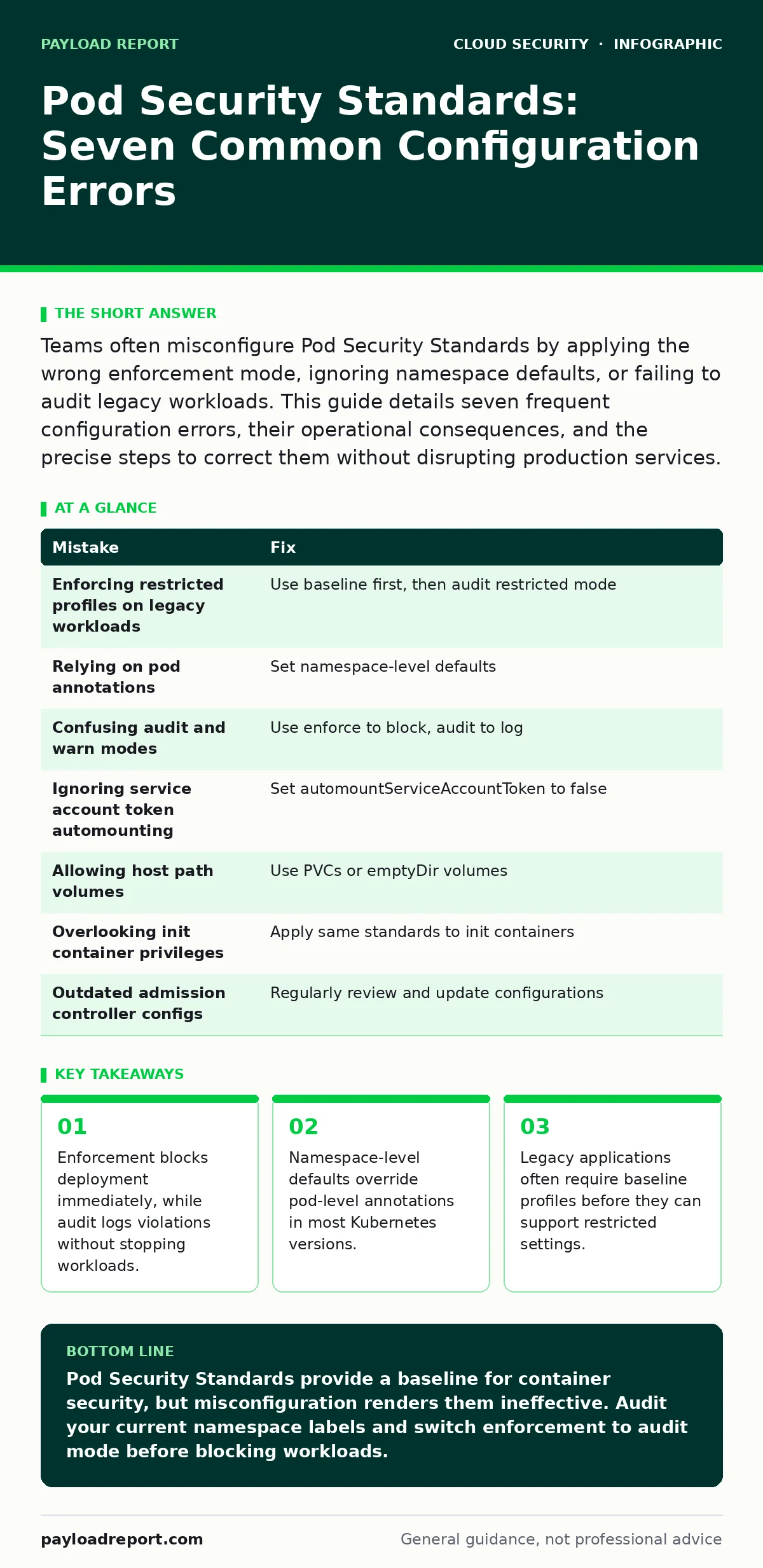
Teams often misconfigure Pod Security Standards by applying the wrong enforcement mode, ignoring namespace defaults, or failing to audit legacy workloads. This guide details seven frequent configuration errors, their operational consequences, and the precise steps to correct them without disrupting production services.
Mistake 1: Enforcing Restricted Profiles on Legacy Workloads
Applying the restricted profile to existing applications without prior testing causes immediate deployment failures. The restricted profile prohibits privileged containers, host network access, and volume types that older software often depends upon for basic functionality.
Why it hurts:
Your CI/CD pipelines will reject valid builds, halting development velocity. Operations teams spend hours debugging why a container that worked yesterday is now refused admission by the cluster. This friction leads to pressure to disable security controls entirely.
The fix:
Start with the baseline profile for all new namespaces. Use the audit mode on the restricted profile for existing workloads to generate a list of violations. Review these logs to identify which capabilities the application requires. Update the application manifests to remove unnecessary privileges before switching to enforce mode.
Mistake 2: Relying on Pod Annotations Instead of Namespace Defaults
Many administrators annotate individual pods with security standards levels. This approach is error-prone because developers often copy-paste manifests or forget to include the annotation in new deployments.
Why it hurts:
A single missing annotation creates a security gap. The pod runs with the cluster’s default permissions, which are often more permissive than intended. You lose the guarantee that all workloads adhere to your security policy.
The fix:
Label namespaces with the appropriate security standards level. Apply the admission controller configuration to enforce these labels at the namespace scope. This ensures that every pod created within that namespace inherits the correct security posture automatically. Remove pod-level annotations to avoid confusion and conflicting signals.
Mistake 3: Confusing Audit and Warn Modes
Teams often set the mode to warn expecting it to block insecure pods. warn adds a warning message to the API response but allows the pod to be created. Some CI/CD tools ignore these warnings unless explicitly configured to fail on them.
Why it hurts:
Insecure pods enter the production environment unnoticed. The warning message may be lost in verbose log output or ignored by automated deployment tools. You gain no actual protection, only a false sense of security.
The fix:
Use audit mode to log violations without blocking traffic. Use enforce mode to block violations. If you must use warn, configure your deployment pipeline to treat API warnings as build failures. Verify this configuration by deploying a known insecure pod and checking that the pipeline rejects it.
Mistake 4: Ignoring Service Account Token Automounting
The restricted profile requires that service account tokens are not automatically mounted into pods. Many applications assume the token is present in /var/run/secrets/kubernetes.io/serviceaccount and fail to start if it is missing.
Why it hurts:
Applications crash on startup due to missing credentials. Developers may respond by adding automountServiceAccountToken: true to the pod spec, which violates the restricted profile. This forces a trade-off between security and application functionality.
The fix:
Update application code to fetch credentials using the Kubernetes API or a workload identity provider. Set automountServiceAccountToken: false in the pod spec. If the application cannot be updated, use the baseline profile until the code is refactored. Review related concepts in insecure container images to ensure the application does not rely on embedded secrets.
Mistake 5: Allowing Host Path Volumes
Legacy applications often use host path volumes to share data with the host system or other containers. The restricted profile blocks all host path volumes to prevent container escape attacks.
Why it hurts:
Data persistence mechanisms fail. Logging agents that rely on host paths to collect system logs stop functioning. Monitoring data is lost, and operational visibility decreases.
The fix:
Replace host path volumes with persistent volume claims (PVCs). Use emptyDir volumes for temporary data that does not need to persist across restarts. For logging agents, consider using sidecar containers or a centralized logging architecture that does not require host access. Understand the broader context of Kubernetes security basics to design resilient data flows.
See also: Cloud Compliance Mistakes: Why Controls Fail and How to Fix Them · Cloud Access Security Brokers: 8 FAQs on Policy and Visibility
Mistake 6: Overlooking Privileged Capabilities in Init Containers
Init containers run before the main application containers. Administrators often focus security controls on the main containers and neglect init containers, allowing them to run with elevated privileges.
Why it hurts:
An attacker who compromises an init container can modify the environment before the main application starts. They can inject malicious configuration files or alter secrets. The restricted profile applies to all containers in the pod, including init containers.
The fix:
Apply the same security standards to init containers as you do to main containers. Ensure init containers drop all Linux capabilities and run as non-root users. Audit init container images regularly for vulnerabilities. This aligns with best practices for serverless security risks where ephemeral compute units must be trusted implicitly.
Mistake 7: Failing to Update Admission Controller Configurations
Kubernetes updates frequently introduce new security features or change default behaviours. Teams often leave admission controller configurations unchanged for years, relying on outdated security postures.
Why it hurts:
New vulnerabilities in the container runtime may be mitigated by newer security standards profiles. Using an outdated configuration leaves the cluster exposed to known attack vectors. Compliance audits may fail because the cluster does not meet current standards.
The fix:
Regularly review and update the Pod Security Standards configuration. Test changes in a staging environment before applying them to production. Monitor Kubernetes release notes for security-related changes. Integrate these checks into your cloud compliance processes to ensure ongoing adherence to security policies.
| Mistake | Fix |
|---|---|
| Enforcing restricted profiles on legacy workloads | Use baseline first, then audit restricted mode |
| Relying on pod annotations | Set namespace-level defaults |
| Confusing audit and warn modes | Use enforce to block, audit to log |
| Ignoring service account token automounting | Set automountServiceAccountToken to false |
| Allowing host path volumes | Use PVCs or emptyDir volumes |
| Overlooking init container privileges | Apply same standards to init containers |
| Outdated admission controller configs | Regularly review and update configurations |
Key takeaways
- Enforcement blocks deployment immediately, while audit logs violations without stopping workloads.
- Namespace-level defaults override pod-level annotations in most Kubernetes versions.
- Legacy applications often require baseline profiles before they can support restricted settings.
Pod Security Standards provide a baseline for container security, but misconfiguration renders them ineffective. Audit your current namespace labels and switch enforcement to audit mode before blocking workloads.
Frequently asked questions
Can I apply Pod Security Standards to an existing cluster?
Yes, but start with audit mode to identify violations without disrupting services. Gradually move to enforce mode as you fix applications.
Do Pod Security Standards replace network policies?
No, they address container privileges. Network policies control traffic flow between pods. Use both for defence in depth.
How do I handle applications that require root access?
Use the baseline profile for such applications. Isolate them in separate namespaces with strict network policies.
Are Pod Security Standards supported by all Kubernetes distributions?
Most major distributions support them. Check your specific provider’s documentation for implementation details.
How this guide was produced: written by the Payload Report editorial team with AI assistance, checked against the public references listed below, and reviewed when the facts change. See our editorial policy or report an error.