Kubernetes security fails when teams assume the platform is secure by default. You must enforce Pod Security Standards, manage service accounts carefully, and network policies strictly. The control plane requires distinct hardening from the worker nodes to prevent lateral movement.
Misreading: The Container Runtime Is The Main Attack Surface
Many teams focus their defence efforts on the container runtime, assuming that if the runtime is secure, the workload is safe. This view ignores the control plane, which manages the cluster state and holds the root secrets. If an attacker compromises the API server, they can restart any pod with elevated privileges. The runtime is merely the jailer; the control plane holds the keys.
Correct reading: You must treat the control plane as the crown jewel. Protect the API server endpoints and the etcd database, which stores the cluster’s entire configuration history. A breach here allows an attacker to modify admission controllers or inject malicious pods directly. Secure access to the dashboard and kubeconfig files is the first line of defence.
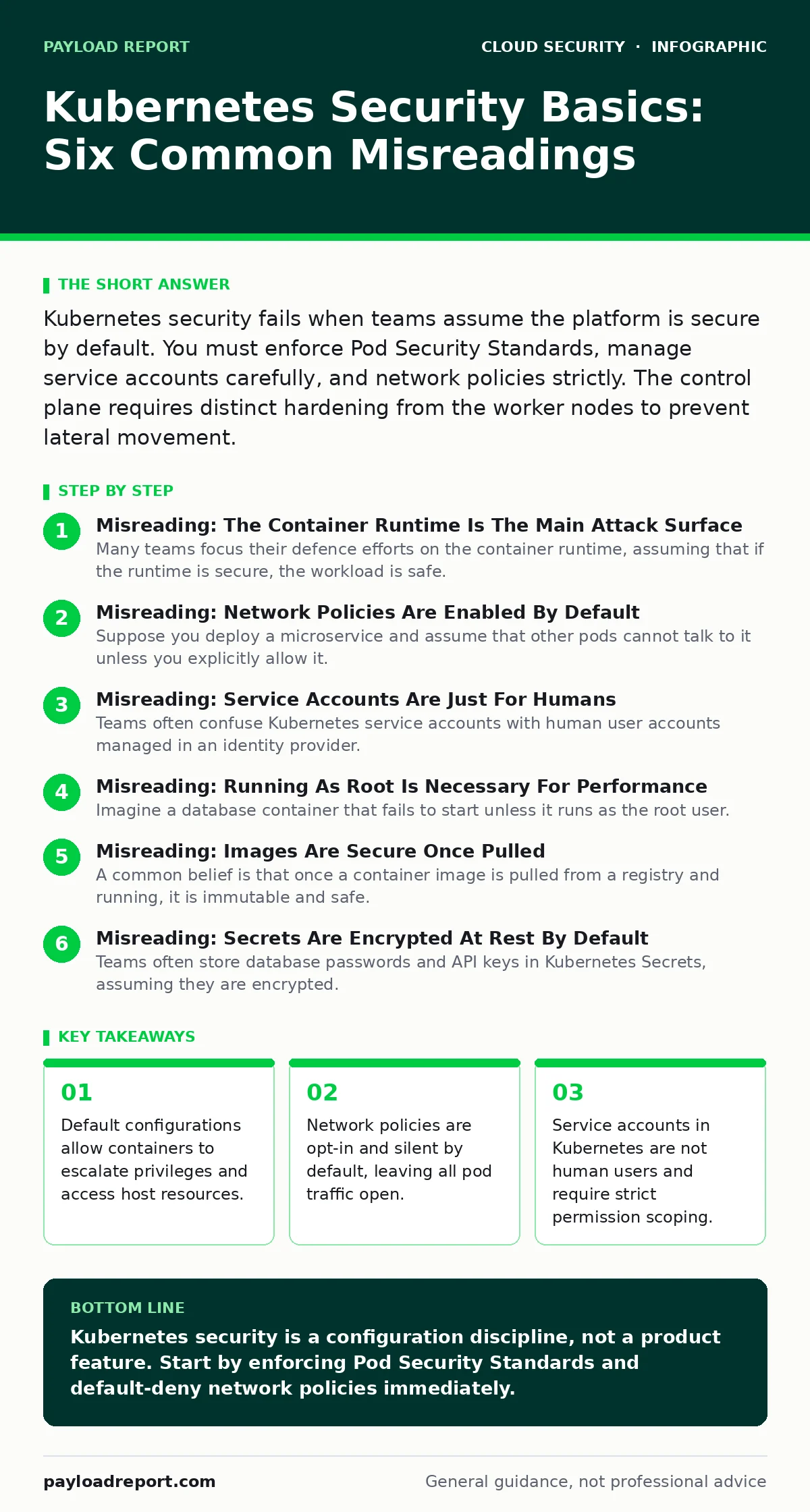
Misreading: Network Policies Are Enabled By Default
Suppose you deploy a microservice and assume that other pods cannot talk to it unless you explicitly allow it. This assumption is dangerous because Kubernetes does not isolate network traffic by default. Without explicit rules, every pod can communicate with every other pod on the same node and often across the cluster. This flat network model facilitates lateral movement once a single container is compromised.
Correct reading: You must implement a zero-trust network model using network policies. These policies define which pods can send and receive traffic based on labels and ports. Start by denying all ingress and egress traffic, then whitelist only the connections required for your application to function. This approach contains breaches within a single service rather than letting them spread.
Misreading: Service Accounts Are Just For Humans
Teams often confuse Kubernetes service accounts with human user accounts managed in an identity provider. They apply the same password policies and access reviews to both. This is a fundamental error because service accounts are identities for applications and processes, not people. They run within pods and make API requests to the cluster. Misconfiguring these accounts is a primary vector for privilege escalation.
Correct reading: Treat service accounts as machine identities with minimal permissions. Bind them to roles that grant only the specific API verbs and resources the application needs. Avoid mounting the default service account token into pods unless absolutely necessary. Refer to our guide on identity and access management for broader principles on managing machine identities versus human users.
Misreading: Running As Root Is Necessary For Performance
Imagine a database container that fails to start unless it runs as the root user. Developers often accept this limitation, arguing that the container provides sufficient isolation. However, if the container runtime is compromised or a kernel exploit succeeds, the attacker gains root access to the host node. This breaks the isolation boundary and allows the attacker to move to other workloads on the same node.
Correct reading: Enforce non-root execution through security contexts and admission controllers. Use Pod Security Standards to restrict containers from running as root or mounting sensitive host directories. If an application requires root privileges, refactor it to use capabilities instead of full root access. This limits the impact of a breakout to the specific capabilities granted.
Misreading: Images Are Secure Once Pulled
A common belief is that once a container image is pulled from a registry and running, it is immutable and safe. This ignores the supply chain risk. Images often contain outdated libraries with known vulnerabilities. Furthermore, if the registry credentials are compromised, an attacker can push a malicious version of an image with the same tag. Your cluster will pull and run the poisoned image without warning.
Correct reading: Scan images for vulnerabilities before they enter your cluster, not after. Use image signing and verification to ensure that only trusted images are deployed. Pin images to specific SHA256 digests rather than mutable tags like 'latest'. This ensures that the exact binary you tested is the one running in production. For broader context on managing third-party applications, see SaaS security posture management.
See also: Early Warning Signs of Serverless Security Risks · Cloud Compliance Mistakes: Why Controls Fail and How to Fix Them
Misreading: Secrets Are Encrypted At Rest By Default
Teams often store database passwords and API keys in Kubernetes Secrets, assuming they are encrypted. While these objects are stored in etcd, they are often stored in plain text or with weak encryption by default. If an attacker gains read access to the etcd database, they can extract all secrets. This is a single point of failure for your entire cluster’s confidentiality.
Correct reading: Enable encryption at rest for etcd using a dedicated encryption provider. Rotate the encryption keys regularly. Consider using external secret management systems that integrate with Kubernetes, rather than storing sensitive material directly in the cluster state. This adds a layer of indirection and control. For related financial risk controls, review denial-of-wallet attacks.
Misreading: The Platform Handles All Compliance
Suppose you believe that deploying on Kubernetes automatically satisfies regulatory requirements for data isolation and audit trails. This is incorrect. Kubernetes provides the tools to build secure architectures, but it does not enforce compliance out of the box. You must configure audit logging, network policies, and secret encryption to meet specific standards.
Correct reading: Map your compliance requirements to specific Kubernetes controls. Enable audit logging to track who accessed what resource and when. Use admission controllers to enforce security policies automatically. Document your configuration choices to prove compliance during audits. For detailed frameworks, consult our guide on cloud compliance.
Misreading: Serverless Removes The Need For Kubernetes Security
Some teams move to serverless functions believing they have escaped the complexity of container security. However, serverless functions often run on Kubernetes underneath. The security responsibilities shift but do not disappear. You still need to manage function identities, network access, and code dependencies. The abstraction layer can create a false sense of security.
Correct reading: Apply the same security principles to serverless workloads as you do to containers. Verify the function code, restrict network access, and manage secrets carefully. Understand the underlying infrastructure to identify hidden risks. For a deeper dive into this specific architecture, read serverless security risks.
Key takeaways
- Default configurations allow containers to escalate privileges and access host resources.
- Network policies are opt-in and silent by default, leaving all pod traffic open.
- Service accounts in Kubernetes are not human users and require strict permission scoping.
Kubernetes security is a configuration discipline, not a product feature. Start by enforcing Pod Security Standards and default-deny network policies immediately.
Frequently asked questions
Does Kubernetes encrypt secrets by default?
No, secrets are stored in etcd in plain text by default unless you explicitly configure an encryption provider.
What is the difference between a pod and a container?
A container is a running process, while a pod is the smallest deployable unit in Kubernetes, which can hold one or more containers.
How do I prevent privilege escalation in pods?
Set the security context to forbid privilege escalation and run containers as non-root users with minimal capabilities.
Are network policies available in all Kubernetes distributions?
Yes, but the underlying implementation depends on the CNI plugin, so verify that your provider supports policy enforcement.
How this guide was produced: written by the Payload Report editorial team with AI assistance, checked against the public references listed below, and reviewed when the facts change. See our editorial policy or report an error.