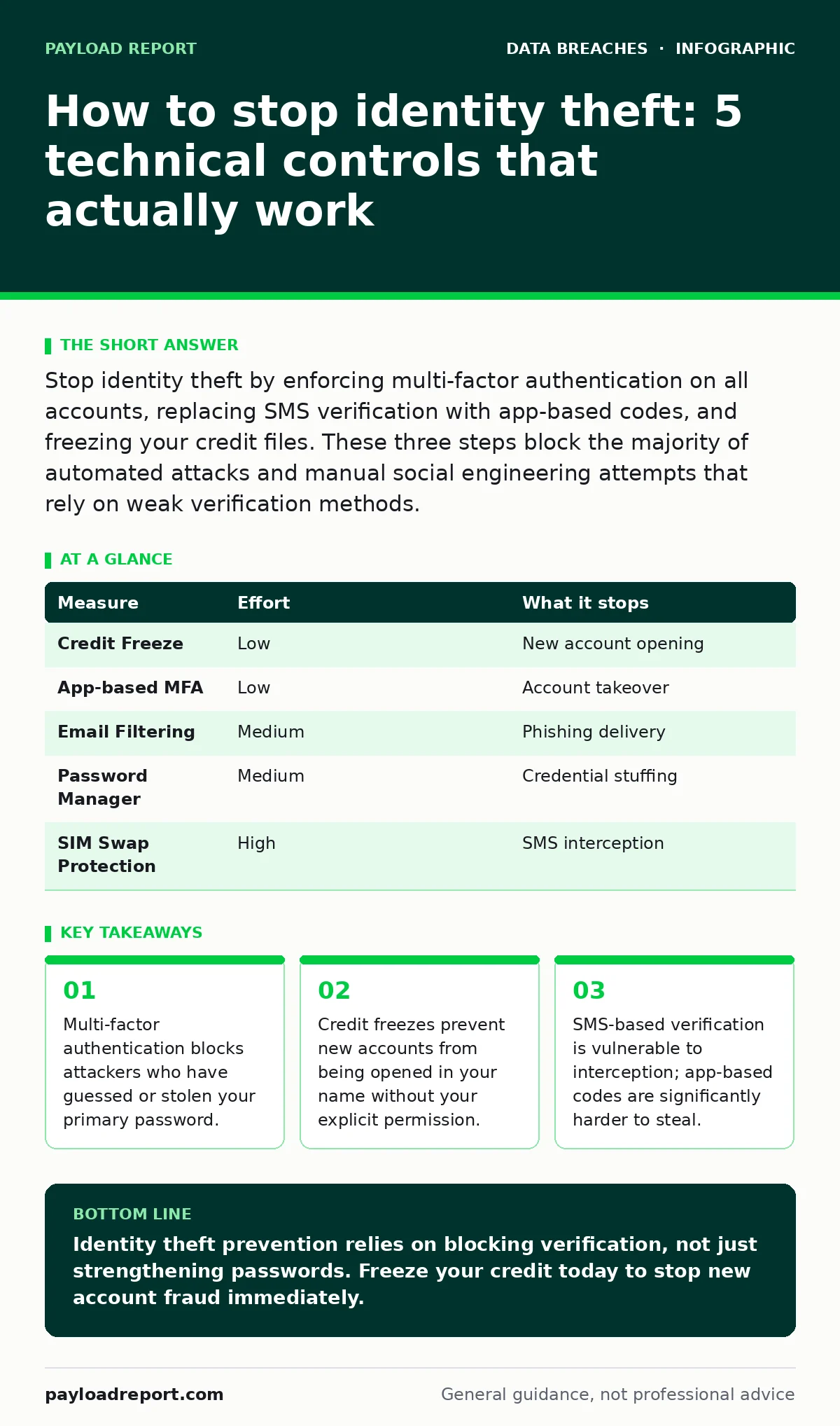
Stop identity theft by enforcing multi-factor authentication on all accounts, replacing SMS verification with app-based codes, and freezing your credit files. These three steps block the majority of automated attacks and manual social engineering attempts that rely on weak verification methods.
How to stop identity theft
You want to know how to stop identity theft before it impacts your finances or reputation. The most effective method is not monitoring, but prevention through layered verification. Attackers need two things to steal your identity: access to your existing accounts and the ability to create new ones. You must deny them both. Most people focus on passwords, but passwords are often the least secure part of the equation. A strong password does not help if the attacker bypasses it via a password reset link sent to your email. You must secure the reset mechanism itself.
The hierarchy of risk reduction
Not all security measures provide equal protection. Some stop automated bots; others stop determined humans. You should prioritise measures that remove the attacker’s ability to verify ownership of your identity. This shifts the burden of proof from you, who must prove you are you, to the system, which must prove the request is legitimate. The table below ranks measures by the amount of risk they remove.
| Measure | Effort | What it stops |
|---|---|---|
| Credit Freeze | Low | New account opening |
| App-based MFA | Low | Account takeover |
| Email Filtering | Medium | Phishing delivery |
| Password Manager | Medium | Credential stuffing |
| SIM Swap Protection | High | SMS interception |
Credit freezes block financial fraud
A credit freeze is the single most effective step against financial identity theft. It locks your credit file so that no lender can access it without your explicit temporary unlock. This stops attackers from opening new credit cards, loans, or utility accounts in your name. You do not need to monitor your credit report daily if it is frozen. Monitoring only tells you that damage has occurred. A freeze prevents the damage. You can temporarily unfreeze your file when you apply for legitimate credit. This measure costs nothing and works across all major credit bureaus. It does not affect your credit score.
Multi-factor authentication stops account takeover
Multi-factor authentication requires a second form of verification beyond your password. This second factor proves you possess a specific device or biometric trait. Attackers who steal your password cannot log in without this second item. You must enable this on every account that stores sensitive data. Email is the most critical account to secure. If an attacker controls your email, they can reset passwords for your bank, social media, and work accounts. Use an authenticator app or a hardware security key. Avoid SMS-based codes. Mobile numbers can be stolen through SIM swap fraud. An authenticator app generates codes locally on your device. It does not rely on the mobile network.
Why SMS verification fails
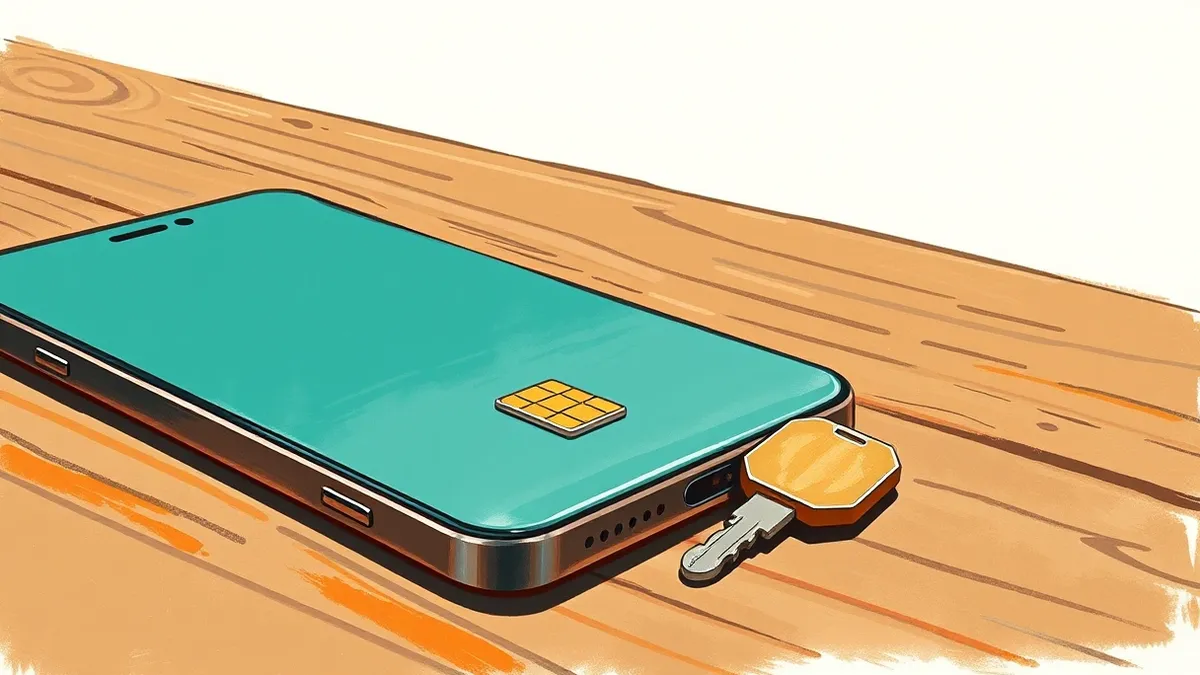
Short Message Service verification is convenient but insecure. It relies on the integrity of the mobile network. Attackers can trick mobile carriers into transferring your phone number to a new SIM card under their control. This is known as SIM swap fraud. Once they control your number, they intercept all SMS verification codes. They can then reset passwords and bypass multi-factor authentication. You must disable SMS as a second factor wherever possible. If a service only offers SMS, consider it a high-risk account. Use a password manager to generate unique, complex passwords for these accounts. Change them regularly. Treat SMS codes as less secure than a handwritten note.
See also: Rainbow Table Attack Response: Contain, Recover and Prevent Credential Theft · User Access Provisioning: Benefits, Limits and When to Skip It
Email filtering reduces phishing success
Phishing emails trick you into revealing credentials or installing malware. They often mimic trusted organisations. You must treat every unsolicited email with suspicion. Email filtering solutions analyse headers, content, and sender reputation to block malicious messages. They cannot catch every attempt, but they reduce the volume of threats you see.
You should also verify the sender’s address manually. Hover over links to see the actual destination URL. Do not click on links in unexpected emails. Instead, navigate to the website directly. This practice prevents attackers from using look-alike domains. Misdirected emails are a common vector for data loss. Ensure your organisation has clear policies for handling sensitive data in transit.
Password managers eliminate reuse
Reusing passwords across multiple sites is a major risk. If one site suffers a breach, attackers will try those credentials on other sites. This is called credential stuffing. A password manager generates and stores unique, complex passwords for every account. You only need to remember one master password. This ensures that a breach on one site does not compromise your other accounts.
Most password managers also detect if your credentials appear in known data breaches. They alert you to change compromised passwords. This automation removes the cognitive load of remembering dozens of complex strings. It also encourages better hygiene. You are more likely to use strong passwords if the system manages them for you.
What does not work on its own
Some measures are popular but insufficient when used alone. Strong passwords are useless if you reuse them. Antivirus software does not stop social engineering. Firewalls do not prevent you from clicking a malicious link. You must combine these tools. A layered approach ensures that if one control fails, another catches the attack. For example, if an attacker phishes your password, multi-factor authentication stops them. If they bypass MFA, credit freezes stop them from opening new accounts. Security is about depth, not height. No single tool provides complete protection. You must assume that some breaches will occur. Your goal is to limit the blast radius.
Three things to do today
You do not need to overhaul your entire digital life in one day. Start with these three high-impact actions. They require minimal effort but provide significant protection.
- Freeze your credit with all major credit bureaus. This stops new account fraud instantly.
- Enable app-based multi-factor authentication on your email account. This secures the key to your digital life.
- Install a reputable password manager. This eliminates password reuse and strengthens your account defences.
These steps address the most common attack vectors. They are free or low-cost. They require no specialised technical knowledge. You can complete them in under an hour. This foundation allows you to build more advanced controls later. Consider reviewing your user access provisioning processes if you manage shared resources. Regular audits ensure that only authorised individuals have access to sensitive data. This reduces the risk of insider threats and accidental exposure.
Key takeaways
- Multi-factor authentication blocks attackers who have guessed or stolen your primary password.
- Credit freezes prevent new accounts from being opened in your name without your explicit permission.
- SMS-based verification is vulnerable to interception; app-based codes are significantly harder to steal.
Identity theft prevention relies on blocking verification, not just strengthening passwords. Freeze your credit today to stop new account fraud immediately.
Frequently asked questions
Does a credit freeze affect my existing accounts?
No. A credit freeze only prevents new inquiries. Your existing credit cards, loans, and accounts remain active and unaffected. You can continue using them normally.
Is an authenticator app safer than SMS?
Yes. Authenticator apps generate codes locally on your device. They do not rely on the mobile network, which can be intercepted via SIM swapping. This makes them significantly more secure.
What if I lose my phone with the authenticator app?
You should store backup codes in a secure location. These codes allow you to regain access to your accounts if you lose your primary device. Keep them offline and protected.
Can I stop identity theft completely?
No security measure guarantees complete protection. However, combining credit freezes, multi-factor authentication, and unique passwords reduces risk to a negligible level for most users.
How this guide was produced: written by the Payload Report editorial team with AI assistance, checked against the public references listed below, and reviewed when the facts change. See our editorial policy or report an error.