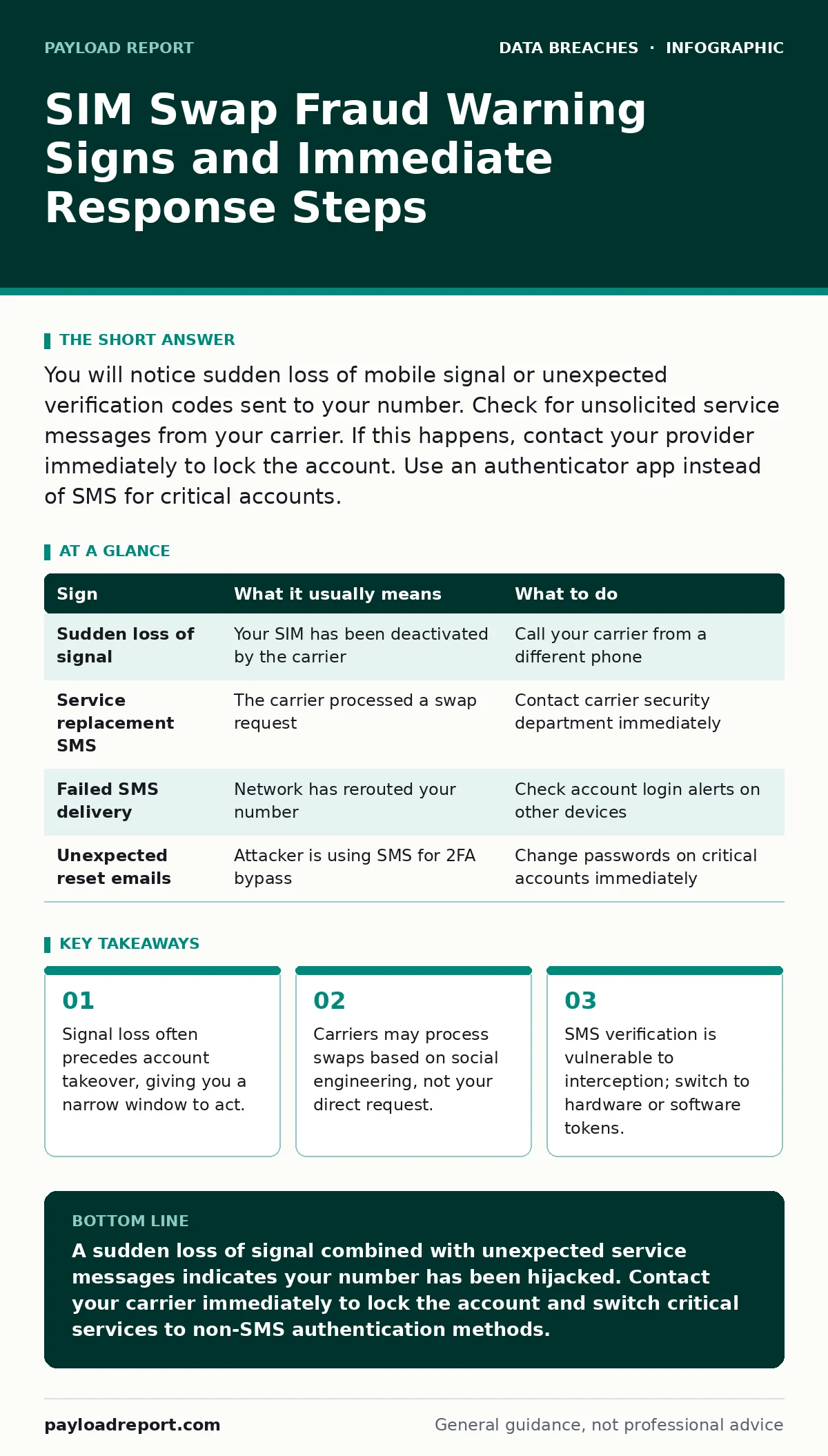
You will notice sudden loss of mobile signal or unexpected verification codes sent to your number. Check for unsolicited service messages from your carrier. If this happens, contact your provider immediately to lock the account. Use an authenticator app instead of SMS for critical accounts.
What SIM Swap Fraud Actually Does to Your Phone
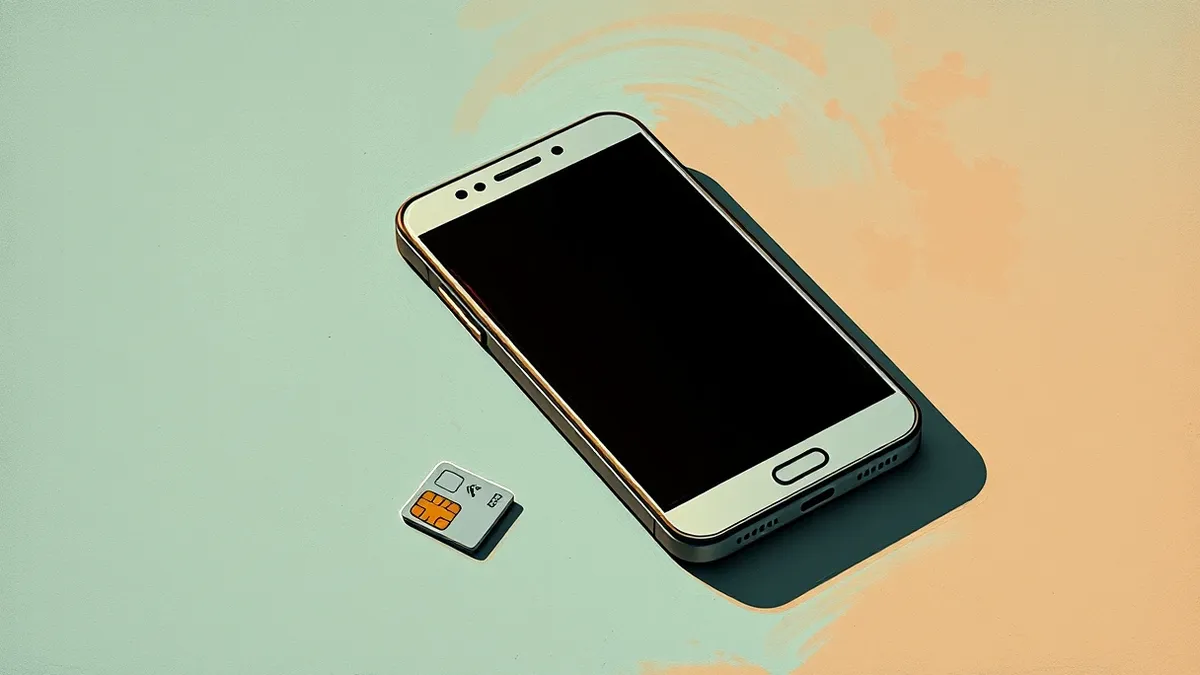
SIM swap fraud involves an attacker convincing your mobile network operator to transfer your phone number to a new SIM card. The operator deactivates your existing SIM and activates the new one held by the attacker. Your phone loses network connectivity because the original SIM is no longer valid on the network. The attacker’s device now receives all calls and text messages destined for your number. This includes one-time passcodes for banking, email, and social media accounts. The mechanism relies on weak identity verification processes at the carrier level rather than technical hacking of your device.
Signs People Notice First
The most obvious sign is a sudden loss of mobile signal. Your phone may display "No Service" or "Emergency Calls Only" even in areas with strong coverage. You might see this happen while stationary, ruling out travel or tunneling as causes. Another early indicator is receiving a text message from your carrier stating that your SIM card has been replaced or your number ported. This message often arrives on your email or via a different messaging app if the attacker has already hijacked your SMS. If you see this message, your number is likely active on another device.
Signs That Are Easy to Miss
Subtle indicators often appear before the signal drops. You may notice calls or texts failing to send, with error messages indicating the recipient is unavailable. This happens because the network has already routed your number to the attacker’s SIM. Another hidden sign is unexpected password reset emails arriving in your inbox. These emails contain links to reset credentials for services you did not attempt to access. The attacker is using SMS verification to bypass two-factor authentication. Ignoring these emails assumes they are spam, but they are proof that your number is being used for account recovery.
| Sign | What it usually means | What to do |
|---|---|---|
| Sudden loss of signal | Your SIM has been deactivated by the carrier | Call your carrier from a different phone |
| Service replacement SMS | The carrier processed a swap request | Contact carrier security department immediately |
| Failed SMS delivery | Network has rerouted your number | Check account login alerts on other devices |
| Unexpected reset emails | Attacker is using SMS for 2FA bypass | Change passwords on critical accounts immediately |
Why Standard Advice Fails Here
Many users assume that enabling two-factor authentication protects them from SIM swaps. This assumption is incorrect if the second factor relies on SMS. SMS messages are not encrypted end-to-end and travel through the carrier’s infrastructure. The attacker controls the destination SIM, so they receive the codes. Switching to a hardware security key or an authenticator app breaks this chain. These methods generate codes locally or require physical possession of a device, which the attacker cannot replicate remotely. Refer to our guide on encryption at rest for broader data protection strategies, though this specific vector requires authentication changes.
Immediate Steps When You Spot Signs
If you lose signal and suspect a swap, act within minutes. The attacker will attempt to reset passwords on high-value accounts. First, call your mobile network operator using a different phone line. Ask them to lock your account and cancel the unauthorized SIM swap. Request that they flag your account to require in-person verification for future changes. Second, secure your email account immediately. Email is the master key to most digital identities. Change the password and ensure two-factor authentication uses an app, not SMS.
See also: The 3-2-1 Backup Rule: 8 Best Practices for Resilience · Log Retention Policy: A Practical Framework for Evidence and Recovery
Preventing Future SIM Swap Attacks
Prevention requires reducing the value of your phone number as an identity proof. Contact your carrier to add a PIN or passcode to your account. This extra layer prevents customer service representatives from processing changes without the code. Do not share this PIN with anyone, including people claiming to be from your bank or carrier. Review your privacy settings on social media to remove personal details that attackers use for social engineering. A smaller digital footprint makes it harder for attackers to answer security questions. See our guide on your digital footprint for methods to reduce exposed personal data.
Handling Account Takeover Attempts
If the attacker has already reset your passwords, you must recover control rapidly. Log in to critical services from a trusted device and change passwords. Use unique passwords for each service to prevent lateral movement. Enable two-factor authentication using a method other than SMS. If you cannot log in, use the account recovery options provided by the service. These often require answering security questions or verifying identity through other means. Check our guide on fraud alerts to understand how financial institutions notify you of suspicious activity during this process.
Long-Term Security Hygiene
SIM swap fraud highlights the fragility of relying on mobile networks for identity verification. Treat your phone number as a secondary identifier, not a primary one. Regularly review active sessions on your accounts to spot unfamiliar devices. Use a password manager to generate and store complex credentials. This reduces the risk of credential stuffing attacks that often accompany SIM swaps. Consider using a virtual phone number for non-essential services to keep your primary number private. Refer to our guide on credit freezes to protect your financial identity from data breaches that feed these attacks.
Key takeaways
- Signal loss often precedes account takeover, giving you a narrow window to act.
- Carriers may process swaps based on social engineering, not your direct request.
- SMS verification is vulnerable to interception; switch to hardware or software tokens.
A sudden loss of signal combined with unexpected service messages indicates your number has been hijacked. Contact your carrier immediately to lock the account and switch critical services to non-SMS authentication methods.
Frequently asked questions
Can I block SIM swaps entirely?
You can add a PIN to your carrier account, which requires the code for any changes. This significantly raises the bar for attackers but does not make it impossible if they obtain your PIN.
What if I lose my phone and my SIM?
Report the loss to your carrier immediately. They will deactivate the SIM, preventing an attacker from using it. This is different from a swap, where the original SIM is deactivated remotely.
Does using a VPN prevent SIM swaps?
No. A VPN encrypts your internet traffic but does not protect the signalling between your phone and the carrier. SIM swaps occur at the network level, before your data reaches the internet.
Should I close my bank accounts if this happens?
No. Secure the accounts by changing passwords and enabling strong two-factor authentication. Closing accounts creates administrative delays and may not stop an attacker who already has access.
How this guide was produced: written by the Payload Report editorial team with AI assistance, checked against the public references listed below, and reviewed when the facts change. See our editorial policy or report an error.