To check your digital footprint, you must look beyond public profiles. Search for exposed configuration files, leaked credentials in code repositories, and metadata in public documents. This process reveals what information you have inadvertently shared with the internet, allowing you to close gaps before attackers exploit them.
How to check your digital footprint
When you type how to check your digital footprint into a search engine, you expect a list of social media settings. The reality is far more technical. Your digital footprint includes every byte of data your systems have emitted to the public internet. This includes server headers, error messages, cached web pages and metadata embedded in files. Attackers do not guess; they collect. They aggregate these small leaks to build a map of your infrastructure. You must treat your digital footprint as a security audit, not a privacy preference. Start by looking at what your systems reveal automatically, then move to what you have published manually.
Signal mapping for reconnaissance
You need a structured approach to find what is visible. The table below maps common signals to their sources and implications. This helps you prioritise which leaks pose the highest risk.
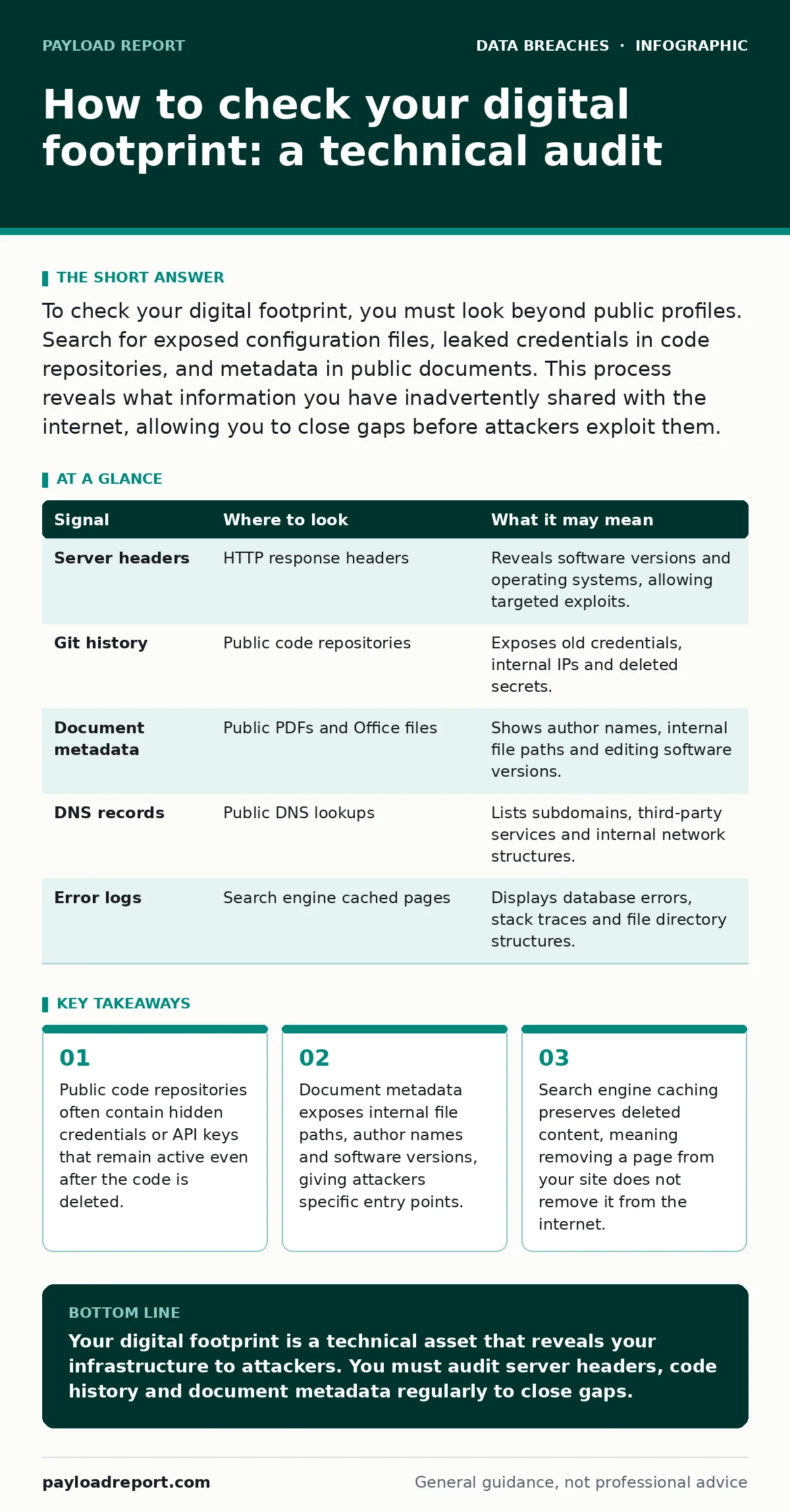
| Signal | Where to look | What it may mean |
|---|---|---|
| Server headers | HTTP response headers | Reveals software versions and operating systems, allowing targeted exploits. |
| Git history | Public code repositories | Exposes old credentials, internal IPs and deleted secrets. |
| Document metadata | Public PDFs and Office files | Shows author names, internal file paths and editing software versions. |
| DNS records | Public DNS lookups | Lists subdomains, third-party services and internal network structures. |
| Error logs | Search engine cached pages | Displays database errors, stack traces and file directory structures. |
Code repositories and version control
Developers often push code to public repositories without scrubbing sensitive data. Even if you delete a file, the version history remains. Attackers clone the repository and search the entire history for keywords like "password", "key" or "secret". This is a common cause of accidental data disclosure. You must check your public repositories for any commit that contains sensitive information. Use tools that scan for patterns matching known credential formats. If you find a leak, you cannot simply delete the commit. You must rotate the credential immediately. The old credential remains valid in the git history until you purge the repository, which is rarely done.
Document metadata and file attributes
Every digital file contains metadata. This is data about the data. Word documents store the author’s name, the last modified date and the internal server path where the file was saved. PDFs can contain hidden layers, original image data and software version information. When you publish these files to a website or a public forum, you share this metadata.
Attackers use this to identify your internal naming conventions and software stack. You can strip metadata using standard command-line tools or built-in software features before publishing. This is a simple step that removes a significant amount of passive intelligence. It does not protect the content of the document, but it hides the context.
Server headers and technical fingerprints
Your web servers speak to the world every time someone visits your site. The HTTP response headers tell the visitor’s browser how to handle the content. They also tell attackers what software you are running. Headers like "Server", "X-Powered-By" and "Via" reveal the web server software, the application framework and any reverse proxies.
If you run an outdated version of Apache or Nginx, attackers can find known exploits for that specific version. You should configure your servers to suppress these headers. This reduces the signal you emit. It does not hide your server, but it forces attackers to guess rather than know. This increases the effort required for an attack.
See also: Encryption at Rest Checklist for Data Protection
Search engine caching and archives
Deleting content from your website does not delete it from the internet. Search engines cache pages for months or years. The Wayback Machine and other archive services store historical snapshots of web pages. If you had a misdirected emails incident or a temporary configuration error, the evidence may still be online. You must search for your domain in these archives. Look for pages that should not exist. Request removal from search engines, but understand that archives are permanent. This is why you must monitor your digital footprint continuously. A one-time check is insufficient. The internet remembers everything you have ever published.
Common blind spots in footprint checks
Most people focus on social media and public profiles. They miss the technical signals that reveal infrastructure details. One major blind spot is third-party services. If you use a third-party risk assessments platform, you may assume they handle data securely. However, their public pages may link back to your systems, revealing your integration methods. Another blind spot is DNS records. Subdomains often host development or test environments that are less secure than production. Attackers scan for these subdomains to find weak points. You must check your DNS records for unnecessary entries. Remove any subdomains that are not actively used. This reduces your attack surface significantly.
Managing exposed credentials
If you find credentials in your digital footprint, you must act quickly. Rotating the password is the first step. But you must also check if the credential was used. Look for unusual login attempts or data access logs. This is where fraud alerts and credit freezes become relevant for personal accounts, but for systems, you need internal monitoring.
You should also review your user access provisioning processes. If employees can create public repositories without approval, you will face repeated leaks. Implement automated scanning tools that check code before it is merged. This prevents credentials from ever reaching the public internet. It is a proactive measure that saves time and reduces risk.
Ongoing monitoring and maintenance
Checking your digital footprint is not a one-time task. New services are added, new files are published and old configurations change. You need a routine to monitor for new leaks. Set up alerts for your domain name and brand keywords. Monitor for new mentions in public code repositories. Check for new DNS records that you did not authorise. This process helps you catch accidental data disclosure early.
It also helps you identify misdirected emails that may have landed in public forums. Consistency is key. A regular check ensures that your digital footprint remains under your control. It also helps you stay compliant with data protection regulations, such as the GDPR breach notification rule, by identifying leaks before they become breaches.
Key takeaways
- Public code repositories often contain hidden credentials or API keys that remain active even after the code is deleted.
- Document metadata exposes internal file paths, author names and software versions, giving attackers specific entry points.
- Search engine caching preserves deleted content, meaning removing a page from your site does not remove it from the internet.
Your digital footprint is a technical asset that reveals your infrastructure to attackers. You must audit server headers, code history and document metadata regularly to close gaps.
Frequently asked questions
How often should I check my digital footprint?
You should perform a technical audit at least quarterly. Daily monitoring for new code commits and DNS changes is recommended for high-risk environments.
Can I remove cached pages from search engines?
You can request removal of outdated or sensitive content. However, archive services like the Wayback Machine may retain permanent copies that cannot be deleted.
What is the biggest risk in my digital footprint?
The biggest risk is exposed credentials in code repositories. These provide direct access to your systems and are often overlooked in standard audits.
Does deleting a social media post remove my footprint?
No. Search engines and archives may have cached the content. You must request removal from these services separately to ensure the data is no longer publicly accessible.
How this guide was produced: written by the Payload Report editorial team with AI assistance, checked against the public references listed below, and reviewed when the facts change. See our editorial policy or report an error.