
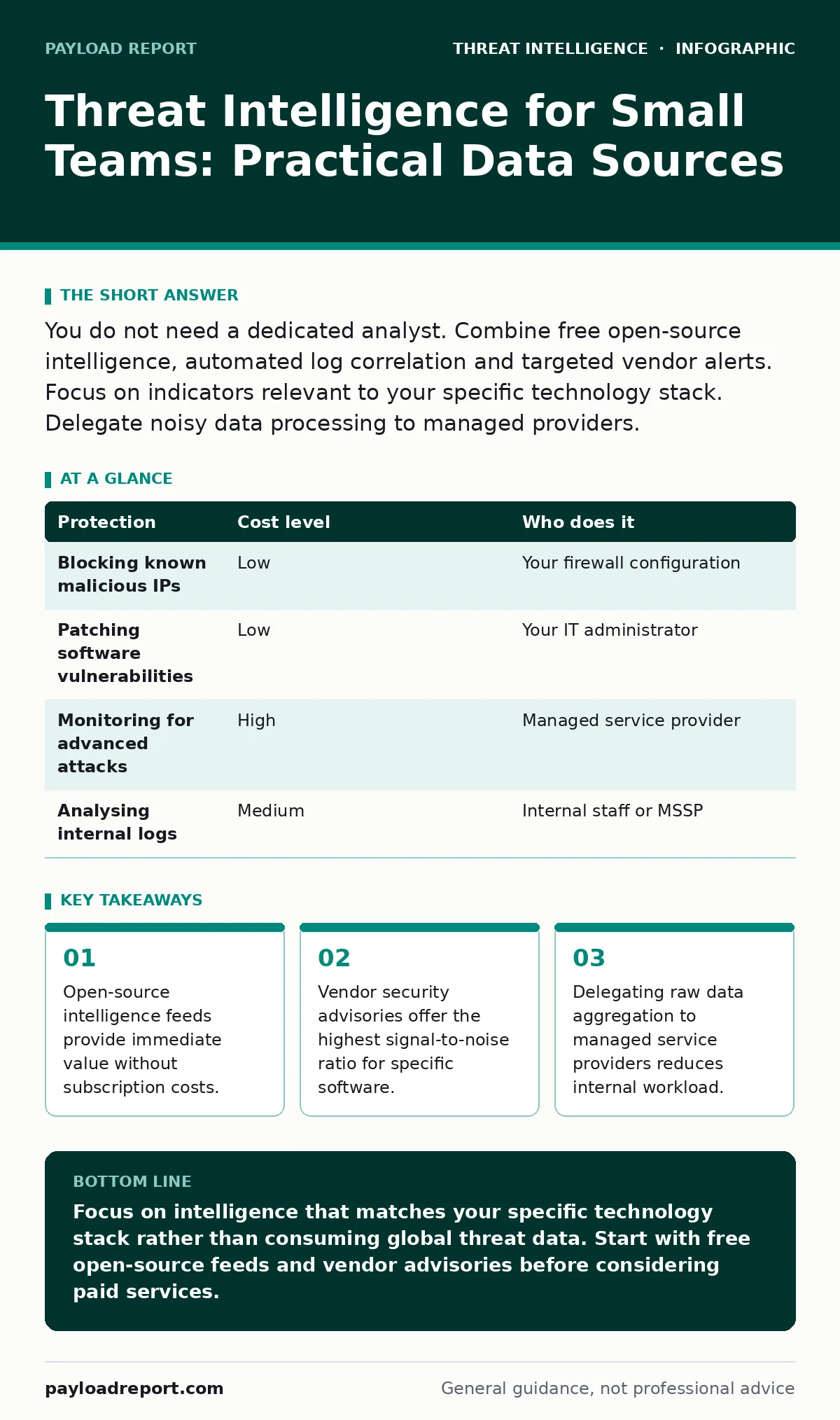
You do not need a dedicated analyst. Combine free open-source intelligence, automated log correlation and targeted vendor alerts. Focus on indicators relevant to your specific technology stack. Delegate noisy data processing to managed providers.
The Noise Problem
Threat intelligence platforms aggregate data from thousands of sources. For a small team, this volume is a liability, not an asset. You receive alerts about malware targeting industries you do not serve or software you do not use. This phenomenon is known as alert fatigue. Your staff stops reading notifications because most are irrelevant.
The goal is not to know everything. The goal is to know what affects you. A small organisation has a small attack surface. You need intelligence that maps directly to your assets. Generic global threat data rarely helps you secure a standard office environment.
Curating Open-Source Intelligence
Open-source intelligence, or OSINT, relies on publicly available data. Many reputable security organisations publish free feeds containing malicious IP addresses, domains and file hashes. A hash is a unique digital fingerprint of a file. If a file on your network matches a known malicious hash, you have a problem.
You can ingest these feeds into your firewall or endpoint protection software. This blocks known bad traffic before it reaches your users. The cost is zero. The maintenance is low. You simply update the feed list periodically. This approach works well for blocking automated attacks that use well-known malicious infrastructure.
However, OSINT has limits. It does not tell you about new, unreported attacks. It also does not explain why an attack is happening. You gain protection against known threats but remain blind to novel techniques.
Vendor-Specific Advisories
Your software vendors know their products best. When a vulnerability is discovered, the vendor publishes a security advisory. This document explains the flaw and provides a fix. This is the highest quality intelligence available for your specific stack.
Subscribe to security bulletins for your operating system, email provider and major applications. Do not rely on general news sites. They often misinterpret technical details. Go directly to the source. Read the "Affected Products" section carefully. If your version is not listed, you can ignore the alert.
This method requires discipline. You must apply patches promptly. Delaying updates creates a window of vulnerability. Attackers often exploit known flaws before organisations patch them. This is a race against time. Your intelligence is the patch release date. Your action is installation.
Delegating Aggregation
You cannot read every security blog. You cannot parse every raw data feed. This is where delegation becomes necessary. Managed detection and response providers aggregate and filter data for you. They employ analysts who work around the clock.
You pay for their time and their tools. They send you only the alerts that require your attention. This shifts the cost from software licences to service fees. It also shifts the burden of monitoring from your IT staff to a specialist team.
When choosing a provider, ask about their data sources. Do they use commercial feeds? Do they have their own research team? Do they tailor alerts to your industry? A provider that sends generic alerts adds little value. You need a partner who understands your context.
| Protection | Cost level | Who does it |
|---|---|---|
| Blocking known malicious IPs | Low | Your firewall configuration |
| Patching software vulnerabilities | Low | Your IT administrator |
| Monitoring for advanced attacks | High | Managed service provider |
| Analysing internal logs | Medium | Internal staff or MSSP |
Understanding Indicators of Compromise
Indicators of compromise, or IOCs, are technical artifacts that suggest a breach. Common IOCs include IP addresses, domain names and file hashes. You can use these to search your logs. If you see a connection to a known malicious IP, you investigate further.
IOCs are reactive. They appear after an attack has been identified. They do not predict future attacks. They help you clean up current infections. This is a form of digital forensics. It tells you what happened, not what will happen.
For small teams, IOCs are useful for validation. If a user reports a strange email, you can check the sender domain against public IOC lists. If the domain is flagged, you delete the email and block the sender. This is a quick, low-effort security win.
See also: Vulnerability Scanning for Small Teams: Practical Steps and Limits · Windows Event Log Monitoring: Implementation Steps and Verification
The Limits of Context
Context turns data into intelligence. An IP address is just a number. An IP address that connects to your server at 3am from a country where you have no business is suspicious. Context provides the "why".
Commercial platforms offer context by correlating data from multiple sources. They might link an IP address to a specific criminal group or a known attack campaign. This helps you understand the severity of a threat.
For small organisations, this context is often unnecessary. You do not need to know the name of the attacker. You need to know if your data is at risk. Focus on the impact. Can the attacker steal data? Can they disrupt operations? If the answer is yes, block the source. The rest is noise.
Integrating with Existing Tools
You likely already have tools that can use threat intelligence. Firewalls, email gateways and endpoint protection platforms often have built-in feeds. Check your documentation. You may not need a new platform at all.
If your tools support custom feeds, add the OSINT sources you identified earlier. Configure them to block or alert. Test the configuration carefully. Ensure you are not blocking legitimate traffic. False positives disrupt business operations.
Regularly review the performance of your feeds. If a feed generates too many false alerts, remove it. If a feed catches a real threat, keep it. This iterative process improves your security posture over time. It requires minimal effort but yields significant benefits.
Questions for IT Providers
If you outsource your security monitoring, you must vet your provider. Ask specific questions to ensure they can handle your needs. Do not accept vague answers. You need clarity on their capabilities and limitations.
- What specific threat feeds do you use, and how often are they updated?
- How do you tailor alerts to our specific technology stack and industry?
- What is your process for verifying alerts before sending them to us?
- How do you handle false positives, and what is your response time?
- Can you provide examples of recent threats you detected for similar clients?
These questions help you assess the quality of their intelligence. A provider that cannot answer them clearly is not ready for your business. You need a partner who understands the value of precision over volume.
Final Considerations
Threat intelligence is a means, not an end. The goal is to reduce risk. For small teams, this means focusing on high-impact, low-effort actions. Use free OSINT feeds for blocking known bad actors. Rely on vendor advisories for patching. Delegate complex monitoring to specialists.
Avoid the temptation to buy expensive platforms that promise everything. They often deliver little to small organisations. Build a simple, effective process. Review it regularly. Adapt it as your environment changes. This approach provides sustainable security without overwhelming your resources.
Key takeaways
- Open-source intelligence feeds provide immediate value without subscription costs.
- Vendor security advisories offer the highest signal-to-noise ratio for specific software.
- Delegating raw data aggregation to managed service providers reduces internal workload.
Focus on intelligence that matches your specific technology stack rather than consuming global threat data. Start with free open-source feeds and vendor advisories before considering paid services.
Frequently asked questions
Do I need a dedicated threat intelligence platform?
No. Most small organisations can achieve sufficient protection using free open-source feeds integrated into existing security tools.
How do I verify if a threat feed is reliable?
Test the feed in a sandbox environment. Check for false positives and compare its alerts with other reputable sources.
What is the difference between threat intelligence and threat data?
Data is raw information like IP addresses. Intelligence is data that has been analysed and contextualised to inform decision-making.
Can I automate threat intelligence integration?
Yes. Most modern firewalls and email gateways support automated integration with standard threat feed formats.
How this guide was produced: written by the Payload Report editorial team with AI assistance, checked against the public references listed below, and reviewed when the facts change. See our editorial policy or report an error.