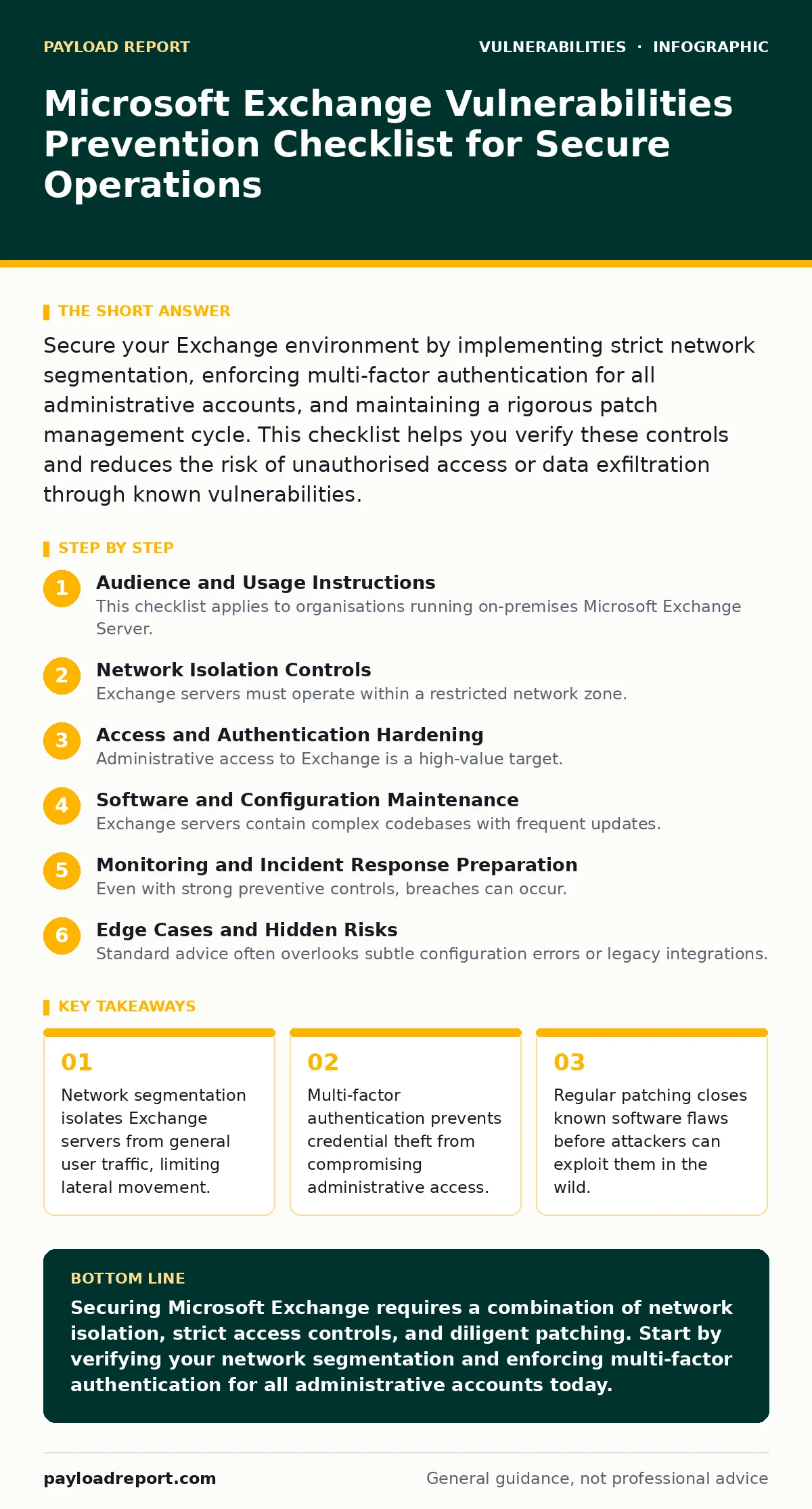
Secure your Exchange environment by implementing strict network segmentation, enforcing multi-factor authentication for all administrative accounts, and maintaining a rigorous patch management cycle. This checklist helps you verify these controls and reduces the risk of unauthorised access or data exfiltration through known vulnerabilities.
Audience and Usage Instructions
This checklist applies to organisations running on-premises Microsoft Exchange Server. It is designed for system administrators and security engineers responsible for maintaining mail infrastructure integrity. Use this list during quarterly security reviews or after significant configuration changes. Each item represents a specific control that mitigates a common failure point in Exchange deployments. Do not treat this as a one-time exercise. Security posture degrades over time as new vulnerabilities emerge and staff turnover occurs. Treat these checks as living requirements.
Network Isolation Controls
Exchange servers must operate within a restricted network zone. Default installations often allow unnecessary services to listen on public interfaces. This exposure increases the attack surface unnecessarily.
- Place Exchange servers in a dedicated VLAN: Isolates mail traffic from general corporate LAN, preventing direct access from untrusted devices.
- Disable unused services and ports: Reduces the number of entry points an attacker can probe for vulnerabilities or misconfigurations.
- Implement strict firewall rules for inbound traffic: Ensures only authorised clients and specific protocols can reach the server, blocking random scanning.
- Block direct internet access for Exchange: Forces traffic through a secure proxy or load balancer, adding a layer of inspection and filtering.
- Restrict outbound connections from the server: Limits the ability of a compromised server to communicate with command and control infrastructure.
Network segmentation is not just about keeping people out. It also limits damage if a server is compromised. If an attacker gains access to the Exchange server, they cannot easily pivot to other critical systems. This containment strategy is a fundamental principle of defence in depth. Without it, a single vulnerability can lead to a full network breach.
Access and Authentication Hardening
Administrative access to Exchange is a high-value target. Attackers focus on stealing credentials to maintain persistence or escalate privileges. Weak authentication mechanisms are the primary gateway for these attacks.
- Enforce multi-factor authentication for all admin accounts: Prevents unauthorised access even if passwords are stolen or guessed.
- Disable basic authentication for remote management: Forces the use of more secure protocols that are harder to intercept or brute-force.
- Implement role-based access control: Ensures users only have the minimum permissions necessary for their role, reducing the impact of compromised accounts.
- Review and remove unused administrative accounts: Eliminates dormant access points that attackers often target because they are rarely monitored.
- Enable detailed audit logging for admin actions: Provides visibility into who changed what and when, aiding in incident detection and forensic analysis.
Imagine an attacker obtains a valid password through a phishing campaign. If multi-factor authentication is enabled, that password alone is useless. This control shifts the burden from the strength of the secret to the possession of a second factor. It is a critical barrier against credential-based attacks. Refer to our guide on weak password policies for further details on strengthening credential hygiene.
Software and Configuration Maintenance
Exchange servers contain complex codebases with frequent updates. Unpatched software is the most common cause of successful exploits. Delaying updates exposes the organisation to known risks.
- Subscribe to security advisories for Exchange: Ensures you are aware of new vulnerabilities and recommended patches as soon as they are released.
- Test patches in a non-production environment: Verifies that updates do not break existing functionality before deploying to live systems.
- Maintain a regular patching schedule: Reduces the window of exposure by ensuring vulnerabilities are closed consistently and predictably.
- Verify integrity of downloaded updates: Prevents the installation of tampered software that could introduce backdoors or malware.
- Document configuration baselines: Allows for quick detection of unauthorized changes and faster recovery during incident response.
Patch management is not merely a technical task. It is a process that requires coordination between security, operations, and development teams. Delays in applying patches often stem from fear of breaking services. This fear is valid but must be managed through rigorous testing. See our guide on patch management for strategies to balance security needs with operational stability.
Monitoring and Incident Response Preparation
Even with strong preventive controls, breaches can occur. The ability to detect and respond quickly minimises impact. Passive monitoring is insufficient; active detection is required.
- Configure alerts for anomalous login attempts: Detects brute-force attacks or credential stuffing campaigns before they succeed.
- Monitor for unusual mail flow patterns: Identifies potential data exfiltration or spam relay abuse by the server.
- Review logs for successful administrative changes: Catches unauthorised configuration modifications that could indicate a compromise.
- Establish an incident response plan for Exchange: Ensures teams know exactly what steps to take when a breach is suspected, reducing reaction time.
- Conduct regular tabletop exercises: Tests the effectiveness of the response plan and identifies gaps in knowledge or resources.
Detection relies on having the right data and the right people looking at it. Logs are useless if they are not analysed. Automating alert generation helps, but human judgment is still required to distinguish between noise and real threats. This aligns with the principles of risk-based vulnerability management, where resources are focused on the most likely and impactful threats.
Edge Cases and Hidden Risks
Standard advice often overlooks subtle configuration errors or legacy integrations. These edge cases can provide attackers with unexpected entry points.
- Review third-party application permissions: Ensures external tools do not have excessive access to mailboxes or administrative functions.
- Check for deprecated protocols in use: Identifies older communication methods that may have known vulnerabilities and are harder to secure.
- Verify encryption settings for data in transit: Ensures sensitive information is protected while moving between clients and the server.
- Assess backup security and integrity: Protects against ransomware attacks that target backups to prevent recovery.
Imagine a third-party HR tool that syncs with Exchange. If it uses basic authentication and stores credentials insecurely, it becomes a backdoor. This is a non-obvious consequence of integrating systems. Attackers often look for these indirect paths when direct access is blocked. Understanding these hidden costs of integration is vital for a secure environment.
Key takeaways
- Network segmentation isolates Exchange servers from general user traffic, limiting lateral movement.
- Multi-factor authentication prevents credential theft from compromising administrative access.
- Regular patching closes known software flaws before attackers can exploit them in the wild.
Securing Microsoft Exchange requires a combination of network isolation, strict access controls, and diligent patching. Start by verifying your network segmentation and enforcing multi-factor authentication for all administrative accounts today.
Frequently asked questions
How often should I review Exchange security settings?
Review settings quarterly or after any significant change to the environment, such as adding new users or integrating third-party applications.
Can cloud-hosted Exchange be secured in the same way?
Cloud environments shift some responsibilities to the provider, but you still control access permissions, user authentication, and data classification policies.
What is the biggest risk in Exchange deployments?
Unpatched software and weak administrative credentials are the most common entry points for attackers targeting mail servers.
Do I need a bug bounty program for Exchange?
Bug bounty programs are more relevant for internet-facing applications. For internal Exchange servers, focused penetration testing is more effective.
How this guide was produced: written by the Payload Report editorial team with AI assistance, checked against the public references listed below, and reviewed when the facts change. See our editorial policy or report an error.