
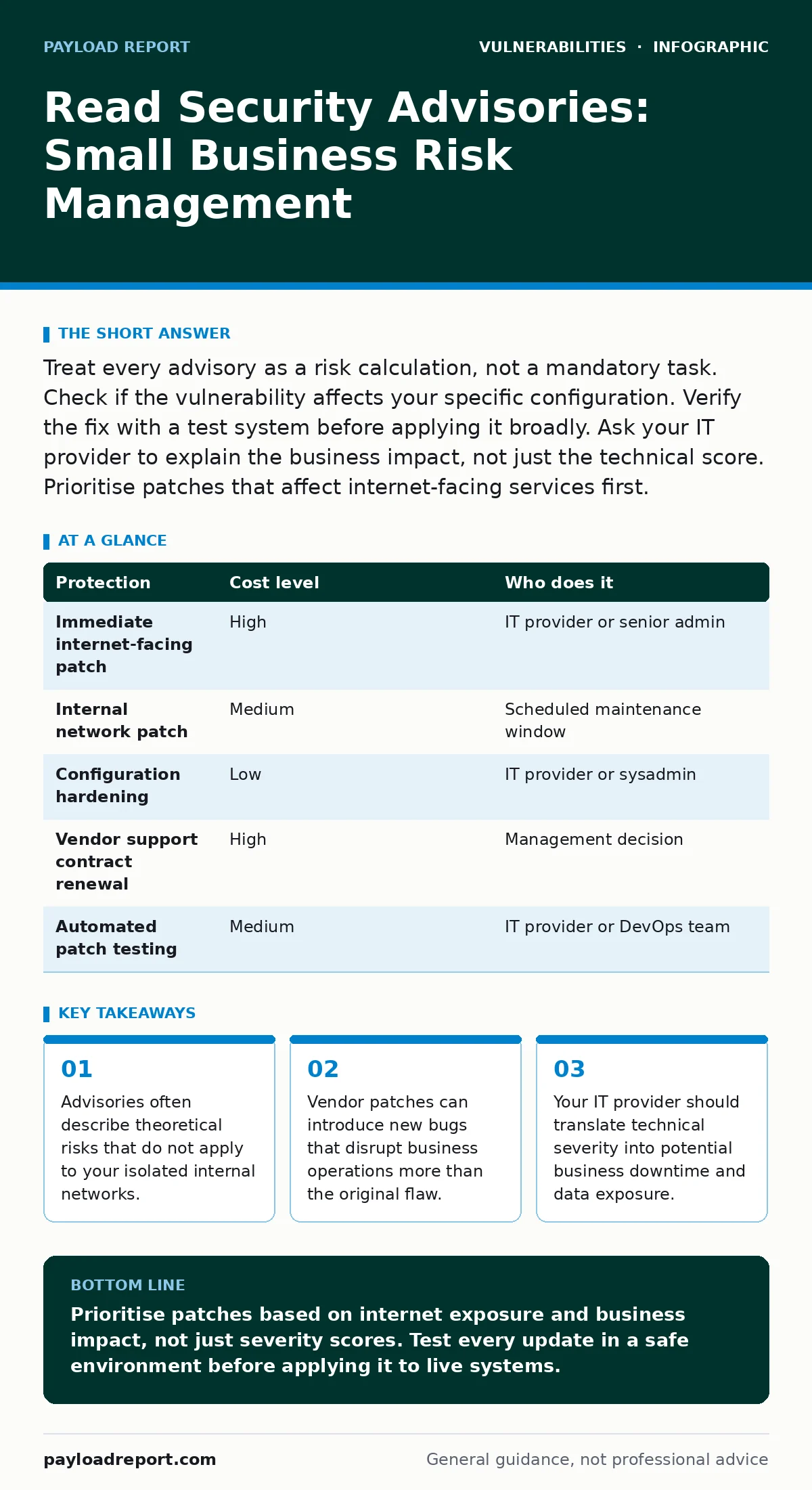
Treat every advisory as a risk calculation, not a mandatory task. Check if the vulnerability affects your specific configuration. Verify the fix with a test system before applying it broadly. Ask your IT provider to explain the business impact, not just the technical score. Prioritise patches that affect internet-facing services first.
The Ten-Person Office Scenario
The accounting firm receives two notifications in the morning. The printer advisory carries a high severity score. The email notice seems less urgent. The owner feels pressure to fix the printer immediately because the score is higher. This reaction is common but often incorrect. The printer sits on a segregated network segment with no internet access. The email system handles client data and sits directly on the public internet. The email vulnerability poses a far greater real-world risk.
Severity scores measure technical complexity, not business impact. A high score indicates an attacker needs little skill to exploit the flaw. It does not tell you if the attacker can reach the system. The printer is unreachable from outside. The email server is the primary entry point. You must assess reachability before you assess severity. This simple check prevents wasted effort on low-risk items.
Decoding the Vendor Notification
Security advisories follow a standard structure. They identify the affected product version. They describe the vulnerability type. They provide a severity rating. They offer a remediation path. Reading between the lines reveals the true urgency. Look for the "Affected Configurations" section. Many advisories apply only to default settings. Your system may use a hardened configuration that ignores the default.
Some advisories mention "authenticated access". This means an attacker must already have a valid username and password. If your system uses multi-factor authentication, the risk drops significantly. Other notices specify "remote execution". This allows attacks from the internet. Local-only vulnerabilities require physical access or an existing foothold. Distinguish between remote and local threats. Remote threats demand immediate attention. Local threats allow for scheduled maintenance windows.
The Hidden Cost of Patching
Patching is not free. It consumes bandwidth. It requires server restarts. It can break integrations. A patch for a minor logging flaw might change the format of log entries. Your monitoring tools may stop working. You lose visibility into your systems. This secondary failure is often more damaging than the original vulnerability.
Test patches in a non-production environment first. Create a mirror of your live system. Apply the update there. Verify that applications still function. Check that data exports remain readable. This step takes time but prevents business disruption. The cost of a failed patch is lost productivity. The cost of a delayed patch is potential breach. Balance these two risks.
| Protection | Cost level | Who does it |
|---|---|---|
| Immediate internet-facing patch | High | IT provider or senior admin |
| Internal network patch | Medium | Scheduled maintenance window |
| Configuration hardening | Low | IT provider or sysadmin |
| Vendor support contract renewal | High | Management decision |
| Automated patch testing | Medium | IT provider or DevOps team |
What to Ask Your IT Provider
Your IT provider should not just apply patches. They should explain the decision. Ask specific questions to ensure they are thinking about your business. Do not accept "we updated everything" as an answer. Demand a risk-based approach.
- Which systems are exposed to the public internet?
- Does this vulnerability affect our current configuration?
- What is the rollback plan if the patch fails?
- How long will the system be offline during the fix?
- Are there any known compatibility issues with our apps?
These questions force a technical conversation into a business context. If the provider cannot answer, they are not managing risk. They are just running scripts. A good provider will tell you when not to patch. They will explain why a specific advisory is irrelevant to your setup. This saves you time and money.
Prioritising the Patch Queue
You cannot fix everything at once. Resources are limited. Time is finite. You must prioritise. Start with internet-facing assets. These are your web servers, email gateways and VPN appliances. Review existing guides on vulnerabilities in VPN appliances to understand the specific risks of remote access tools. These components are under constant attack. A flaw here is a direct path into your network.
Next, address systems that hold sensitive data. Databases and file servers come next. Then move to internal workstations and printers. These are lower priority if they cannot be reached from outside. Do not ignore them entirely. Insider threats and malware spread laterally. But they do not require emergency overnight patches. Schedule these updates during regular maintenance. This keeps your team focused on high-impact work.
See also: How Penetration Testing Works: The Mechanics Behind the Breach
Configuration Over Code
Many vulnerabilities exist in the code. Others exist in the configuration. A misconfigured server can be exploited without any software flaw. This is often easier to fix. You do not need to wait for a vendor patch. You can change the settings yourself. Review your insecure file permissions regularly. Tighten access controls. Disable unused services.
For complex applications, check for Kubernetes misconfigurations if you use container orchestration. A single wrong setting can expose an entire cluster. For smaller setups, ensure your firewall rules are strict. Allow only necessary traffic. Block everything else. This reduces the attack surface. Even if a vulnerability exists, the attacker cannot reach it. Configuration hardening is a permanent defence. Code patches are temporary fixes.
Understanding the Weakness Type
Knowing the type of weakness helps you assess risk. The CWE weakness categories provide a standard language for flaws. Injection flaws allow attackers to run code. Broken authentication allows them to steal identities. Cross-site scripting steals session cookies. Each type has different implications. Injection flaws are severe. They often lead to full system control. Authentication flaws are also high risk. They compromise user data.
If you manage complex web applications, look for server-side template injection (SSTI). This allows attackers to execute commands on the server. It is harder to detect than simple bugs. It requires deeper testing. Consider penetration testing to find these hidden flaws. Automated scanners miss logic errors. Human testers can find paths that machines ignore. Combine automated scanning with manual review. This gives you a complete picture.
Building a Sustainable Process
Security is not a one-time event. It is a continuous cycle. Create a standard operating procedure for advisories. Assign responsibility. Define timelines. Review the process quarterly. Update it as your technology changes. Monitor vendor channels directly. Do not rely solely on your IT provider. Subscribe to security mailing lists. Set up alerts for critical products.
Maintain a software bill of materials (SBOM) for your critical systems. This list details every component in your stack. When a new advisory drops, you can check your SBOM. You instantly know if you are affected. This speeds up decision-making. It reduces panic. It turns a chaotic event into a managed task. Build this inventory now. It will save you hours later.
Key takeaways
- Advisories often describe theoretical risks that do not apply to your isolated internal networks.
- Vendor patches can introduce new bugs that disrupt business operations more than the original flaw.
- Your IT provider should translate technical severity into potential business downtime and data exposure.
Prioritise patches based on internet exposure and business impact, not just severity scores. Test every update in a safe environment before applying it to live systems.
Frequently asked questions
How quickly should I patch a critical vulnerability?
Internet-facing systems need patching within 24 to 48 hours. Internal systems can wait for the next scheduled maintenance window. Always test the patch first.
What if the vendor does not provide a patch?
Isolate the affected system from the internet. Apply virtual patches via a firewall or web application firewall. Plan a migration to a supported product.
Do I need to patch my IoT devices?
Check the manufacturer's policy. Many **IoT device vulnerabilities** cannot be patched due to limited resources. Isolate these devices on a separate network segment to contain risk.
How do I verify a patch is safe?
Apply it to a test server that mirrors your production environment. Run your standard application tests. Monitor logs for errors. Verify user access remains intact.
How this guide was produced: written by the Payload Report editorial team with AI assistance, checked against the public references listed below, and reviewed when the facts change. See our editorial policy or report an error.