
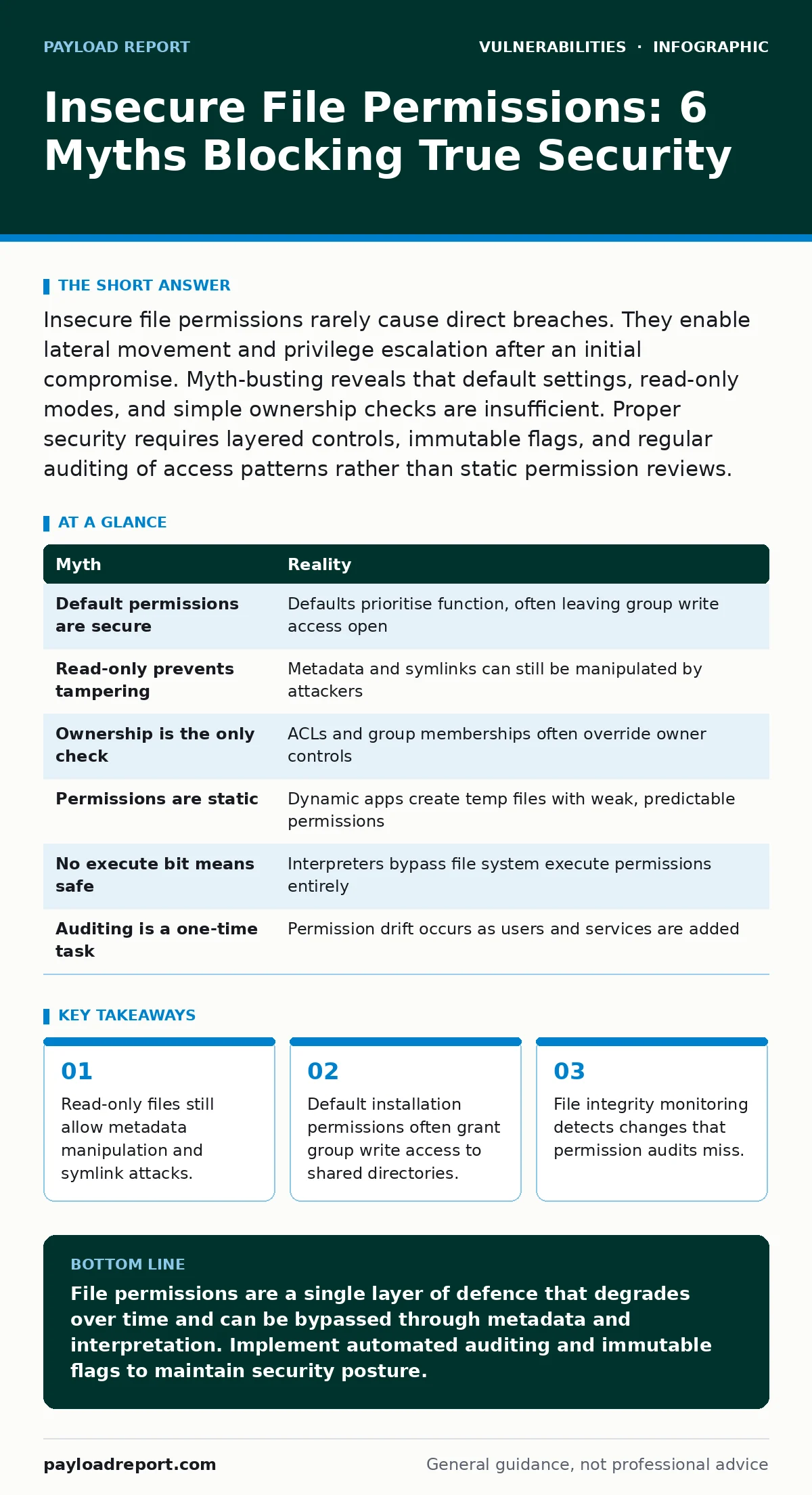
Insecure file permissions rarely cause direct breaches. They enable lateral movement and privilege escalation after an initial compromise. Myth-busting reveals that default settings, read-only modes, and simple ownership checks are insufficient. Proper security requires layered controls, immutable flags, and regular auditing of access patterns rather than static permission reviews.
Myth: Default Installation Permissions Are Secure Enough
Reality: Vendor defaults prioritise functionality over security, often leaving write access open for service accounts or groups. Imagine a web server installed with group-write permissions on its configuration directory. An attacker who compromises a low-privileged user in that same group can modify the configuration. This bypasses application logic entirely.
The operating system trusts the file system permissions without question. You must audit default permissions immediately after installation. Do not assume the vendor has hardened the environment for your specific threat model. This aligns with the principles found in vulnerability scanning best practices, where baseline configuration checks are mandatory.
Myth: Read-Only Permissions Prevent All Data Tampering
Reality: Read-only status blocks content modification but allows metadata changes and symlink manipulation. Suppose an attacker cannot rewrite a critical library file. They can still change the file’s owner or group. If the system checks ownership for execution rights, this change grants them control.
Furthermore, they can replace the file with a symbolic link to a malicious script. The application reads the link, not the original file. Read-only does not mean immutable. You must use immutable flags or file integrity monitoring to detect these subtle changes. This is similar to how vulnerabilities in industrial control systems often exploit legacy assumptions about static data.
Myth: Ownership Is the Only Permission Check That Matters
Reality: Access Control Lists and group memberships often override simple owner checks. Imagine a file owned by root but with group read-write permissions. If an attacker gains access to a user account in that group, they can modify the file. The owner identity is irrelevant when group permissions are permissive. Many systems default to allowing group access for shared directories. You must review both owner and group permissions. Disabling unnecessary group memberships reduces the attack surface. This mirrors the complexity seen in router vulnerabilities, where multiple management interfaces share underlying file systems.
Myth: Permissions Are Set Once and Never Change
Reality: Dynamic applications create temporary files with predictable names and weak permissions. Suppose a logging application writes to a world-writable directory. An attacker can predict the filename and create a symlink before the log file is generated. When the application writes to its log, it actually writes to the attacker’s chosen location. This is a classic race condition. Permissions are not static; they evolve with application behaviour. You must monitor for new file creation and enforce strict umask settings. This dynamic nature is why bug bounty programs often reward researchers for finding logic flaws in file handling, not just static misconfigurations.
Myth: Web Servers Cannot Execute Files Without Execute Permission
Reality: Interpreted languages and server configurations can execute files regardless of the execute bit. Imagine a PHP script with read-only permissions. The web server process reads the file and passes it to the interpreter. The interpreter executes the code. The file system execute permission is bypassed entirely. This is a common misconception in shared hosting environments. You must restrict web server access to directories containing executable code. Use application-level controls to limit which scripts can run. This concept is critical when hardening a WordPress site, where plugin uploads can introduce executable code into readable directories.
See also: How to stop accidental data disclosure for good · Identity and Access Management Best Practices for Secure Cloud Infrastructure
Myth: Auditing Permissions Is a One-Time Task
Reality: Permission drift occurs as users and services are added over time. Imagine a new developer joins the team and is added to a broad development group. This group has write access to production configuration files. The developer’s account now poses a risk if compromised. Permissions are not static; they degrade as organisational structures change. You must automate regular permission audits. Compare current states against a known-good baseline. This continuous verification is similar to the ongoing nature of penetration testing, which reveals new entry points as the environment evolves.
| Myth | Reality |
|---|---|
| Default permissions are secure | Defaults prioritise function, often leaving group write access open |
| Read-only prevents tampering | Metadata and symlinks can still be manipulated by attackers |
| Ownership is the only check | ACLs and group memberships often override owner controls |
| Permissions are static | Dynamic apps create temp files with weak, predictable permissions |
| No execute bit means safe | Interpreters bypass file system execute permissions entirely |
| Auditing is a one-time task | Permission drift occurs as users and services are added |
Key takeaways
- Read-only files still allow metadata manipulation and symlink attacks.
- Default installation permissions often grant group write access to shared directories.
- File integrity monitoring detects changes that permission audits miss.
File permissions are a single layer of defence that degrades over time and can be bypassed through metadata and interpretation. Implement automated auditing and immutable flags to maintain security posture.
Frequently asked questions
How do I check for insecure file permissions on Linux?
Use standard command-line tools to list permissions recursively. Look for world-writable files or directories with setuid bits. Compare these against your baseline configuration.
Can read-only files be exploited?
Yes, attackers can change metadata or replace files with symbolic links. This allows them to redirect application writes to malicious locations without modifying the original content.
What is permission drift?
Permission drift is the gradual loosening of access controls as users and services are added. It occurs because administrators rarely remove permissions when roles change.
Does read-only protect against ransomware?
Read-only prevents encryption of the file content but does not stop deletion or replacement. Ransomware can often delete read-only files if it has sufficient privileges.
How this guide was produced: written by the Payload Report editorial team with AI assistance, checked against the public references listed below, and reviewed when the facts change. See our editorial policy or report an error.