
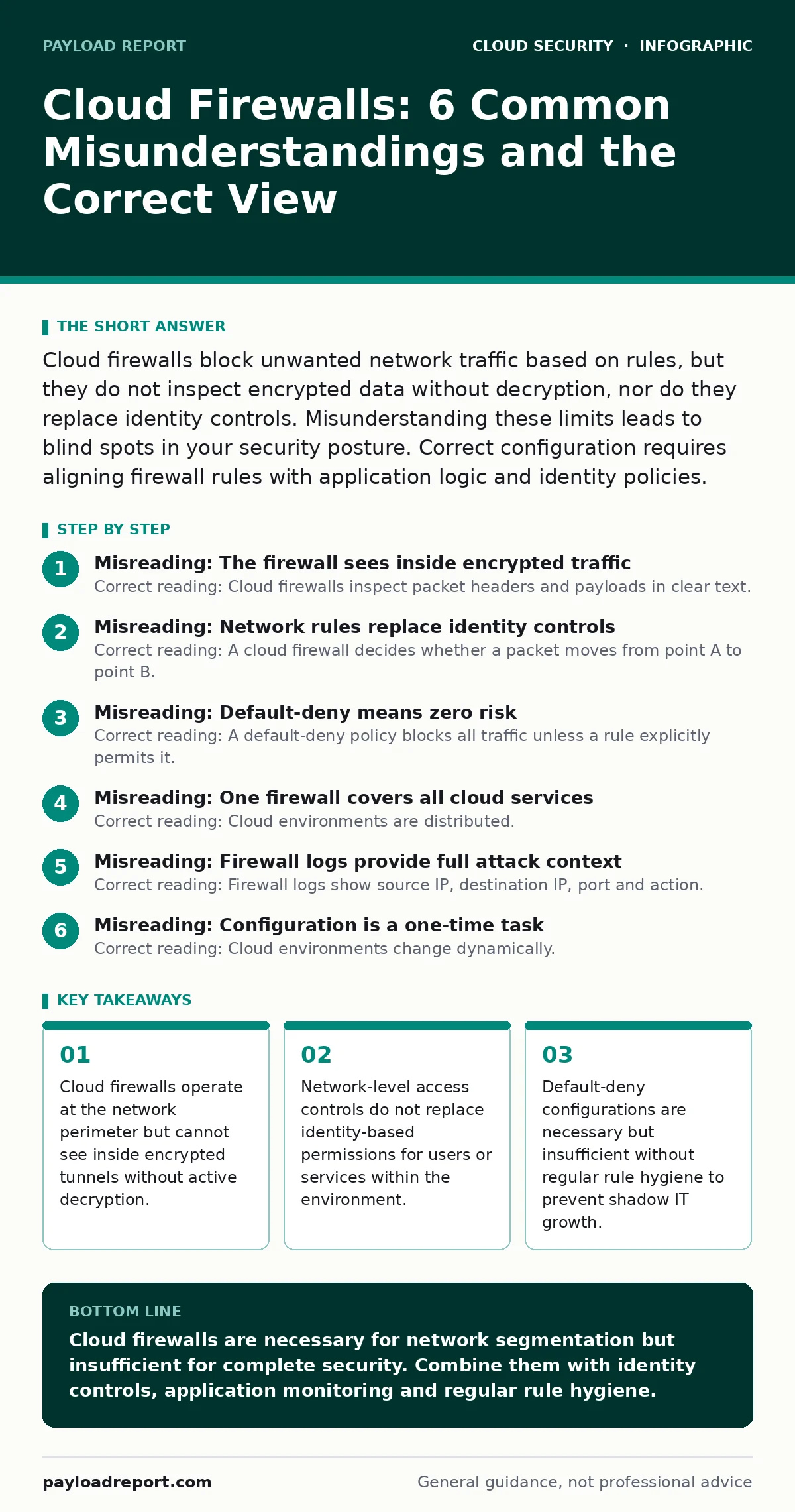
Cloud firewalls block unwanted network traffic based on rules, but they do not inspect encrypted data without decryption, nor do they replace identity controls. Misunderstanding these limits leads to blind spots in your security posture. Correct configuration requires aligning firewall rules with application logic and identity policies.
Misreading: The firewall sees inside encrypted traffic
Correct reading: Cloud firewalls inspect packet headers and payloads in clear text. When traffic is encrypted using Transport Layer Security, the firewall sees only the encrypted blob. It cannot read the application data, the command structure or the file type inside that stream. You must configure explicit decryption at the firewall or a reverse proxy to inspect the contents. Without this step, malware can hide inside legitimate-looking encrypted sessions.
This limitation applies to all modern web traffic. Imagine a compromised endpoint sending data to an external server. The firewall allows the connection because the destination IP is whitelisted. The payload contains stolen credentials. The firewall record shows only a successful HTTPS session. You have no visibility into the theft. Deploying decryption capabilities adds computational overhead and introduces privacy considerations. You must balance visibility against performance and legal constraints.
Misreading: Network rules replace identity controls
Correct reading: A cloud firewall decides whether a packet moves from point A to point B. It does not verify who is sending the packet or whether that user has permission to access the specific resource. Identity and access management systems handle user authentication and authorisation. Relying solely on firewall rules creates a false sense of security. An attacker who compromises a valid user account can bypass network restrictions that rely only on IP addresses.
Suppose an employee’s laptop is stolen. The thief connects to the internet. The firewall allows traffic from the public IP range of the coffee shop. The attacker accesses internal resources because the application trusts the stolen session token. The firewall sees only allowed traffic. You need layered defence. Network rules restrict where traffic can go. Identity controls restrict who can act. Both layers must be present and correctly configured.
Misreading: Default-deny means zero risk
Correct reading: A default-deny policy blocks all traffic unless a rule explicitly permits it. This is a strong baseline. It does not eliminate risk. It shifts the burden to rule accuracy. Bad rules allow bad traffic. Good rules might block necessary business functions. Over time, teams add exceptions to fix broken connectivity. These exceptions accumulate. The rule set becomes complex and hard to audit. You create gaps through fatigue, not malice.
Imagine a developer adds a rule to allow traffic from a testing server to a production database. The test ends. The rule remains. Six months later, an attacker pivots from the testing server to the database. The firewall allowed it because the rule existed. You must review and remove unused rules regularly. Automation helps here. Policy as code frameworks can validate rule changes before they are applied. This prevents accidental over-permissiveness.
Misreading: One firewall covers all cloud services
Correct reading: Cloud environments are distributed. A single virtual firewall at the edge does not protect workloads running in different availability zones or different cloud accounts. Traffic between services often stays within the cloud provider’s internal network. This internal traffic might bypass the perimeter firewall entirely. You need micro-segmentation. This means placing security controls closer to the workloads. You protect east-west traffic as well as north-south traffic.
Suppose you have a web server and a database in the same region. The web server is compromised. The attacker tries to access the database. If both are in the same security group with open ports, the attack succeeds. The perimeter firewall saw nothing unusual. You must define strict boundaries between tiers. Application firewalls or host-based firewalls add depth. This approach limits lateral movement even if the perimeter is breached.
Misreading: Firewall logs provide full attack context
Correct reading: Firewall logs show source IP, destination IP, port and action. They do not show the application logic or the user intent. A log entry stating "allowed" does not mean the request was safe. It means it matched a permit rule. To understand the nature of the traffic, you need application-level monitoring. Web application firewalls or intrusion detection systems provide deeper inspection. Correlating firewall logs with application logs reveals anomalies that network data alone hides.
Imagine a brute-force attack against a login page. The firewall allows the TCP connections. The web server receives thousands of failed login attempts. The firewall logs show high volume but no malicious pattern. The application logs show the repeated failures. Only by combining these sources do you detect the attack. Relying on firewall logs alone leaves you blind to application-layer threats. You need a unified view of security telemetry.
See also: Cloud Compliance Mistakes: Why Controls Fail and How to Fix Them · Early Warning Signs of Serverless Security Risks
Misreading: Configuration is a one-time task
Correct reading: Cloud environments change dynamically. New instances launch, IP addresses shift and services scale. Static firewall configurations quickly become outdated. Rules that were correct yesterday might be wrong today. You need continuous validation. Automated tools can compare the actual state against the intended state. Drift detection alerts you when someone changes a rule manually. This ensures your security posture remains consistent with your design.
Suppose a service scales out. New instances get new IP addresses. The firewall rules reference the old IPs. Traffic to the new instances is blocked. The application fails. Or worse, a temporary debug rule allows broad access. It stays active. The environment becomes insecure. You must treat firewall configuration as infrastructure. Version control, automated deployment and regular audits are necessary. This prevents configuration drift and maintains security integrity.
Misreading: Cloud firewalls replace CASB solutions
Correct reading: Cloud firewalls control network traffic. Cloud access security brokers (CASB) monitor and control cloud application usage. They serve different purposes. A firewall cannot see which SaaS applications users access if the traffic is encrypted and exits through a standard HTTPS port. CASBs identify applications by traffic fingerprinting or API integration. They enforce data loss prevention policies. They manage user behaviour. You need both for complete coverage.
Imagine a user uploads sensitive data to an unapproved file-sharing service. The firewall sees only HTTPS traffic to a known IP range. It allows the connection. The CASB identifies the specific application. It blocks the upload or alerts the security team. Firewalls protect the network. CASBs protect the data and the user. Integrating both gives you visibility and control over shadow IT. This layered approach addresses different threat vectors.
Key takeaways
- Cloud firewalls operate at the network perimeter but cannot see inside encrypted tunnels without active decryption.
- Network-level access controls do not replace identity-based permissions for users or services within the environment.
- Default-deny configurations are necessary but insufficient without regular rule hygiene to prevent shadow IT growth.
- Micro-segmentation reduces blast radius but increases management complexity if not automated through policy as code.
Cloud firewalls are necessary for network segmentation but insufficient for complete security. Combine them with identity controls, application monitoring and regular rule hygiene.
Frequently asked questions
Do cloud firewalls protect against ransomware?
Cloud firewalls can block known malicious IPs and domains. They cannot stop ransomware that enters through allowed channels or via encrypted traffic without decryption. You need endpoint detection and response for comprehensive protection.
How do I handle encrypted traffic inspection?
You must decrypt traffic at the firewall or a reverse proxy. This requires managing certificates and balancing performance. Ensure you comply with privacy regulations when inspecting user data.
What is the difference between a cloud firewall and a web application firewall?
A cloud firewall operates at the network layer, filtering based on IP and port. A web application firewall operates at the application layer, inspecting HTTP requests for SQL injection or cross-site scripting.
Should I use default-deny for all traffic?
Yes, default-deny is a best practice. It ensures only explicitly allowed traffic passes. You must carefully define permit rules to avoid blocking legitimate business functions.
How this guide was produced: written by the Payload Report editorial team with AI assistance, checked against the public references listed below, and reviewed when the facts change. See our editorial policy or report an error.