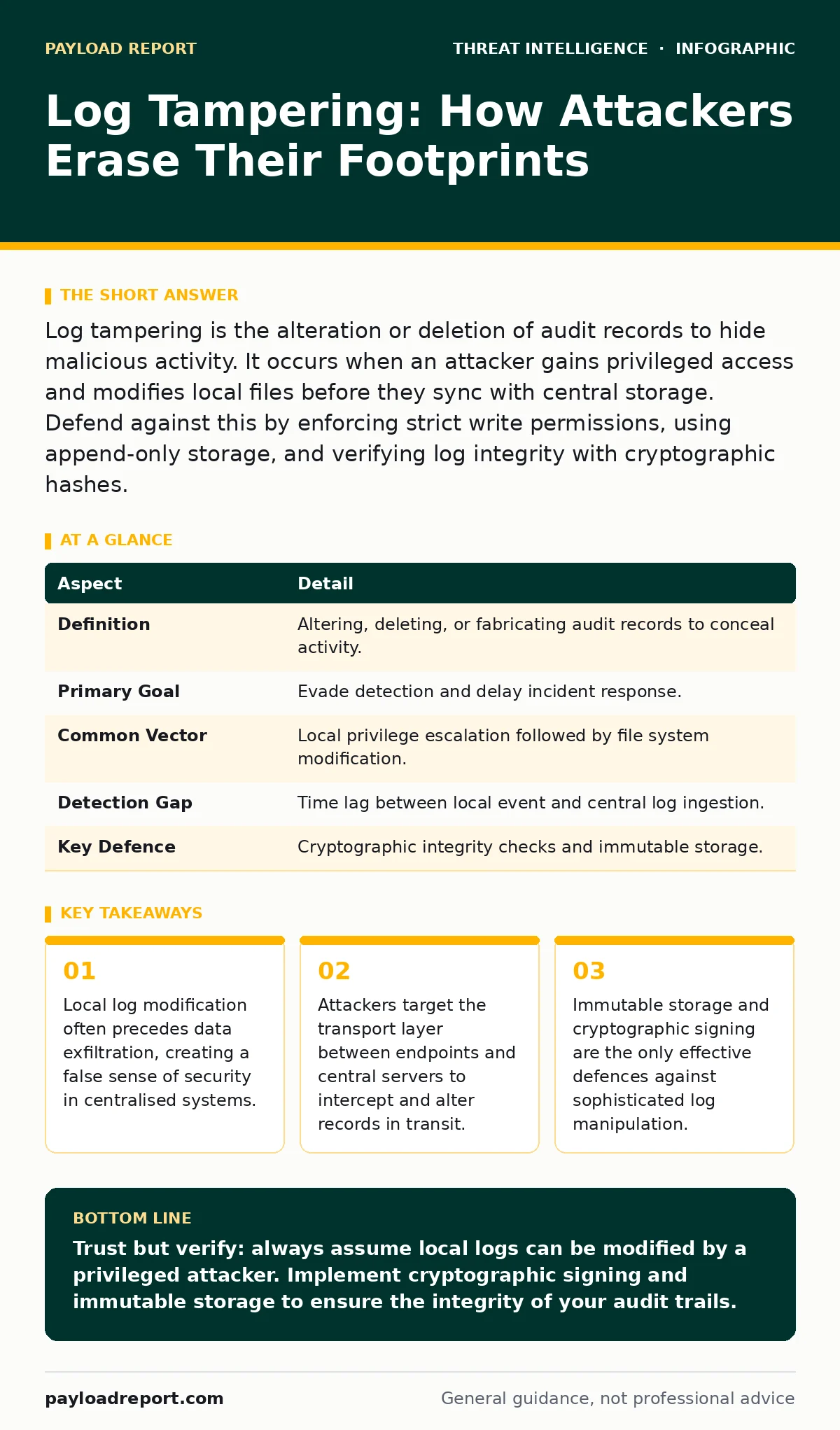
Log tampering is the alteration or deletion of audit records to hide malicious activity. It occurs when an attacker gains privileged access and modifies local files before they sync with central storage. Defend against this by enforcing strict write permissions, using append-only storage, and verifying log integrity with cryptographic hashes.
The Vanishing Ink Analogy
Imagine a thief who breaks into a library, steals a book, and then rewrites the entry in the checkout ledger before leaving. When the librarian checks the ledger later, it shows the book was never taken. The physical evidence is gone, and the paper trail lies. In digital security, logs are that ledger. They record who did what, when, and where. If an attacker can rewrite that ledger, they disappear from your history.
This is not just about deleting files. It is about crafting a narrative that excludes the intrusion. The goal is to make the breach invisible to anyone reviewing the records later.
At a Glance
| Aspect | Detail |
|---|---|
| Definition | Altering, deleting, or fabricating audit records to conceal activity. |
| Primary Goal | Evade detection and delay incident response. |
| Common Vector | Local privilege escalation followed by file system modification. |
| Detection Gap | Time lag between local event and central log ingestion. |
| Key Defence | Cryptographic integrity checks and immutable storage. |
How Tampering Happens
Log tampering requires two things: access and opportunity. The attacker first gains sufficient privileges on a system. This is often achieved through process injection, where malicious code is inserted into a legitimate running process to bypass security controls. Once inside, the attacker looks for the log files.
On many operating systems, log files are simple text or structured data files stored on the local disk. If the attacker has write access to these directories, they can edit them directly. They might delete lines related to their login, change timestamps to match normal activity, or insert fake entries to create confusion.
The danger lies in the architecture of most logging systems. Logs are generated locally and then shipped to a central server. There is a window of time between the event occurring and the central server receiving the record. If the attacker modifies the local file before the shipping agent picks it up, the central server receives the falsified version. You never see the truth.
Common Forms of Manipulation
Attackers use several methods to alter the truth. Understanding these forms helps you look for the right anomalies.
- Direct Deletion: The simplest method. The attacker removes the log entries that show their initial access or privilege escalation. This leaves gaps in the timeline.
- Timestamp Manipulation: The attacker changes the time of their actions to match a period of high normal activity. This makes their actions blend in with routine noise.
- Log Flooding: The attacker generates thousands of benign log entries to bury their malicious actions. This overwhelms analysts and makes manual review impossible.
- Source Code Modification: In advanced cases, attackers modify the logging application itself. They change the code so it stops recording specific types of events. This is harder to detect because the logs look consistent, just incomplete.
Who Gets Hit
Log tampering affects any organisation that relies on audit trails for compliance or security monitoring. Small businesses with basic logging are vulnerable because they often lack centralised monitoring. Large enterprises are vulnerable because of their complexity.
The attackers are not always sophisticated criminal groups. Insider threats are a major vector. An employee with administrative access can easily delete their own tracks. They know the system and have the keys.
Even cloud environments are not immune. While cloud providers manage the infrastructure logs, you manage the application logs. If your application writes logs to a shared storage bucket with loose permissions, an attacker can tamper with them.
See also: Threat Intelligence Platforms: 8 FAQs Answered for Operational Use · Bug Bounty Best Practices: Build a Program That Catches Real Threats
What People Usually Get Wrong
There are two common misconceptions about log security. Both lead to failures when tampering occurs.
First, many teams believe that centralising logs protects them. It does not. Centralisation aggregates data, but it does not verify truth. If the source data is corrupted before it reaches the centre, the central store is just a repository of lies. You need integrity verification, not just aggregation.
Second, teams often focus on the content of the logs. They look for bad keywords or suspicious IP addresses. They forget to look at the metadata. A log file that has been modified will have a different file size, a different hash value, or an inconsistent sequence number. The structure of the log is often more telling than the content.
Reducing the Risk
You cannot stop an attacker with admin rights from trying to tamper with logs. You can, however, make it harder for them to succeed and easier for you to detect the attempt.
1. Enforce Strict Permissions
Ensure that only the logging service account can write to log directories. Administrators should not have direct write access to active log files. This prevents casual deletion. Use Windows event log monitoring best practices to secure the event log channels.
2. Use Immutable Storage
Send logs to a storage system that supports append-only operations. Once a log entry is written, it cannot be modified or deleted. This is often called WORM (Write Once, Read Many) storage. It forces the attacker to alter the local file, which you can then compare against the immutable copy.
3. Implement Cryptographic Signing
Have the logging agent sign each batch of logs with a private key before sending them. The central server verifies the signature upon receipt. If an attacker modifies the logs in transit or locally, the signature will fail. This proves the logs were tampered with.
4. Monitor for Anomalies
Look for gaps in sequence numbers, sudden changes in file sizes, or logs arriving out of order. These are signs of manipulation. Integrate these checks into your threat intelligence platforms to automate detection.
Beyond Basic Logging
Log tampering is a tactic used by advanced persistent threats to maintain long-term access. They know that if they are detected, they will be removed. So they erase their history.
Sharing information about these tactics can help your organisation defend better. Participating in ISACs allows you to learn how others are detecting log manipulation. You can also use honeytokens in your log files. These are fake entries that no legitimate user would generate. If an attacker modifies the logs, they might accidentally delete or alter a honeytoken, triggering an alert.
For further reading on understanding the context of these alerts, consider reviewing guides on the Traffic Light Protocol, which helps you share sensitive incident details securely.
The Bottom Line
Log tampering turns your audit trails into a blind spot. You cannot trust logs that have not been cryptographically verified or stored immutably. The goal is not to prevent the attacker from trying, but to ensure that the attempt leaves a detectable trace.
Key takeaways
- Local log modification often precedes data exfiltration, creating a false sense of security in centralised systems.
- Attackers target the transport layer between endpoints and central servers to intercept and alter records in transit.
- Immutable storage and cryptographic signing are the only effective defences against sophisticated log manipulation.
Trust but verify: always assume local logs can be modified by a privileged attacker. Implement cryptographic signing and immutable storage to ensure the integrity of your audit trails.
Frequently asked questions
Can I detect log tampering if I only have centralised logging?
Not reliably. If the local agent is compromised, it can send falsified data to the central server. You need integrity checks like cryptographic signatures to detect this.
What is the difference between log deletion and log tampering?
Deletion is removing records. Tampering includes deletion, modification, and fabrication. Tampering is broader and aims to create a false narrative, not just hide evidence.
Do cloud providers protect against log tampering?
Cloud providers protect the infrastructure logs, but you are responsible for your application logs. If your app writes to shared storage, you must secure those files.
How often should I rotate my cryptographic keys for log signing?
Rotate keys regularly, but ensure you have a mechanism to verify old logs with the old keys. Sudden key changes can break historical integrity checks.
How this guide was produced: written by the Payload Report editorial team with AI assistance, checked against the public references listed below, and reviewed when the facts change. See our editorial policy or report an error.